

Kids 360 – parental control & screen time limiter
4.20
-

Sprache
English
-

OS
Android
-

Developer
Kids360 Inc
-

#Version
1.33.3
App-Beschreibung
Kids360: Empowering Parents with Digital Control
In today's digital era, managing your child's screen time and ensuring their online safety has never been more crucial. Kids360 offers a comprehensive solution for parents seeking to regulate and monitor their teens' smartphone activities effectively.
Key Features
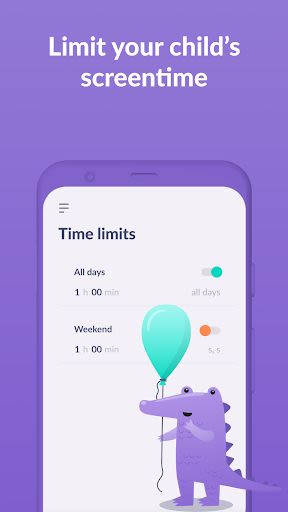
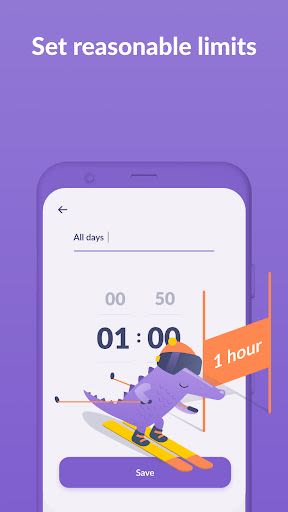
- Time Limit: Set specific time limits for your child's entertainment apps and games.
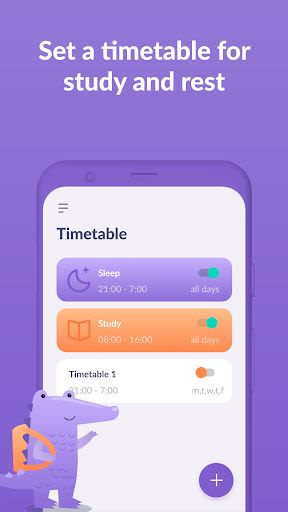
- Scheduling: Establish schedules for school hours and leisure time, ensuring distractions are minimized.
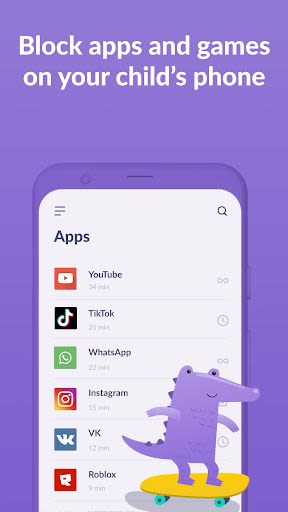
- App Selection: Choose which applications to restrict or block entirely.
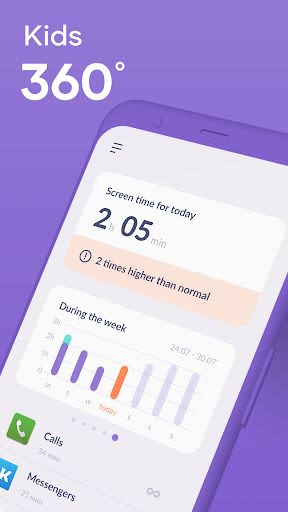
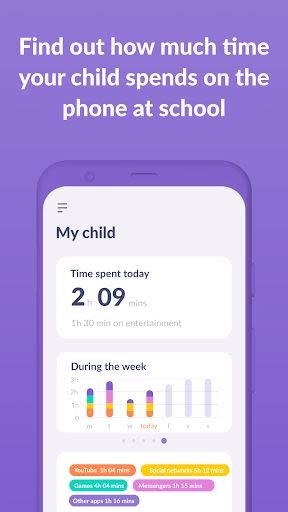
- Usage Tracking: Monitor the time your child spends on their device and identify their most-used apps.
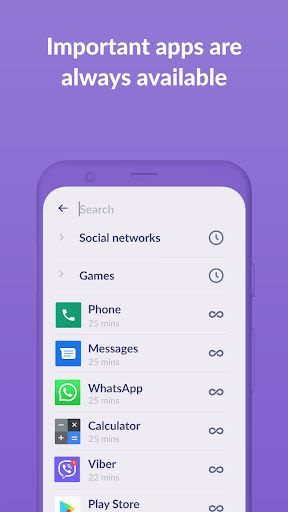
- Always Connected: Essential communication apps remain accessible to stay in touch with your child.
Benefits
- Enhance family safety and promote healthy digital habits.
- Gain insights into your child's smartphone usage.
- Secure data storage compliant with legislation and GDPR policies.
Why Choose This App
- Ensures parental control with explicit child consent.
- Easy setup process with step-by-step instructions.
- Reliable 24-hour customer support for technical assistance.
How to Get Started
- Install Kids360 for parents on your device.
- Install Alli360 on your child's phone and link it with the parental device.
- Enable monitoring in the Kids360 app on your child's device.
For technical assistance, reach out to our 24/7 support team within the app or via email at [email protected].
Compatibility: Works on both iOS and Android devices.
Permissions Requested:
- Display over other apps: For enforcing time limit rules.
- Special features: To manage screen time effectively.
- Usage access: Collect statistics on app usage.
- Autostart: Ensures continuous tracking on the child's device.
- Device admin apps: Prevents unauthorized app deletions.
Take charge of your child's digital well-being with Kids360. Start monitoring their smartphone usage for free today and unlock advanced features through a subscription to empower your parenting journey.
Screenshots
Similar

Bedtime Stories for your Kids
Simka

Parents
All About Parenting

Sleepy Baby - White Noise
Fabrikod

Sleep Nanny: Baby Monitor Pro
Smart Sensor Lab

Easy Baby Photo Editor
dotori304

SPORT iD the Player Safety app
SPORT iD

Baby Shopping Checklist (Upgraded!)
BeantownLoner

Christian Hypnobirthing
Christian Hypnobirthing Ltd

theAsianparent: Track Pregnancy & Count Baby Kicks
theAsianparent - largest pregnancy & parenting app

Nara Baby Tracker
Nara Organics

Solid Starts: Introducing Real Food to Babies
Solid Starts

Ovulation Calendar & Fertility
Arbor Ltd