

Calculator
4.30
-

Sprache
English
-

OS
Android
-

Developer
Prometheus Interactive LLC
-

#Version
8.5.6
App-Beschreibung
Welcome to Calculator Directory Listing App
Introduction:
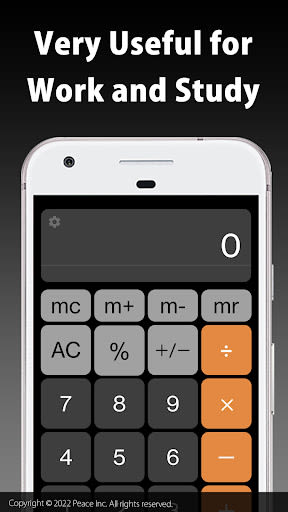
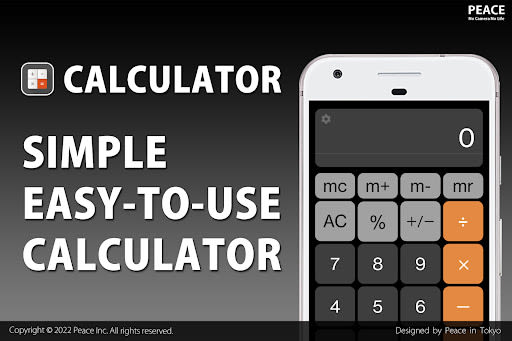
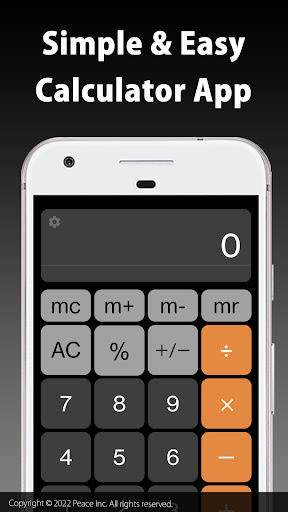
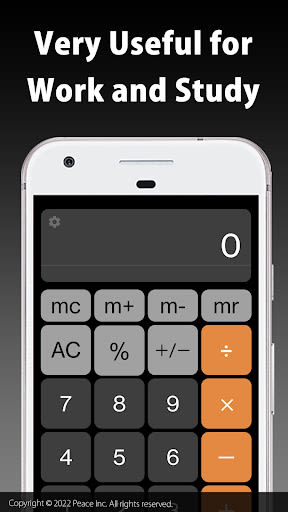
Welcome to Calculator, a versatile tool that combines simple and complex math functionalities in a sleek and user-friendly interface. From basic arithmetic to advanced scientific calculations, this app is your go-to solution for all things math-related.
Key Features:
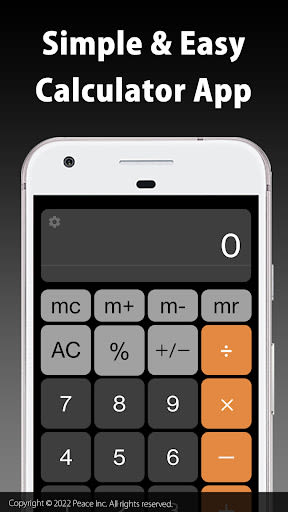
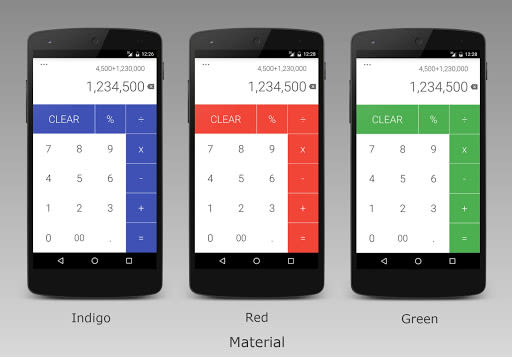
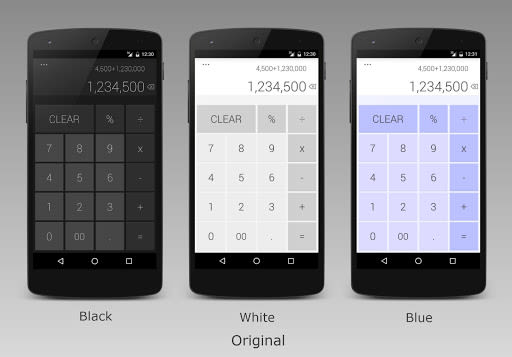
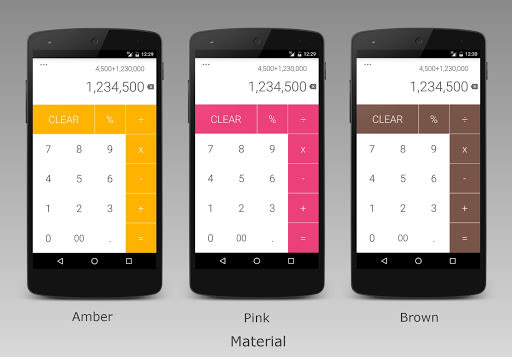
- Color Customization: Personalize your experience with a range of vibrant color options.
- Basic Calculations: Perform fundamental operations like addition, subtraction, multiplication, and division effortlessly.
- Scientific Functions: Access trigonometric, logarithmic, and exponential functions for complex math tasks.
- Custom Functions: Define and use your own functions for tailored calculations.
- Numeral System Conversion: Convert between binary, octal, decimal, and hexadecimal numeral systems seamlessly.
- Complex Numbers Handling: Work with intricate concepts like √−2 with ease.
- Real-Time Graphing: Visualize data dynamically with real-time graphing capabilities.
- Memory Storage: Save and modify values in the calculator memory for quick reference.
- Expression History: Review your past 100 expressions and results with timestamps for easy tracking.
- Android Wear Compatibility: Perform basic operations on the go with Android Wear support.
Benefits:
- Enhanced User Experience: Intuitive design for smooth navigation and usage.
- Advanced Functionality: Empowers users with a wide range of mathematical tools.
- Convenience on the Go: Access your calculations anytime, anywhere, even on your Android Wear device.
- Personalized Settings: Customize your preferences and access helpful instructions for optimal use.
Why Choose This App:
Calculator stands out for its comprehensive features, intuitive interface, and seamless performance. Whether you're a student, professional, or math enthusiast, this app caters to all your mathematical needs with precision and convenience.
Tips:
- Enhanced Functionality: Swipe left on the colored bar for advanced operators and functions.
- Graph Panel Access: Enter expressions with X to activate the graph panel.
- History Viewing: Swipe down from the display to access your calculation history.
- Date Identification: Long-press on a past calculation to view its date.
- Effortless Management: Swipe right or left to remove past calculations from the list.
- Help and Instructions: Explore the settings menu for detailed instructions and assistance.
Technical Information:
- Compatibility: Available on iOS and Android platforms.
- Source Code: Forked from the AOSP platform package.
Get Calculator Now!
Experience the power of Calculator for all your math needs. Download now and simplify your calculations with precision and style.
Screenshots
Videos
Similar

Windows 11
Microsoft

Wear Flashlight
CodVerter

Grok
xAI

Cleaner Antivirus VPN Cleaner
Cleaner + Antivirus + VPN company

owoTrack
Finoki

تەختەکلیلی کوردی | Kurdish Keyboard
Goran Gharib

Icon Torch - Flashlight
Aleksandr Balaev

Secure VPN
Dream limited

VPN Proxy Master - Secure VPN
Share File Technologies by 090 Bravo

Give VPN
Speed Group dev

Super Antivirus - Clean Virus
SUPER ANTIVIRUS

Fly Browser-Search & Private
Readerland