

Gboard - the Google Keyboard
4.50
-

Sprache
English
-

OS
iOS, Android
-

Developer
Google LLC
-

#Version
11.6.10.433184565-release-arm64-v8a
App-Beschreibung
Welcome to Gboard Directory Listing App
Gboard is your ultimate keyboard solution, offering a seamless experience with a plethora of features designed to enhance your typing efficiency and creativity. Whether you value speed, reliability, or versatility, Gboard has you covered. Featuring innovative functionalities such as Glide Typing, voice typing, Handwriting, Emoji Search, GIFs, and more, Gboard ensures that your typing experience is both enjoyable and productive.
Key Features:
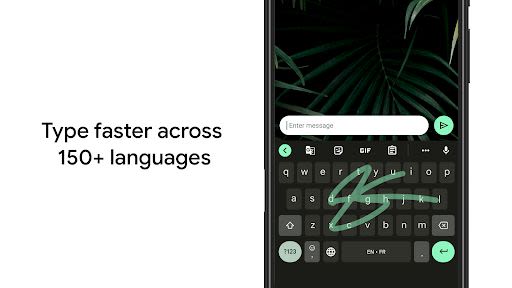
- Glide Typing: Type faster by effortlessly sliding your finger from letter to letter.
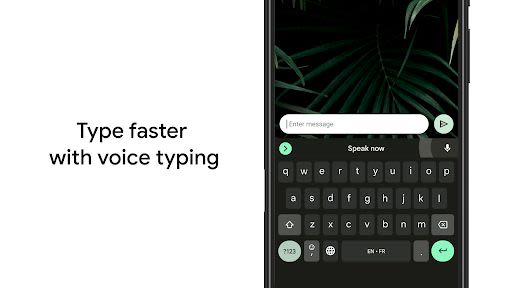
- Voice typing: Easily dictate text on the go for hands-free convenience.
- Handwriting: Express yourself with cursive and printed letters.
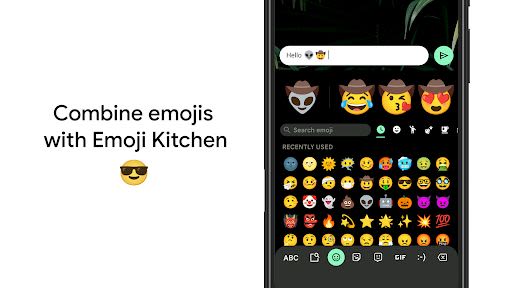
- Emoji Search: Quickly find the perfect emoji to enhance your messages.
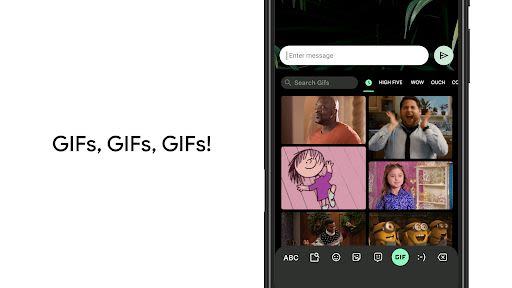
- GIFs: Search and share GIFs to add fun and emotions to your conversations.
- Multilingual typing: Seamlessly switch between languages without manual adjustments.
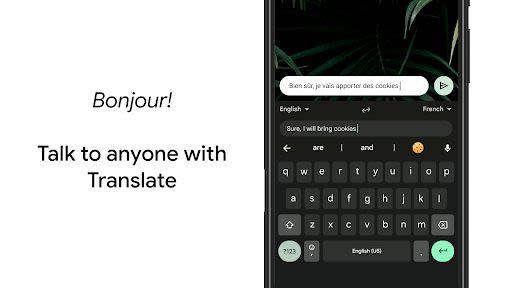
- Google Translate: Instant translation as you type directly within the keyboard.
Benefits:
- Swift and reliable typing experience
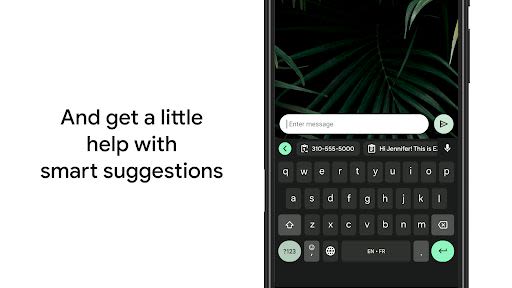
- Enhanced productivity with intuitive features
- Access to hundreds of language varieties for seamless communication
- Customization options to personalize your keyboard experience
- Effortless cursor control and deletion gestures for efficient editing
- Availability of one-handed mode for larger screens
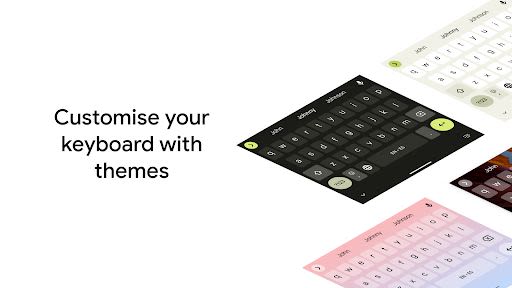
- Diverse themes to suit your style preferences
Why Choose This App:
- Extensive Language Support: Gboard offers support for a wide range of languages, ensuring inclusivity and accessibility for global users.
- User-Friendly Features: From gesture controls to customizable themes, Gboard prioritizes user convenience and customization.
- Seamless Integration: With Google Translate integration and multilingual typing capabilities, Gboard streamlines communication across languages effortlessly.
Compatibility and Technical Information:
- Compatibility: Available on iOS and Android platforms.
- Technical Requirements: Compatible with most devices running iOS 9.0 and later or Android OS 5.1 and up.
For a full list of supported languages, please visit here.
Pro tips:
- Gesture cursor control: Slide your finger across the space bar to move the cursor.
- Gesture delete: Slide left from the delete key to quickly delete multiple words.
- Number row always available: Enable in Settings → Preferences → Number Row.
- Symbols hints: Access symbols with a long press by enabling in Settings → Preferences → Long press for symbols.
- One-handed mode: Pin the keyboard to the left or right of the screen for easy access on large devices.
- Themes: Personalize your keyboard with your preferred theme, with or without key borders.
Enhance your typing experience with Gboard – the ultimate keyboard companion for efficiency and creativity.
Download now and elevate your typing game!
Screenshots
Videos
Similar

Windows 11
Microsoft

Wear Flashlight
CodVerter

Grok
xAI

Cleaner Antivirus VPN Cleaner
Cleaner + Antivirus + VPN company

owoTrack
Finoki

تەختەکلیلی کوردی | Kurdish Keyboard
Goran Gharib

Icon Torch - Flashlight
Aleksandr Balaev

Secure VPN
Dream limited

VPN Proxy Master - Secure VPN
Share File Technologies by 090 Bravo

Give VPN
Speed Group dev

Super Antivirus - Clean Virus
SUPER ANTIVIRUS

Fly Browser-Search & Private
Readerland