

Whiteboard
4.00
-

Sprache
English
-

OS
Android
-

Developer
Hira Studio
-

#Version
1.7
App-Beschreibung
Whiteboard - Magic Slate: Your Ultimate Learning Companion
Welcome to Whiteboard - Magic Slate, the ultimate mobile learning experience designed to bring the magic of a digital whiteboard to users of all ages. Whether you're looking to draw, write, play, or practice educational activities, this app is your go-to tool for unleashing creativity and learning on the go.
Why Choose This App
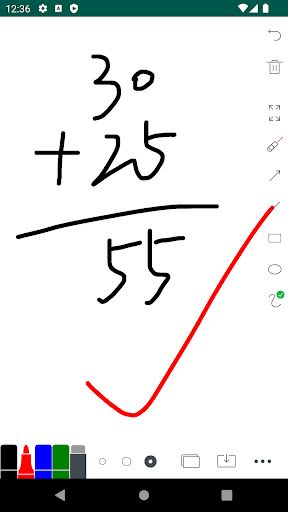
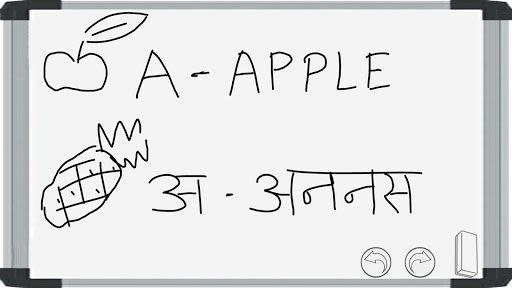
- Versatile Learning Tool: Write letters, alphabets, numbers, draw, play games, and erase effortlessly.
- Realistic Experience: Feel like you're in a classroom with a virtual whiteboard or slate in your hands.
- Parent-Friendly: Encourage children to learn and create good writing habits in a fun and interactive way.
- No Mess, No Stress: Say goodbye to marker stains and chalk dust on clothes.
Key Features
- Simple & User-Friendly Interface
- Free and Offline Access
- Draw, Write, and Play
- Low App Size for Easy Download
- Easily Remove Content with a Single Click
- Realistic Blackboard Experience
- Educational Games like Tic Tac Toe
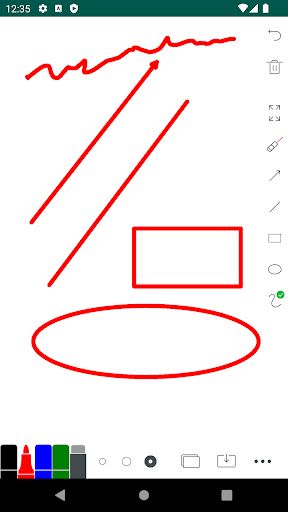
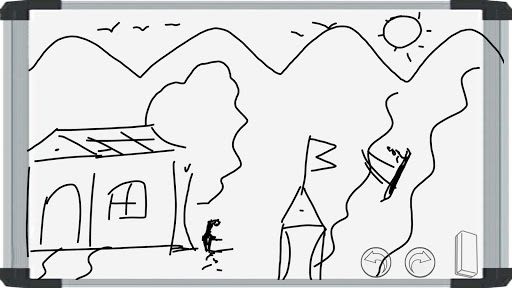
- Drawing and Sketching Capabilities
- Save, Share, and Delete Your Creations
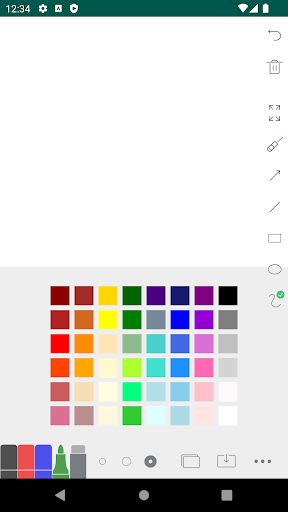
- Colorful Drawing Options
- Parent-Child Interactive Learning
- Undo/Redo Functionality
- Generate Digital Signatures
- Social Media Sharing Options
Benefits
- Enhanced Learning: Practice alphabets, numbers, and drawing anytime, anywhere.
- Creative Outlet: Sketch and draw your ideas with multiple color options.
- Family Bonding: Parents can engage with kids in educational and fun activities.
- Convenient Storage: Save and organize your drawings within the app.
- Social Sharing: Showcase your creations with friends and family on social media.
How to Use the App
- Open Whiteboard | Magic Slate app.
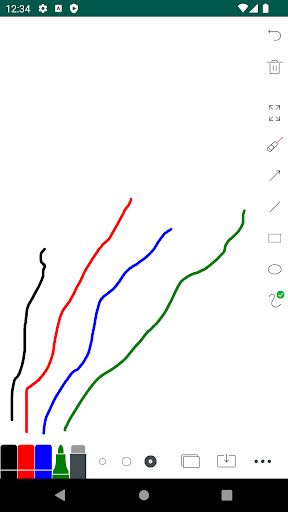
- Start writing or drawing by dragging your finger on the slate or blackboard.
- Save your creations by taking a screenshot.
- Use the Eraser icon to easily clean the board.
Unleash your artistic side, enhance your learning experience, and enjoy the magic of a digital whiteboard with Whiteboard - Magic Slate. Download now and start exploring the endless possibilities of creativity and education in the palm of your hand.
If you enjoy using our app, please take a moment to rate and leave a comment. Your support as an indie developer is truly valued. Thank you for choosing Whiteboard - Magic Slate!
Screenshots
Similar

Superheroes Mod for Minecraft
MCPE mods maker

Happy New Year Gif
sticker maker - WAStickerApps

Funny Prank Fart Broken Screen
Zone Dev

OHappy
panda8336

Clown Color, Paint by numbers
Excellent Coloring Pages

Call Prank - Fake Sound
ABIBusiness Global LTD

Video Downloader
Simple Tube Video Downloader

Henry Danger Prank Fake Call
Prank Calling

JoyArk - Cloud Gaming Platform
JoyArk official

Wolf Coloring Game Offline, Happy Color by Number
Excellent Coloring Pages

FaceMagic: Make faceswap video
DeepArt Limited

Space Launch Now
Caleb Jones