

Icon changer - App icons
4.30
-

Sprache
English
-

OS
Android
-

Developer
Voice Text
-

#Version
1.2
App-Beschreibung
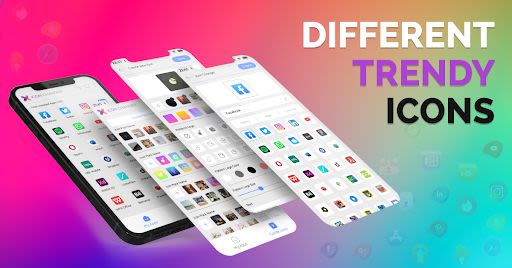
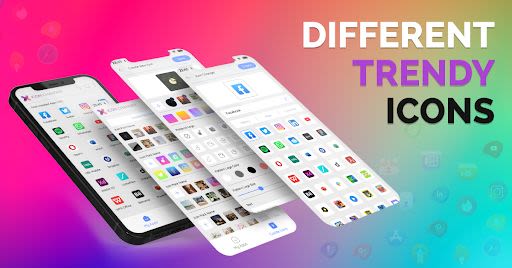
Welcome to Icon Changer - Your Ultimate App Icon Customization Tool
In a world where personalization is key, Icon Changer emerges as the go-to solution for transforming your app icons with ease and style. Whether you seek to revamp your mobile interface or simply add a touch of uniqueness, this app has you covered.
Key Features:
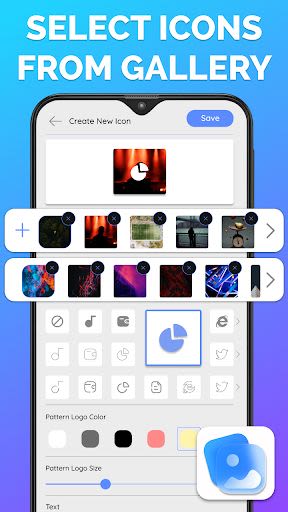
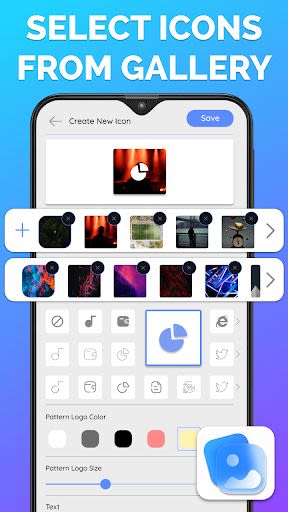
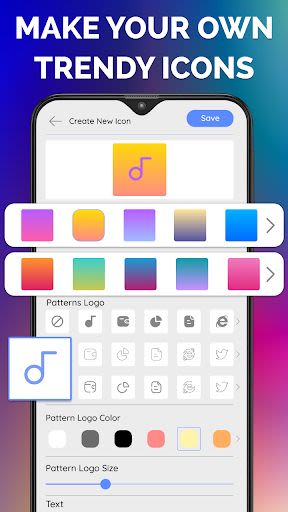
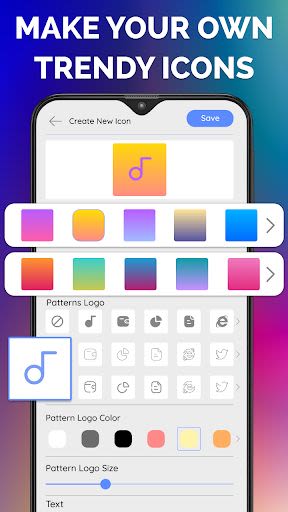
- Create custom icons free with app icon maker
- Customize colors using an amazing color palette
- Resize icons effortlessly with the icon customizer
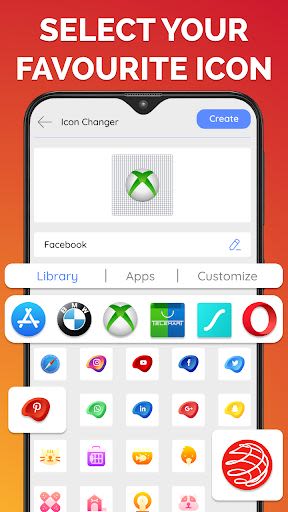
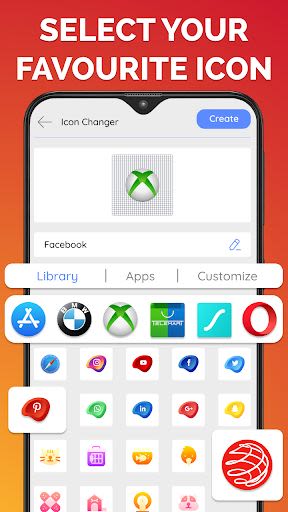
- Choose from a variety of icon patterns and logos with the icon dealer
- Personalize the complete Icon theme with the icon theme changer
Benefits:
- Transform your home screen into a stunning visual masterpiece
- Seamless support for all types of launchers
- Enjoy a clutter-free interface with no app icon badge supported widget
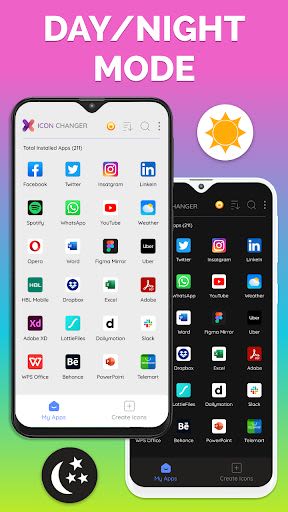
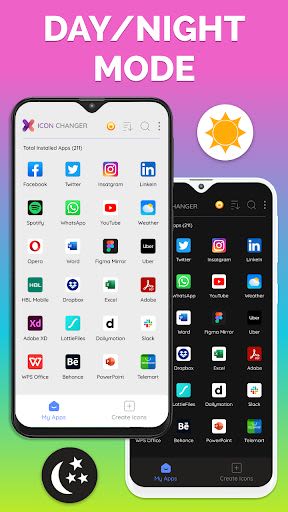
- Change icons effortlessly with a user-friendly interface
Why Choose Icon Changer:
- Unleash your creativity by designing custom icons that reflect your style
- Enhance your mobile experience with a personalized touch
- Effortlessly navigate through various icon options to find the perfect fit for your apps
How to Use Icon Changer:
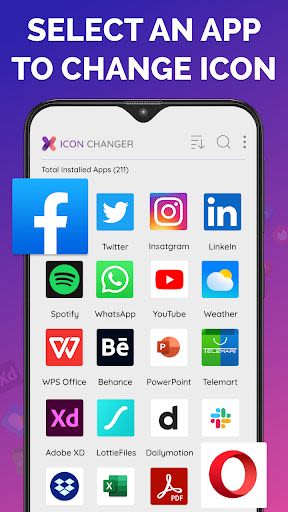
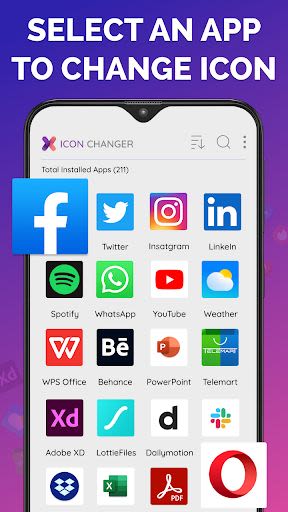
- Open the application and select the app to replace with IconChic
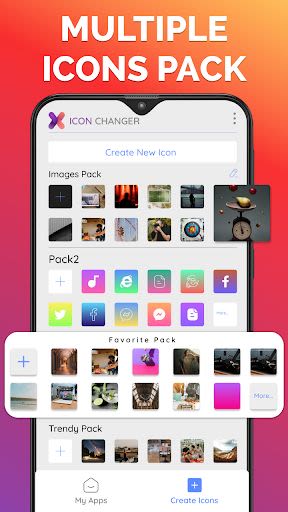
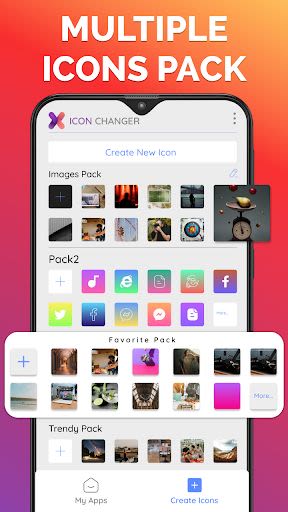
- Choose an icon from a wide range of icon packs
- Create a shortcut on your home screen using the shortcut maker
Please note: From Android 8 onwards, Google restricts showing badges or watermarks when changing icons. To avoid this, create a widget for the icon.
For any installation or troubleshooting issues, feel free to reach out to us at [email protected].
Don't settle for ordinary icons – revolutionize your mobile experience with Icon Changer today!
Screenshots
Similar

Analog Classic Watch Messa 100
Messa Watch

Color Phone - Nice Call Screen
Govo Tech by Volio

Arabic Wallpapers
Mahmoud Zadah

Concentric - Pixel Watch Face
WatchFace-Designs

Clean Digital
JH Watchfaces

Yoshion - Pic Collage Maker
Joseph Jenny

Minimal Basic 2 English
OQ Watchfaces

Beautiful wallpapers
Applications from a duck

Wear OS Watch Neon Shatte
GeorgKing

RE 03 - Digital Watch Face
RECREATIVE ® Watch Faces

Anime World Wallpapers
N.E.O.N STUDIO

Launcher iOS 16
LuuTinh