

Meu Estacionamento Digital
3.80
-

Sprache
English
-

OS
Android, iOS
-

Developer
Meu negócio 77
-

#Version
1.0.366
App-Beschreibung
The My Parking Digital app serves all types of parking: from commercial parking lots to clinic/party parking lots.
> Download now and test the app in your parking lot for 15 days.
> Control your parking wherever you are.
> Subscription charged per parking lot. Install the app on as many devices as needed.
> Fixed value regardless of the size of the parking lot.
Features of the app:
-> Vehicle parking control;
-> Entry receipt with QR code (more security for your customer);
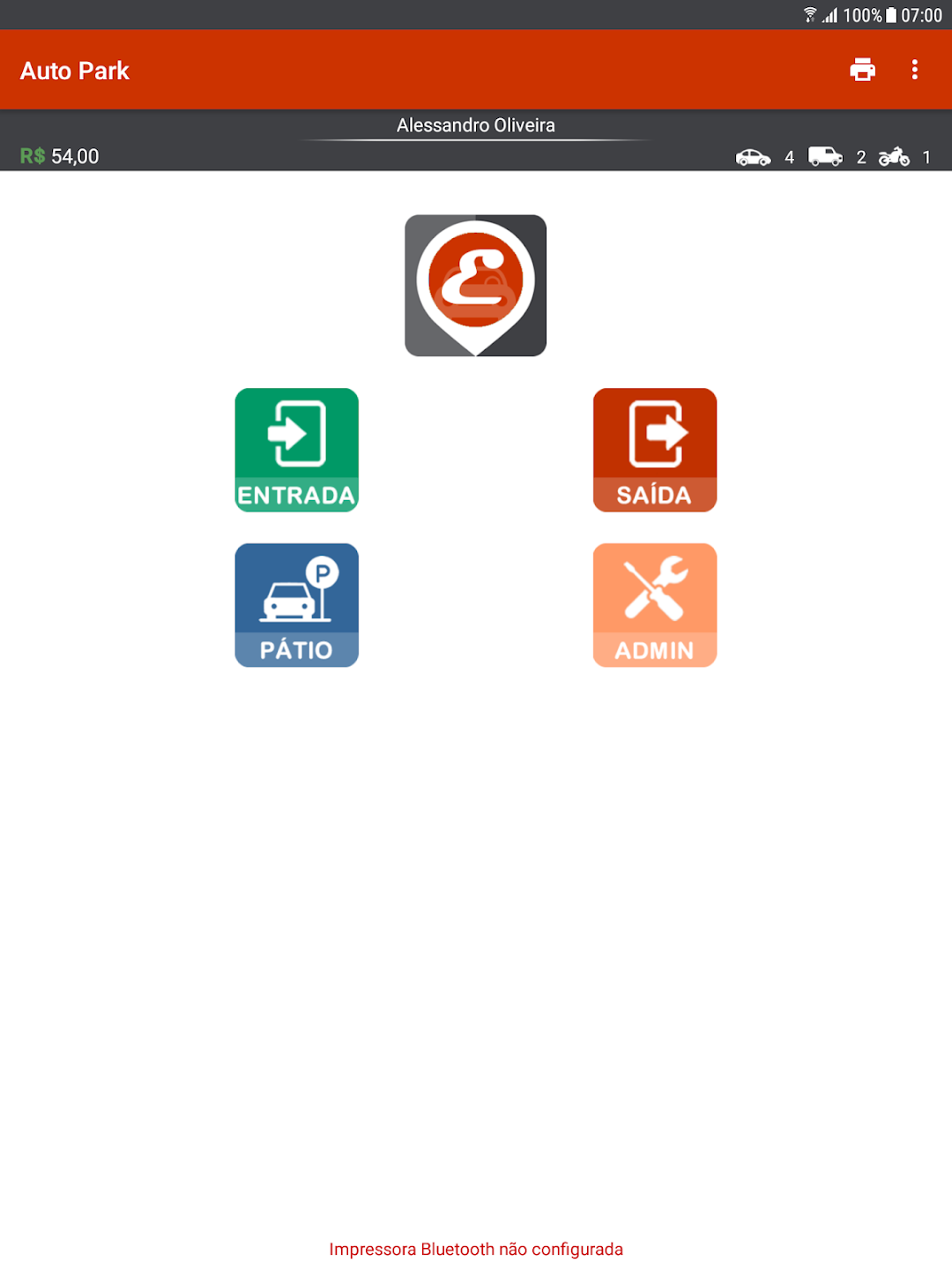
-> Upon entry of the vehicle, the employee has two options to report the license plate:
1- Enter the license plate in the specified field;
2- Take a photo of the license plate for the system to perform automatic reading (in test);
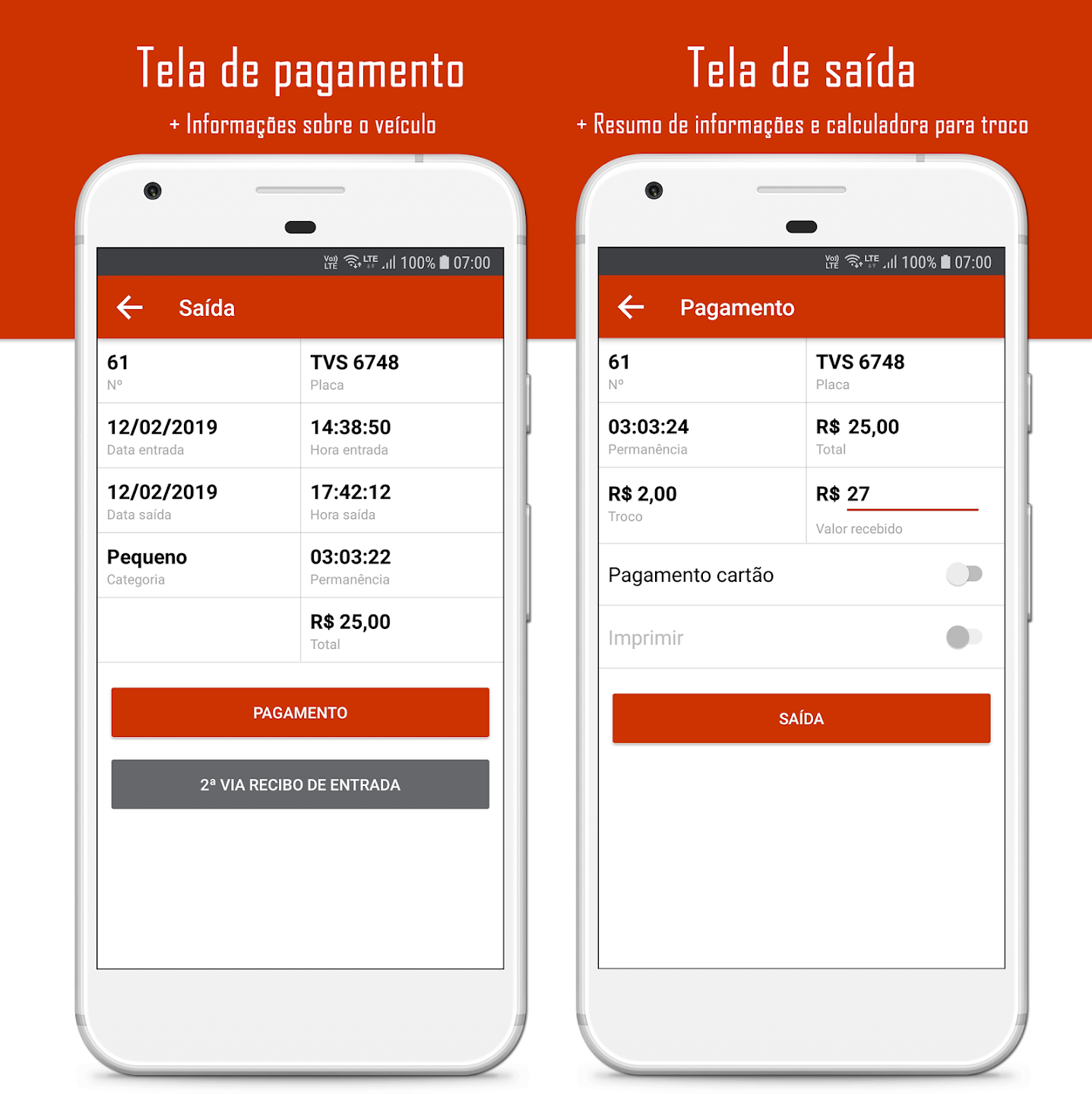
-> Vehicle exit can be done in two ways:
1- In the Exit option, with the reading of the QR Code;
2- In the Yard option, by clicking on the desired vehicle;
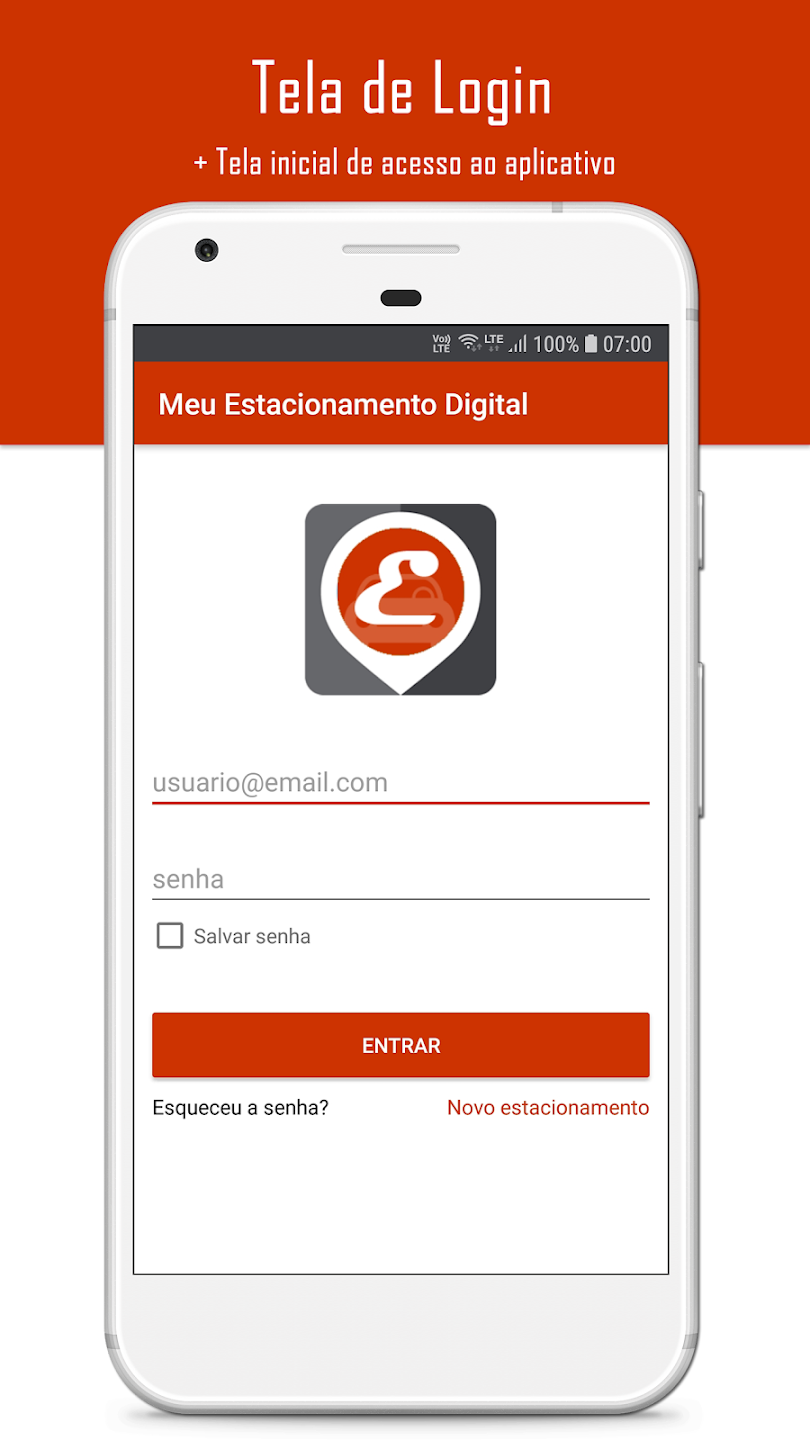
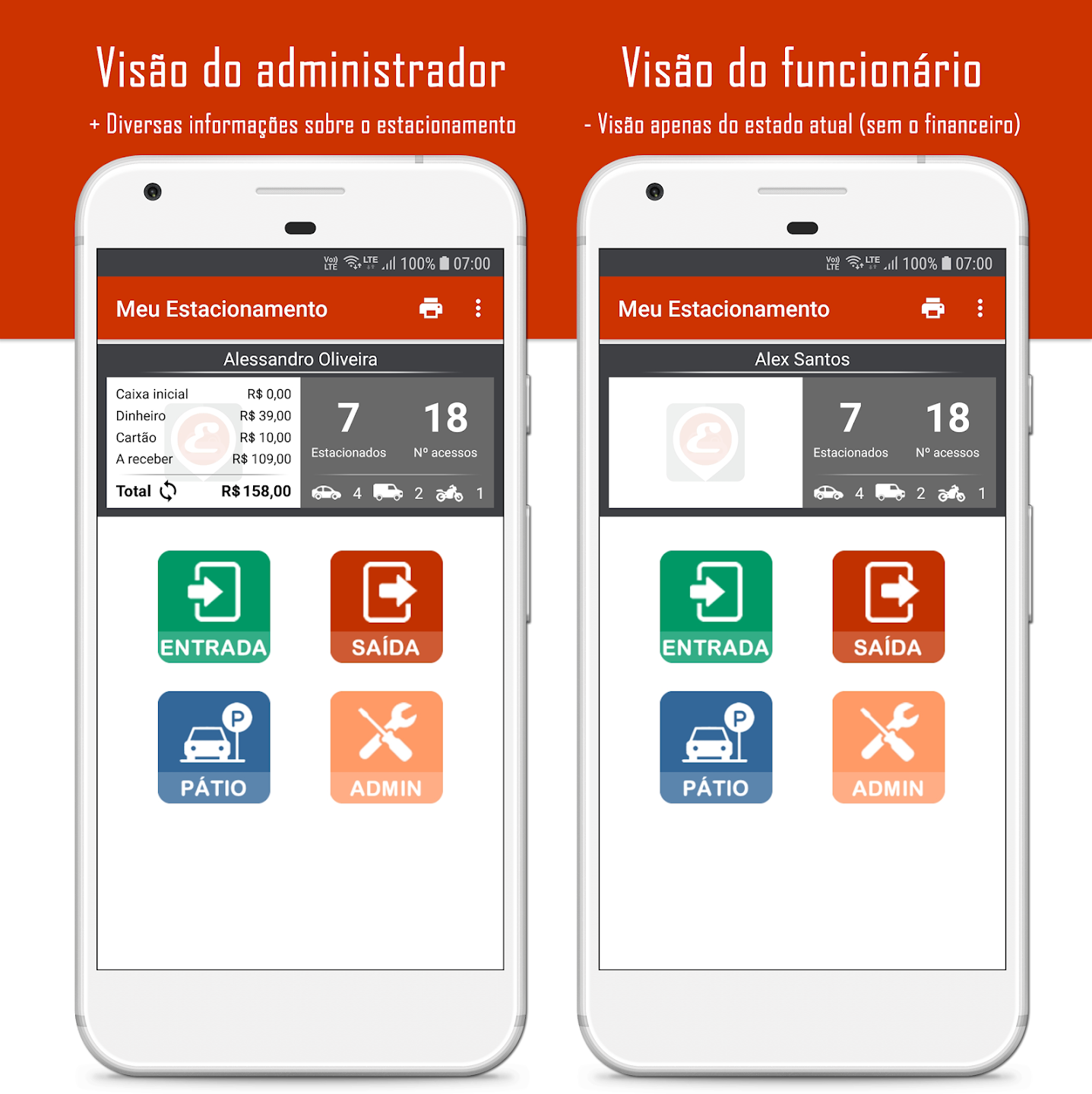
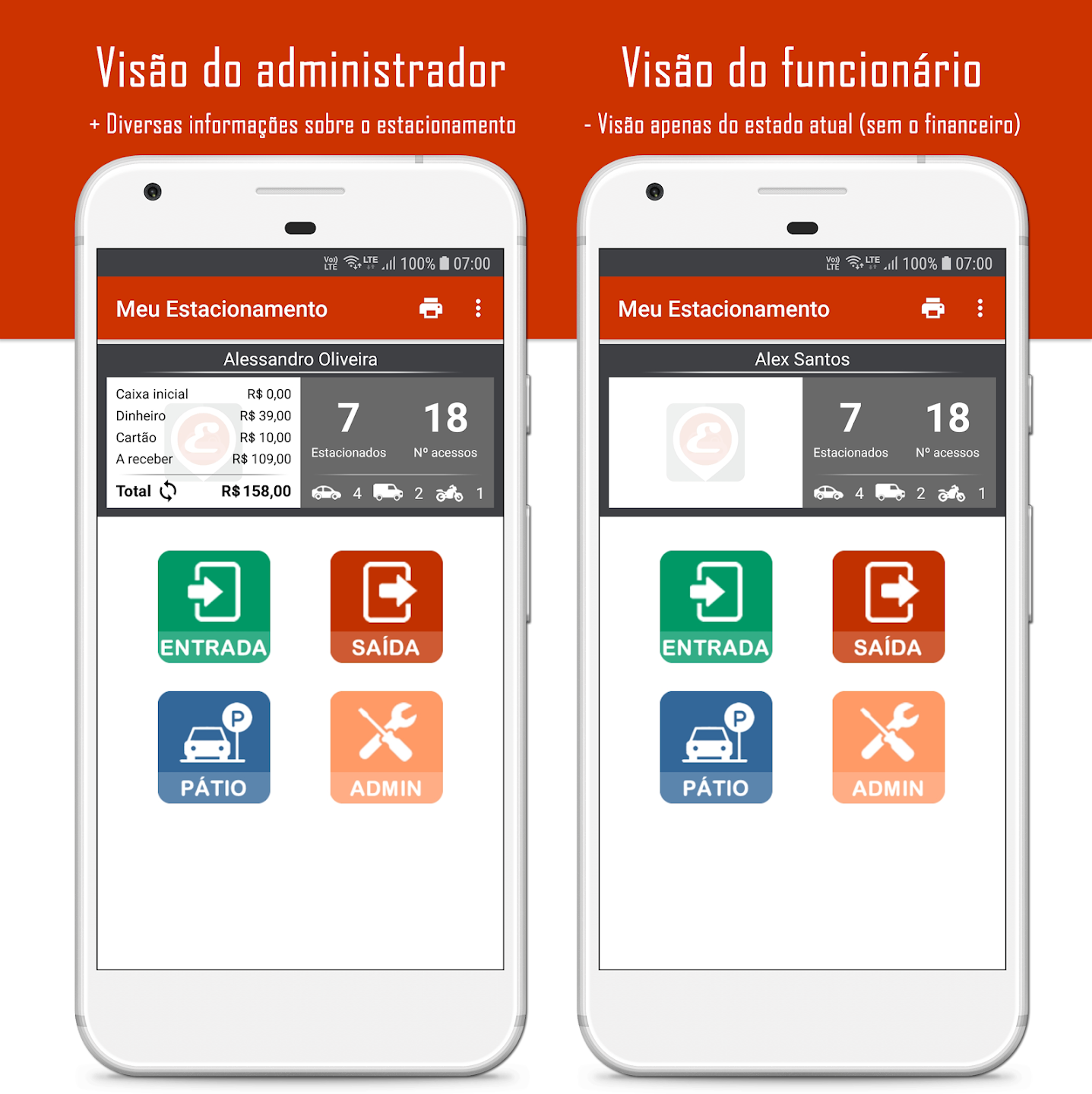
-> Access control for administrators and employees. Ordinary employees do not have access to the administration area and do not see the amount collected so far (on the initial screen);
-> In the Administration area:
1- Reports: generate daily and weekly parking control reports;
2- Daily History: allows you to issue a second copy of the exit receipt;
3- Collection Method and Prices: set the collection method for your parking lot. There are currently 11 collection methods offered. If you can't find the ideal one for you, contact us ([email protected]). If the parking lot is intended for clients of a clinic or guests at a party space, you can configure the application to control the entry and exit of vehicles (free of charge);
4- Services: Register and manage the services offered by your parking lot (for example: valet, car wash and aesthetic services, among other options);
5- Agreements: register and manage your parking agreements;
6- Monthly Payers: register and manage your monthly payroll;
7- Manage Expenses: Register your parking expenses;
8- Manage Employees: register, edit and delete employees who can use the application;
9- Manage ads: Establish partnerships with nearby establishments. Ads are printed on the entry receipt, if printing of ads is enabled;
10- Promotion: Create promotions for your customers. Define the number of accesses to the parking lot and what the customer earns when reaching that number. For example: on the customer's fifth visit to the parking lot, the first hour will be free or even the entire period;
11- Configure printer: Space reserved to configure the bluetooth printer. For the configuration, if the printer is not paired, click on the "Find and pair printer" button and follow the process to perform the pairing. Right after, click on the "Select printer" button and choose the desired printer. Done! Once this is done, when you click on the "Test printer" button, a message will be printed. If the printer is already paired, simply click on "Select printer" and choose the desired printer. On this same screen you will find information on where to buy the printer;
12- Other settings: Space reserved for customizations and other settings, for example: updating the parking name; option to enable the use of cards with fixed QR code, instead of using the printer to generate the entry receipt; option to allow opening/closing of the cash register; option to inform the model and color of the vehicle; options to customize the content printed on the ticket; among others.
For the application to work correctly, accept all the permissions requested during its execution.
My digital parking
My business 77
Screenshots
Similar

KERB
KERB

ParkingPal:Find Nearby Parking
Oloe Mobility

WizPass
Ksign

GAIYO one key for all mobility
Gaiyo

UrParking
UrApps

Smart Parking Apps
Smart Parking Apps

Yespark: parking lot rental
Yespark

Voi – e-scooter & e-bike hire
Voi Technology Ab

Parkapp Spain
Parkapp S.L.

Wilson Parking
Wilson Group

Bil i Oslo
Oslo Kommune

eParking for Android
IGL-Technologies Oy