

Pass2U Wallet - store cards, coupons, & barcodes
4.10
-

Sprache
English
-

OS
Android
-

Developer
Pass2U Wallet
-

#Version
2.14
App-Beschreibung
Pass2U Wallet: Your Ultimate Passbook Companion for Android
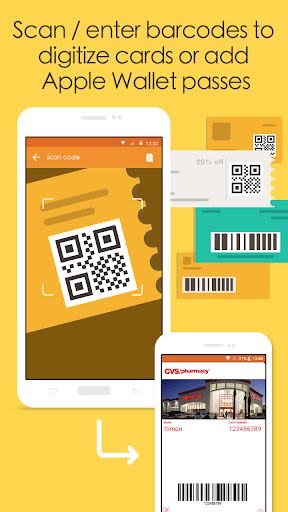
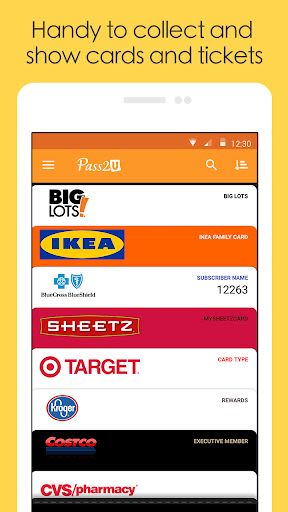
Pass2U Wallet is your go-to app for seamlessly managing all your Passbook/Apple Wallet passes right on your Android device. Whether it's coupons, event tickets, loyalty cards, stored-value cards, or boarding passes, Pass2U Wallet has you covered. Easily add passes by scanning barcodes with web links or downloading .pkpass files.
Key Features:
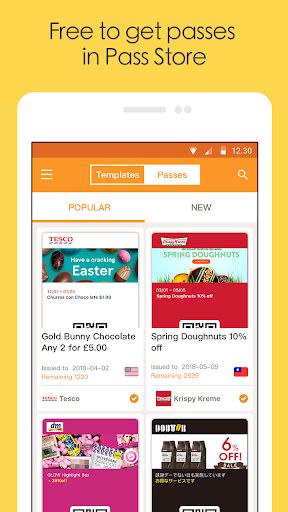
- Collect and manage a variety of passes: membership cards, coupons, event tickets, transport cards, and more.
- Support for various barcode formats: QR Code, Aztec, PDF417 2D barcodes, and Code 128 1D barcode.
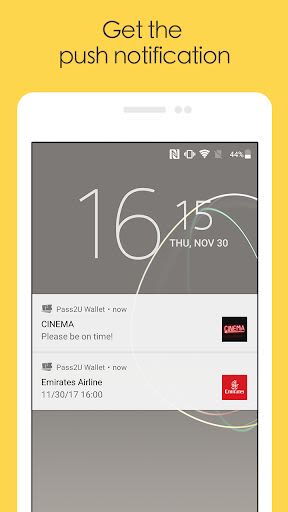
- Display relevant passes on your lock screen based on location or time.
- Integration with iBeacon technology.
- Customize notifications for Apple Wallet passes.
- Localization feature for passes.
- Scan or manually enter barcodes to create passes in Pass2U Wallet.
- Free Pass update API for Pass2U Wallet issuers.
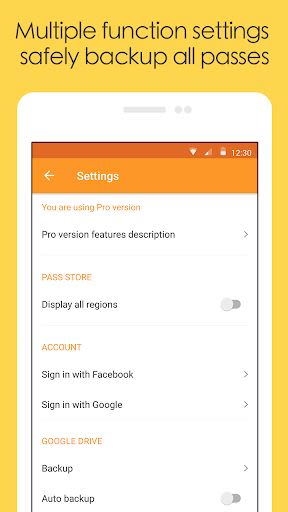
- Backup and restore passes using Google Drive.
- Wear OS app support for advanced users.
Benefits:
- Enjoy a secure and user-friendly pass management experience.
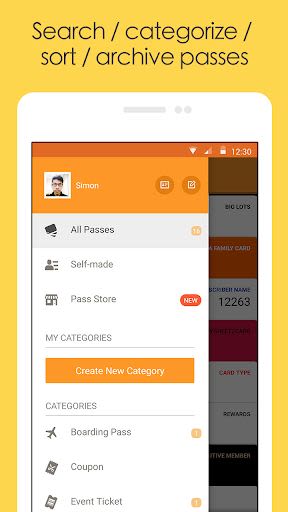
- Keep all your passes organized in one convenient place.
- Never miss out on important events or discounts with timely notifications.
Why Choose Pass2U Wallet:
- Effortlessly backup and transfer passes between devices.
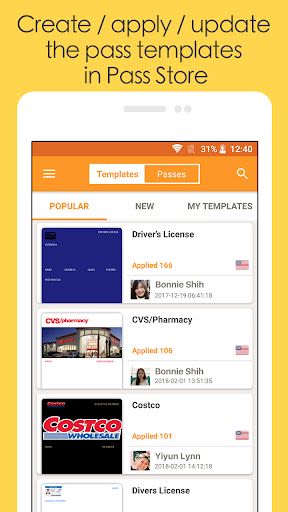
- Simplify the issuance of passes for businesses and events through the dedicated platform at pass2u.net.
To provide you with a seamless user experience, Pass2U Wallet requires certain permissions:
- Identity: Select Google accounts for pass backup and restoration.
- Photos/Media/Files: Add pass files from devices to Pass2U Wallet.
- Camera: Scan barcodes to add passes.
- Wi-Fi connection information: Facilitate pass registration.
- Device ID: Update passes efficiently.
Frequently Asked Questions:
-
How can I backup all my passes?
- Navigate to Pass2U Wallet settings > Backup > Choose your Google Drive account. Alternatively, automatic backup occurs when your device is idle, connected to Wi-Fi, and charging for over 24 hours.
-
How can I transfer passes to a new device?
- Backup passes to Google Drive on your old device, then go to Pass2U Wallet settings > Restore > Select your Google Drive account.
-
How can I issue passes in bulk?
- Design and distribute passes to customers easily at pass2u.net.
Experience the convenience and efficiency of managing your passes with Pass2U Wallet. Download now and streamline your passbook experience on Android!
Compatibility: Android devices Minimum Requirements: Android 5.0 and up
Screenshots
Similar

dōcō by Renfe
Renfe Operadora

LA Phil 100 x CicLAvia
Guidebook Inc

Civitatis: Fill your trip!
Civitatis.com

Hotels 50% Discount
Cheap Hotel Booking - Tripdealo.com

World of Hyatt
Hyatt Corporation

Turo - Better Than Car Rental
Turo Inc.

Atrápalo viajes y planes cerca
atrapalo

easyJet: Travel App
easyJet Airline Company Limited

Holidu: Vacation Rentals
Holidu GmbH

AustralianETA
Department of Home Affairs

Mobile Passport Control
U.S. Customs and Border Protection

Polarsteps - Travel Planner & Tracker
Polarsteps