
Artecture Draw, Sketch, Paint
4.30
-

Sprache
English
-

OS
Android
-

Developer
Samsung Electronics Co., Ltd.
-

#Version
5.2.0.4
App-Beschreibung
Discover Artecture: Your Ultimate Digital Art Companion
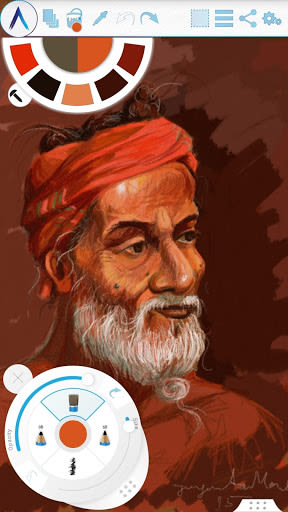
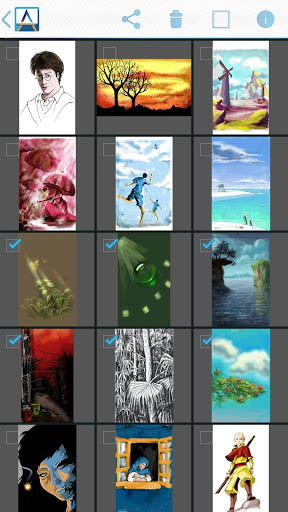
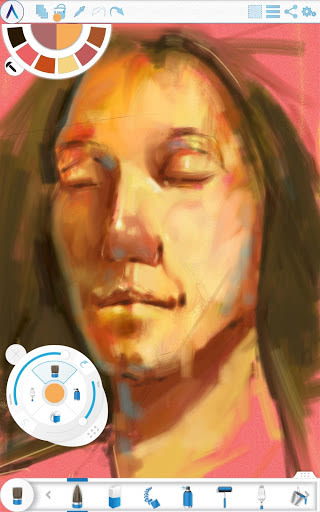
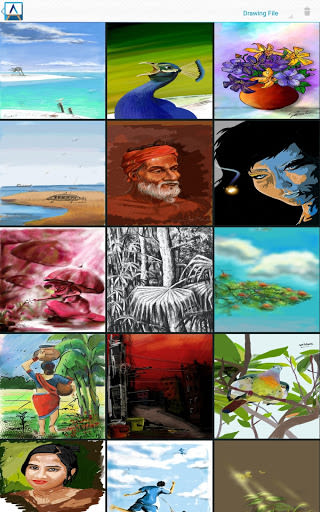
Artecture is not just a drawing app; it's your gateway to an immersive world of sketching, drawing, and painting like never before. Whether you're an aspiring artist or a seasoned pro, Artecture offers a suite of over 30 high-quality, realistic tools that cater to your creative needs. Crafted by art enthusiasts for art enthusiasts, this app seamlessly combines simplicity, beauty, and fun in one package.
Why Choose Artecture?
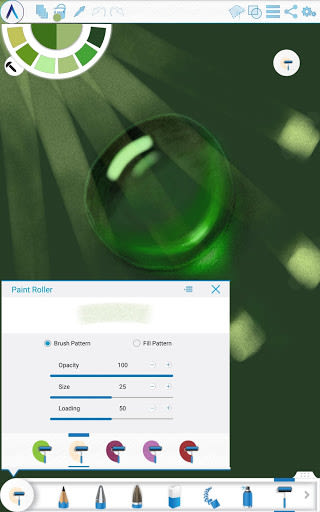
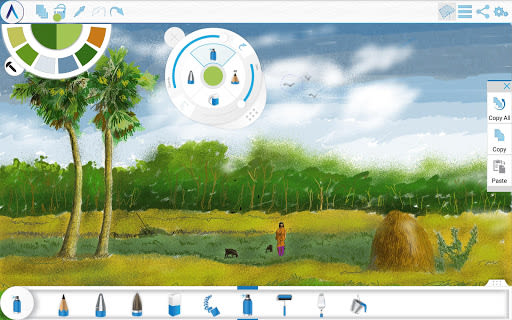
- Enjoy a diverse range of tools, including Pencil, Marker Pen, Oil Brush, Watercolor, and more.
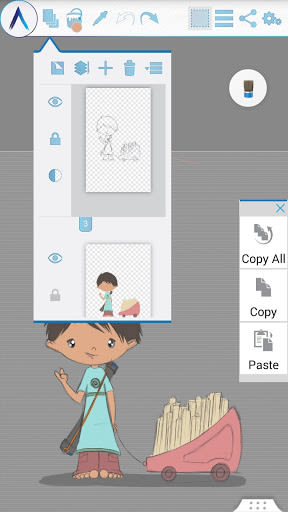
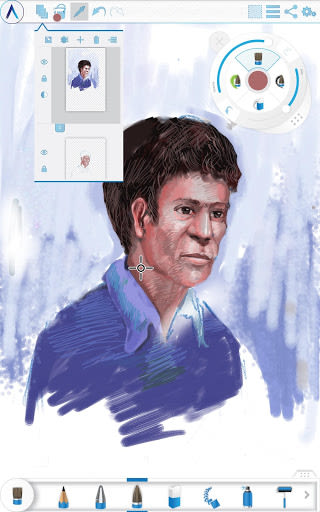
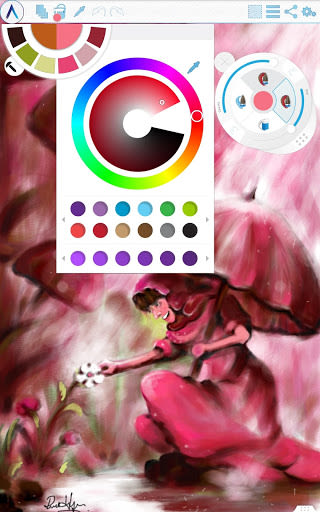
- Create multi-layers with options to adjust visibility, opacity, and merge functionalities.
- Experiment with image effects like Sepia, Inverse, and Blur for enhanced creativity.
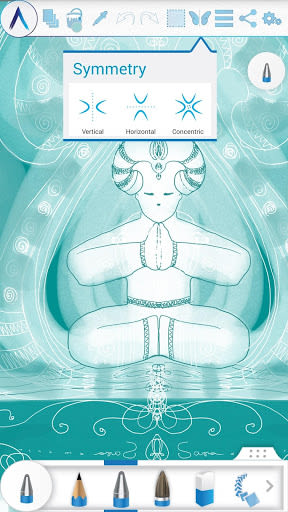
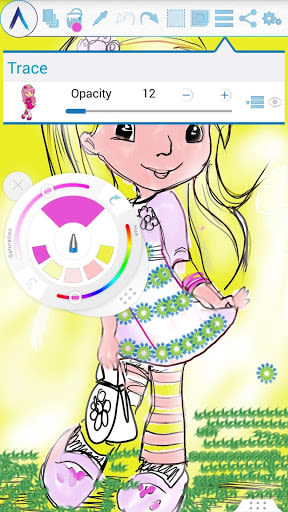
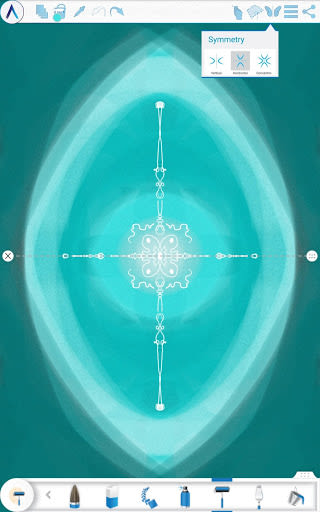
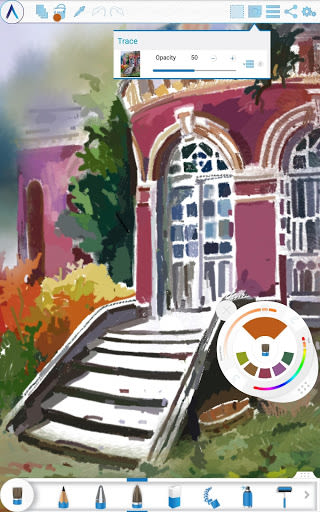
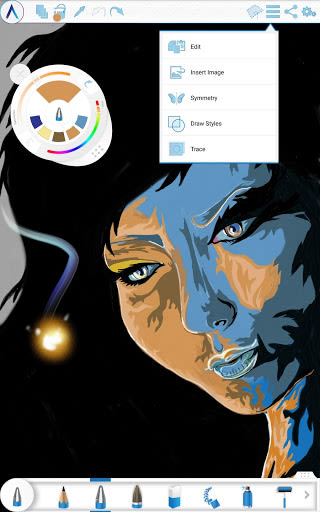
- Explore symmetry options and tracing features for precise artwork creation.
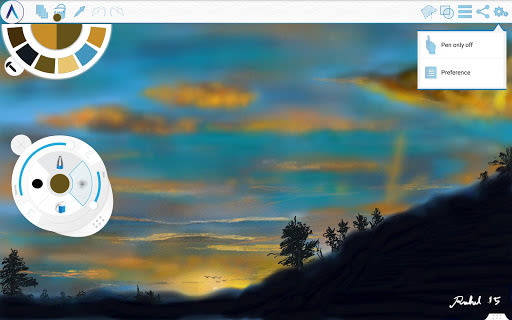
- Benefit from Pen-Only mode with palm rejection and canvas rotation for a seamless drawing experience.
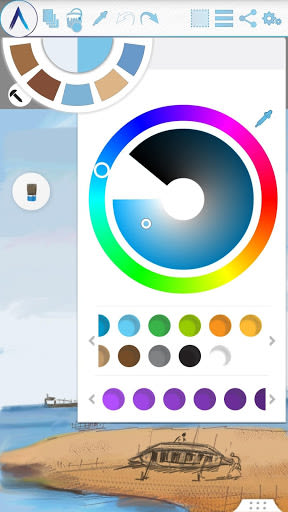
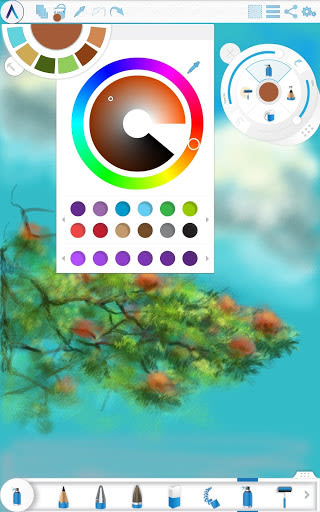
- Access a color palette with favorite defaults and a color picker for easy selection.
- Utilize features like Text Insertion, Selection, and Tool Presets for efficient editing.
- Seamlessly export artworks to standard image formats with auto-save functionality.
Key Features:
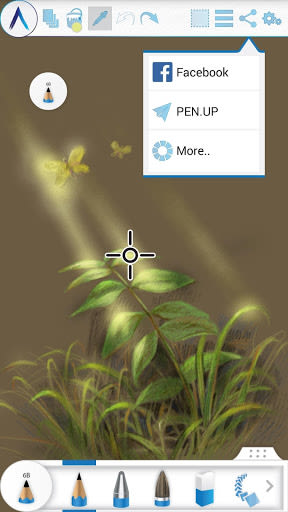
- Tool Variety: Explore a wide array of drawing tools like Oil Blend Brush, Palette Knife, and Gradient Brush.
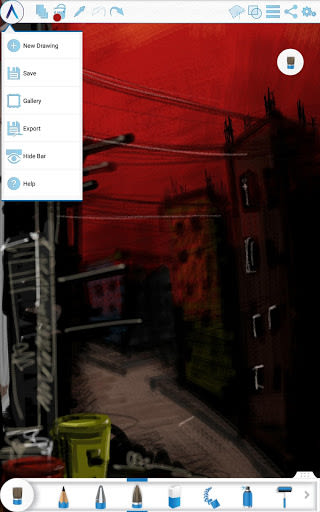
- Layer Management: Create, remove, lock, and reorder layers with ease.
- Symmetry Options: Experiment with vertical, horizontal, and concentric symmetry.
- Geometric Shapes: Draw freehand or precise shapes like lines, rectangles, and circles.
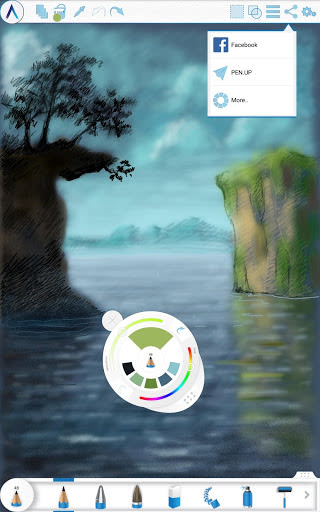
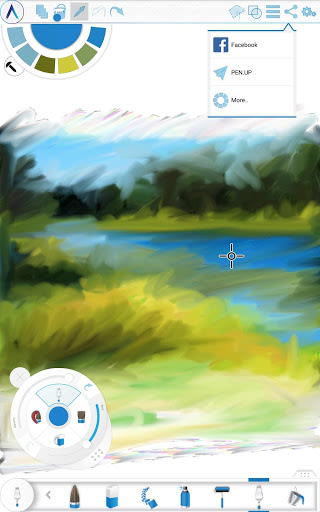
- Sharing Options: Share your artworks on social media platforms or via Bluetooth and WI-FI Direct.
Benefits of Artecture:
- Free of cost yet advanced in performance.
- Ad-free experience for uninterrupted creativity.
- Easily save, share, and export your artworks with a few simple taps.
Compatibility and Storage:
- Compatible with multiple devices running Android and iOS.
- Save artworks in the "Artecture" folder with the .bme file format.
- Option to change the storage location for convenience.
Help & Support:
- Access a quick reference guide for app basics.
- Reach out to our support team via email for any assistance.
Don't miss out on the opportunity to join the thriving Artecture artist community on Facebook. Let's embark on a journey of creativity together!
Get Artecture now and unleash your artistic potential!
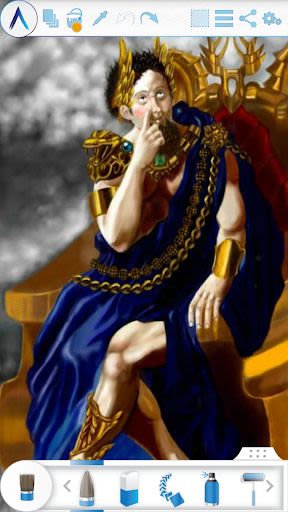
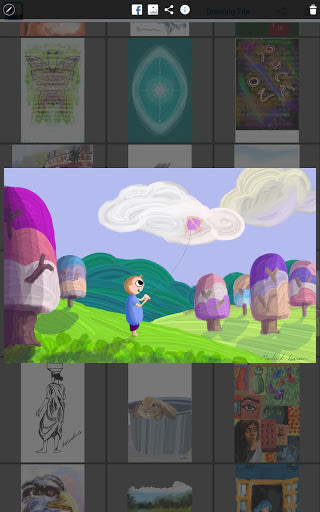
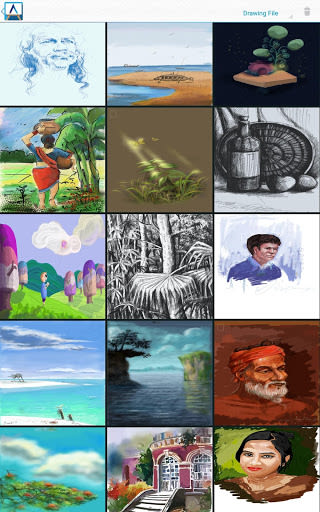
Special thanks to the Fine Art students and professors of Dhaka University for sharing their inspiring artworks. We are grateful to Mr. Gar Cia for allowing us to feature his masterpiece.
Screenshots
Videos
Similar

Superheroes Mod for Minecraft
MCPE mods maker

Happy New Year Gif
sticker maker - WAStickerApps

Funny Prank Fart Broken Screen
Zone Dev

OHappy
panda8336

Clown Color, Paint by numbers
Excellent Coloring Pages

Call Prank - Fake Sound
ABIBusiness Global LTD

Video Downloader
Simple Tube Video Downloader

Henry Danger Prank Fake Call
Prank Calling

JoyArk - Cloud Gaming Platform
JoyArk official

Wolf Coloring Game Offline, Happy Color by Number
Excellent Coloring Pages

FaceMagic: Make faceswap video
DeepArt Limited

Space Launch Now
Caleb Jones