

Samsung Mobile Print
3.40
-

Sprache
English
-

OS
Android
-

Developer
HP Inc.
-

#Version
4.08.030
App-Beschreibung
Welcome to Samsung Mobile Print - Your Ultimate Printing Companion
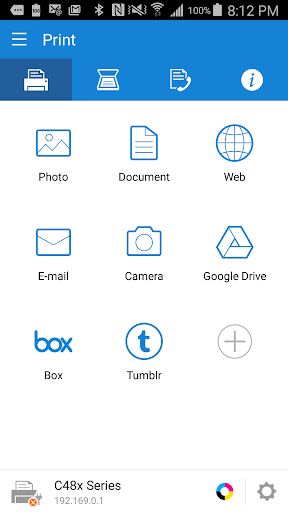
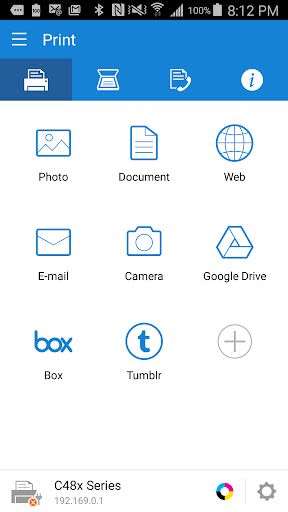
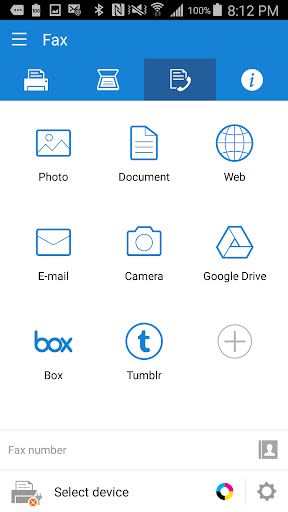
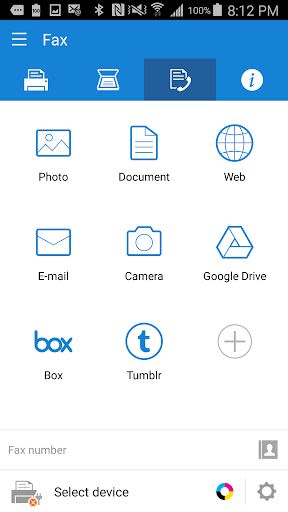
Are you looking for a seamless way to print, scan, or fax wirelessly from your Android device to your Samsung Laser Printer? Look no further than Samsung Mobile Print! This app is designed to empower you to print or send faxes of various digital contents like Office documents, PDFs, images, emails, web pages, and even social media content with ease.
Key Features:
- Intuitive Interface: Enjoy an action bar style user interface for a smooth experience.
- Automatic Device Discovery: Easily find and connect to supported network devices.
- Image Editing: Select and edit multiple images with features like cropping and rotation.
- Flexible Printing Options: Print or send documents, emails, attachments, web pages, and images.
- Cloud Integration: Access and print contents from Google Drive, Dropbox, Evernote, OneDrive, Box, and Facebook.
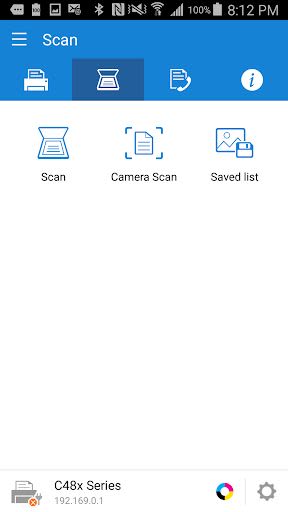
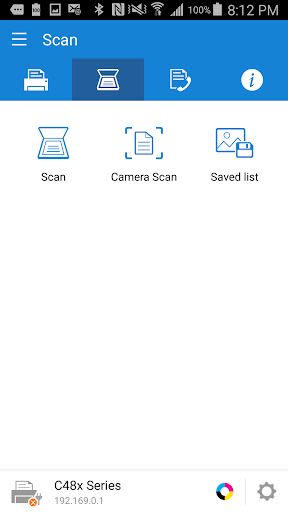
- Versatile Scanning: Scan from flatbed or ADF and save in PDF, PNG, or JPG formats.
- Sharing Made Easy: Share scanned documents directly from the app.
- Corporate Security Features: Supports Job Accounting, Confidential Print, and Secure Release for a secure printing environment.
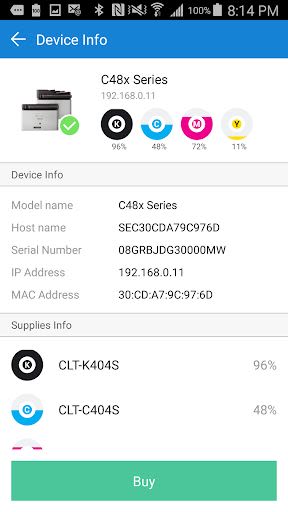
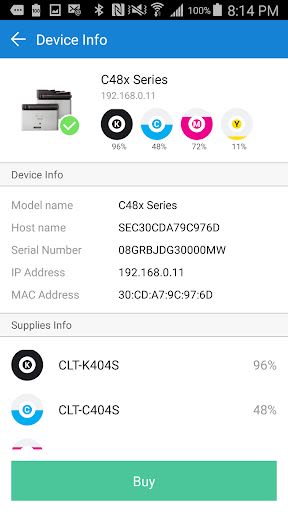
- Printer Integration Support: Auto Toner Ordering Service (US and UK) and printer Wi-Fi setup assistance.
Benefits:
- Seamlessly print or scan pages as large as A3.
- Enjoy maximum print and scan sizes based on your device's supported media size.
- Experience enhanced security features for corporate use.
- Effortlessly order toner and set up Wi-Fi for select printers.
Why Choose This App:
- Streamlined wireless printing, scanning, and faxing.
- Extensive compatibility with Samsung printers.
- User-friendly interface for easy navigation.
- Secure printing options for corporate environments.
Compatibility and Technical Details:
- The app supports only Samsung printers for scanning and sending faxes.
- Printing can be done on printers connected via Print server or Shared.
- Maximum print and scan sizes depend on the supported media size of the device.
- For CJX-1050W/CJX-2000FW printers, install "Samsung Mobile Print Photo" instead.
- Detailed list of supported printer models provided within the app.
Permissions Details:
- STORAGE: To print photos and files.
- LOCATION: Required for searching nearby Wi-Fi Direct printers.
- NFC: Enables direct connection between your mobile device and printer.
- CAMERA: Allows the use of the camera.
- INTERNET: For network communication.
- READ_CONTACTS: Access to select fax numbers from the Address book.
- GET_ACCOUNTS: Displays registered accounts for email printing and Google Drive content printing.
- USE_CREDENTIALS: Enables printing from Google Drive.
- VIBRATION: Provides notifications for successful NFC tag reads.
Take your printing experience to the next level with Samsung Mobile Print. Enhance your productivity and convenience today. Install now and revolutionize the way you print, scan, and fax on the go!
Screenshots
Similar

All Document Reader 2023
FunGear inc

QR Code Scanner for Android: QR Reader, QR Creator
Taymay - Simple & Effective.

ChatAI: AI Chatbot App
iKame Applications - Begamob Apps

App Lock - Applock Fingerprint
Trusted Tools

All Document Reader - One Read
Simple Design Ltd.

QR Scanner - Barcode Scanner
Leap Fitness Group

PDF Reader - PDF Viewer 2022
Simple Design Ltd.

FlyLadyPlus
FlyLadyPlus

BlackNote Notepad Notes
Notas Notepad

Free QR Code Reader & Barcode Scanner - QR Scanner
JonDev. Mobile

PDF Scanner APP - Scan to PDF
Simple Design Ltd.

Image to PDF Converter - JPG to PDF, PDF Maker
Simple Design Ltd.