

Teamup Calendar
4.20
-

Sprache
English
-

OS
Android
-

Developer
Teamup Solutions AG
-

#Version
1.15.16 (518)
App-Beschreibung
Discover Teamup: Your Ultimate Group Calendar Solution
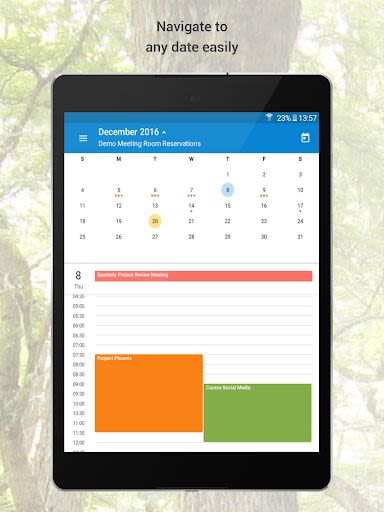
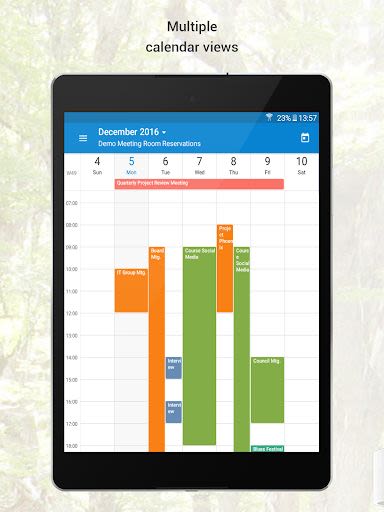
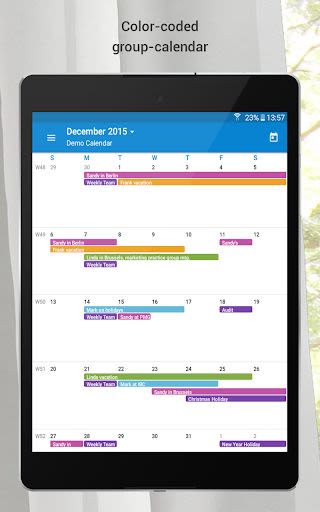
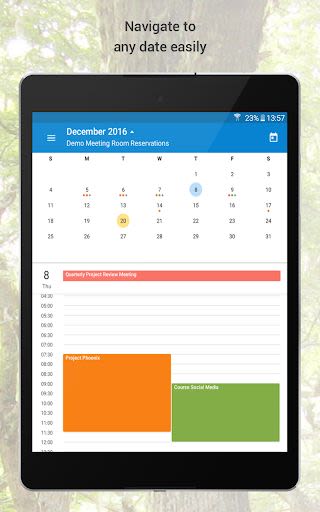
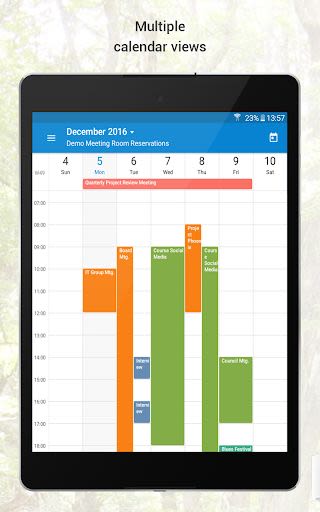
Teamup is your go-to group calendar app, designed to streamline the organization of people, resources, events, projects, and more. With a seamless blend of functionality and simplicity, Teamup empowers you to stay on top of your schedule effortlessly.
Key Features
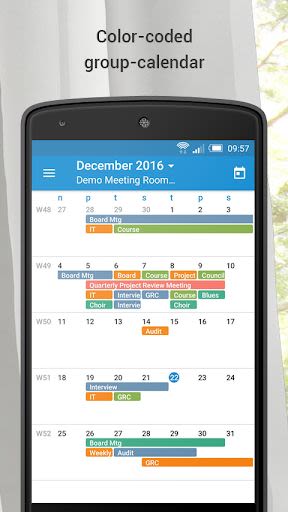
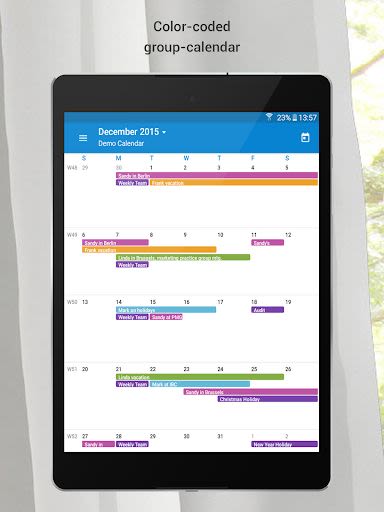
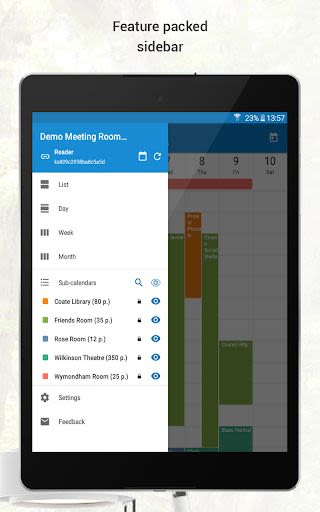
- Color-coded events: Visualize your schedule at a glance.
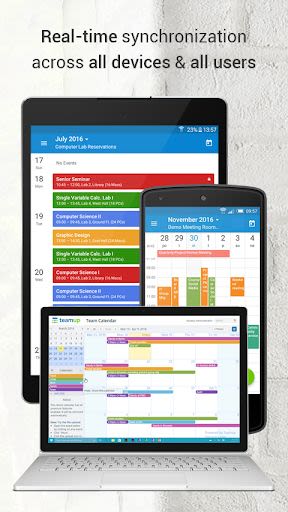
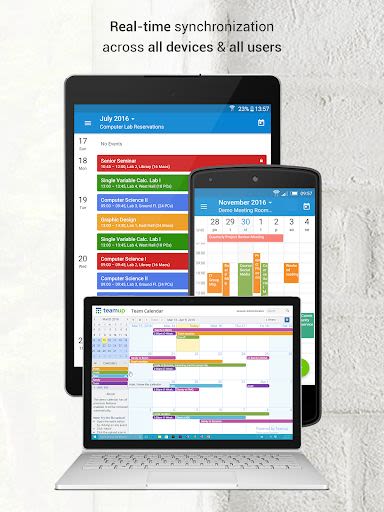
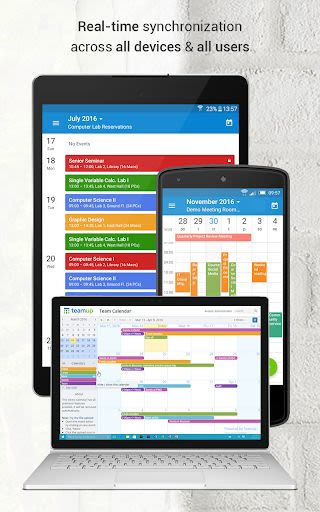
- Synchronization: Stay connected with other users on the same calendar.
- Custom Access Permissions: Tailor access rights for individual users.
- Central Management: Efficiently overseen by the calendar administrator.
- Location Mapping: Easily navigate event venues.
- Prevent Double Booking: Ensure seamless planning.
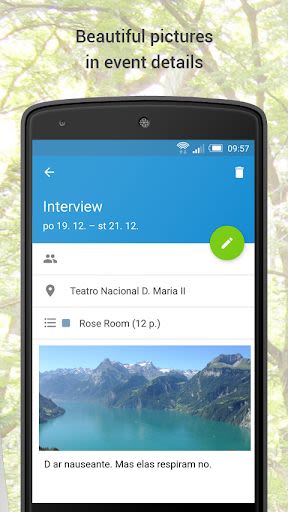
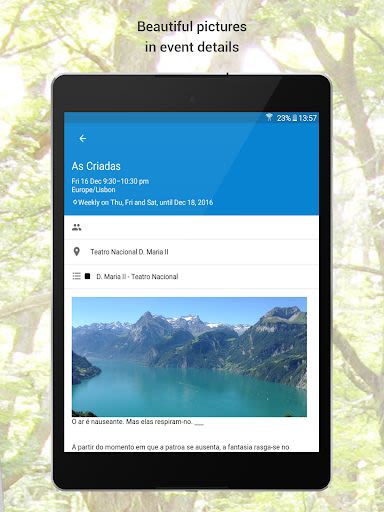
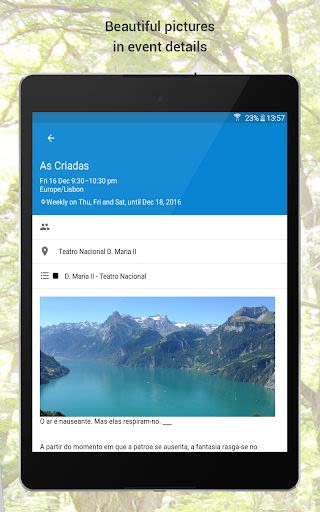
- Image and File Uploads (premium only): Enhance event details.
- Inline Image Display: Visualize events seamlessly.
- Time Zone Support: Stay organized across locations.
- Repeating Events: Simplify recurring schedules.
- Event Signup Support: Manage attendance effectively.
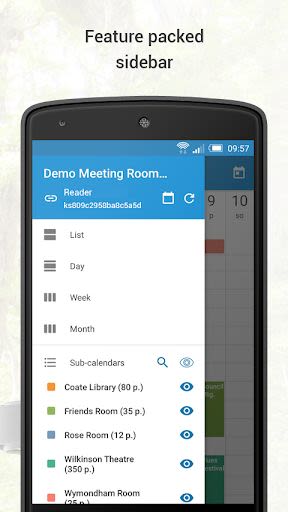
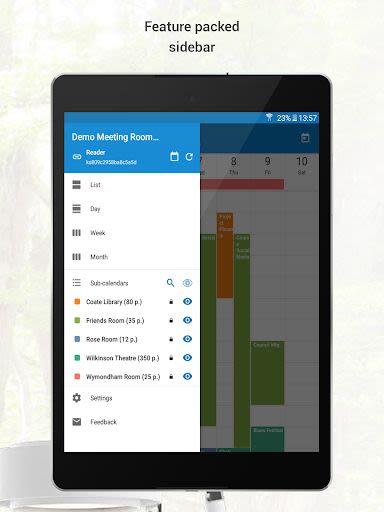
- Dashboard for Multiple Links: Access all calendars conveniently.
- Offline Access: Stay productive on the go.
- Cross-calendar Event Assignment: Streamline coordination.
- Additional Features: Explore more advanced functionalities on the web version, such as notification emails, daily agenda, iCalendar feeds, import/export options, and custom fields.
Benefits
- Organize diverse categories effortlessly.
- Collaborate effectively with team members.
- Stay updated on the go with mobile apps.
- Simplify event management with intuitive features.
Why Choose Teamup?
- User-Friendly Interface: Easy to navigate and create new calendars.
- Customizable Access: Control who sees what on your calendar.
- No User Accounts Required: Start organizing hassle-free.
- Seamless Mobile Integration: Access your calendar anytime, anywhere.
To get started with Teamup for Android, simply link to a web-based Teamup Calendar. Enter your calendar key or link into the Add Calendar screen upon launching the app. If you're new to Teamup, create your free calendar at teamup.com. Explore our tutorial for a detailed walkthrough and learn more at https://www.teamup.com/android/.
Take charge of your schedule with Teamup today!
Screenshots
Similar

Work from Home
Online Jobs & Startups

Acres: Land Data & Parcel Maps
Acres.co

Secure Gateway
ALSCO

ALSCO!
ALSCO

Hirect: Chat Based Job Search
Download now

PACK EXPO/Healthcare Packaging EXPO 2018
Map Your Show

Heritage Parts
Heritage Parts

Stripe Dashboard
Stripe, Inc.

TruckSmarter Load Board & Fuel
TruckSmarter

DScanner - Camera Scanner
CamSoft Information

JOB TODAY: Hire in 24 Hours
JOB TODAY S.A.

Blinq - Digital Business Cards
Blinq Technologies