
Shield Watch Face
4.10
-

Sprache
English
-

OS
Android
-

Developer
RichFace
-

#Version
1.3.8
App-Beschreibung
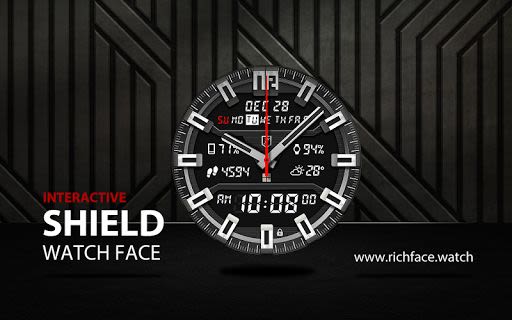
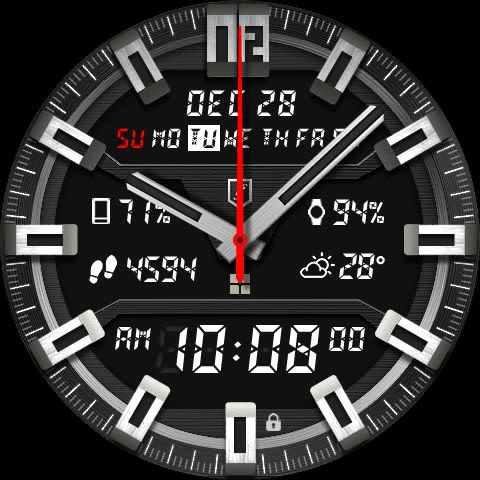
Discover the Ultimate Interactive Watch Face for Android Wear
Unleash the power of your Android Wear 5 device with our cutting-edge interactive watch face. Seamlessly blending digital and analog features, this watch face offers a Premium upgrade option for those seeking a truly enhanced experience. While the free version provides essential functionalities and a sleek design, the Premium version elevates your smartwatch game with a plethora of advanced features.
Key Features:
-
Free Version:
- ✔ Real-time weather updates
- ✔ Battery indicators for watch and phone
- ✔ Date display
- ✔ 24-hour time format
- ✔ Screen time control
-
Premium Version:
- ✔ Dual watch hands
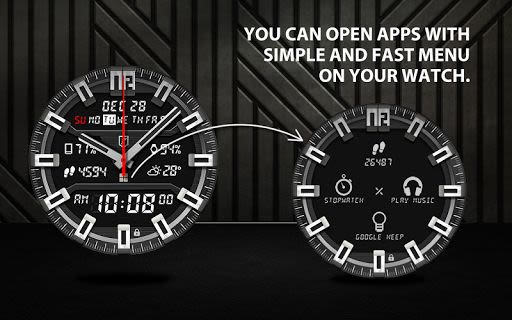
- ✔ Interactive menu with app shortcuts
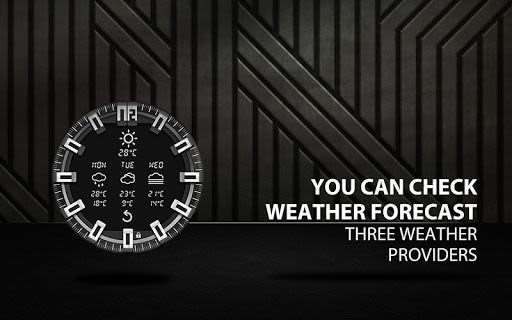
- ✔ 3-day weather forecast from 3 providers
- ✔ Automatic or manual weather location selection
- ✔ Integrated music player
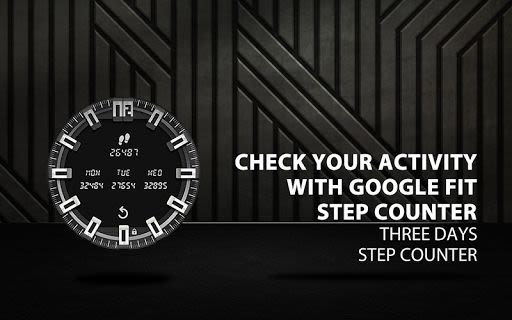
- ✔ Google FIT step counter with 3-day history
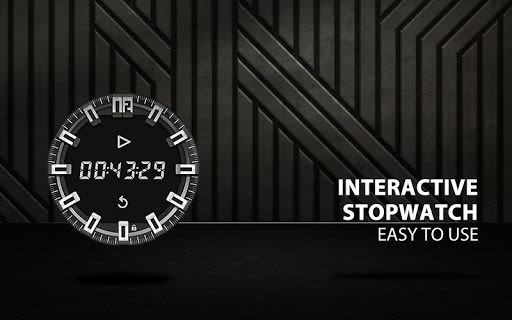
- ✔ Stopwatch functionality
- ✔ Weather and app shortcut indicators on the watch
- ✔ Quick access to various apps like Hangouts, Google Keep, Google Maps, and more
- ✔ Dynamic animations
- ✔ Full ambient mode support
- ✔ Smooth seconds display
- ✔ Customizable peek card options
- ✔ System indicator customization
- ✔ Ad-free experience
Benefits:
- Enjoy personalized settings via the companion app
- Stay informed with real-time weather updates
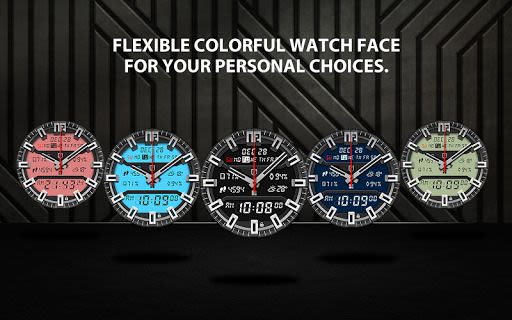
- Customize your watch face to match your style
- Access key features at a glance
- Enhance your productivity with quick app shortcuts
Why Choose This App:
- Elevate your Android Wear experience with advanced functionalities
- Seamlessly integrate essential tools into your watch face
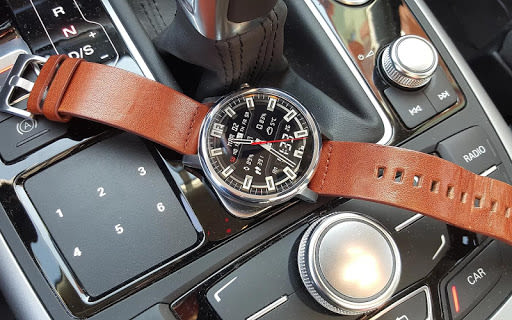
- Enjoy a sleek design with both digital and analog elements
Technical Information:
- Configuration available in the companion app
- Automatic or custom weather location settings
- Option to switch between smooth or tick seconds
- Control over screen time and weather update intervals
- Multiple ambient mode configurations
- Easy installation process
Compatibility:
- Compatible with all round and square watch faces
Elevate Your Android Wear Experience Today!
Experience the future of smartwatch technology by installing the Shield Watch Face. Simply follow these steps for a seamless setup:
- Install the app and run 'Resync app' on your Android Wear App.
- Long press your Android Wear watch and select Shield Watch Face as your preferred watch face.
Upgrade your smartwatch experience with the ultimate interactive watch face. Get the Shield Watch Face now and take your Android Wear device to new heights!
Screenshots
Similar

Analog Classic Watch Messa 100
Messa Watch

Color Phone - Nice Call Screen
Govo Tech by Volio

Arabic Wallpapers
Mahmoud Zadah

Concentric - Pixel Watch Face
WatchFace-Designs

Clean Digital
JH Watchfaces

Yoshion - Pic Collage Maker
Joseph Jenny

Minimal Basic 2 English
OQ Watchfaces

Beautiful wallpapers
Applications from a duck

Wear OS Watch Neon Shatte
GeorgKing

RE 03 - Digital Watch Face
RECREATIVE ® Watch Faces

Anime World Wallpapers
N.E.O.N STUDIO

Launcher iOS 16
LuuTinh