

Aard 2
-

Sprache
English
-

OS
Android
-

Developer
Igor Tkach
-

#Version
0.53
App-Beschreibung
Discover Aard 2 – Your Ultimate Dictionary and Offline Wikipedia Companion
Are you seeking a reliable dictionary and an offline Wikipedia reader all in one place? Look no further than Aard 2, the enhanced successor to Aard Dictionary. With a revamped user interface, improved dictionary storage format, and added features like bookmarks and history tracking, Aard 2 is your go-to resource for linguistic exploration.
Key Features
-
Lookup
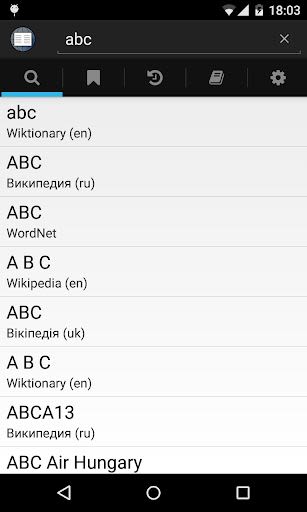
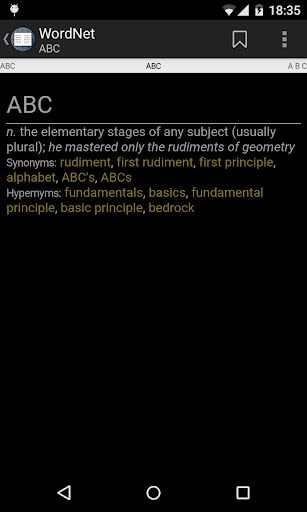
- Queries are case insensitive, punctuation, and diacritics friendly.
-
Bookmarks and History
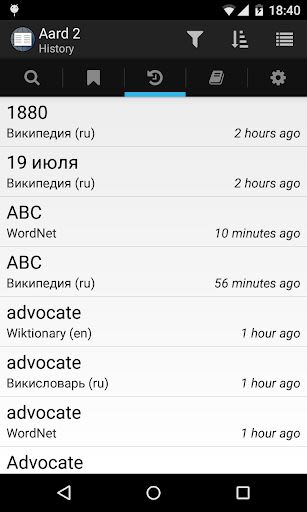
- Automatically track visited articles in the History tab.
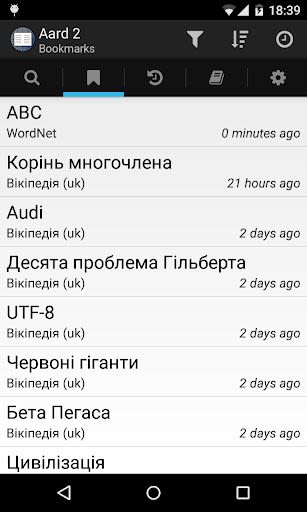
- Bookmark articles for quick access and organization.
-
Dictionary Management
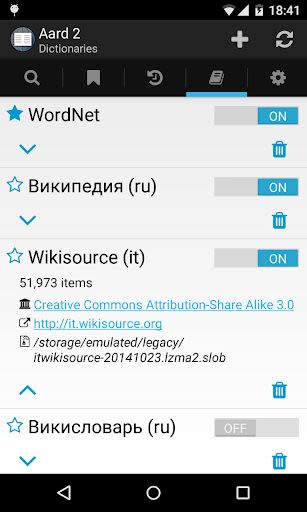
- Easily add dictionaries by scanning your device or manually selecting files.
- Customize dictionary order and activation for efficient word lookups.
-
Article Appearance
- Explore articles with built-in and custom style sheets for a personalized reading experience.
-
Math
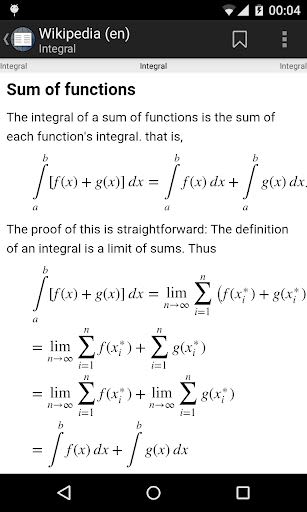
- Mathematical content is beautifully rendered with MathJax for optimal viewing.
-
Random Article
- Discover new content with a tap on the application logo for a random article from active dictionaries.
-
Volume Buttons Navigation
- Use volume buttons for seamless scrolling and navigation within articles.
-
Fullscreen Mode
- Enjoy immersive reading on Android 4.4 and newer devices with fullscreen viewing capability.
Benefits
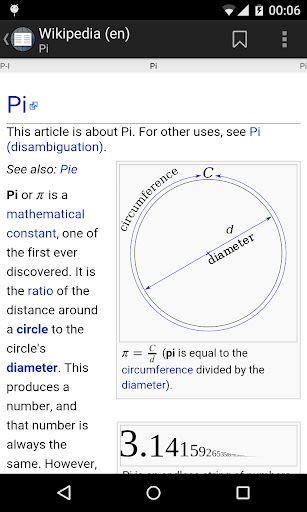
- Access a variety of dictionaries in multiple languages, including Wikipedia, Wiktionary, and more.
- Effortlessly manage bookmarks and history for quick reference.
- Customize article appearance with different style sheets.
- Seamlessly navigate through articles with intuitive controls.
- Enjoy offline access to content with no need for constant internet connectivity.
Why Choose This App
- User-friendly interface for easy navigation and exploration.
- Enhanced dictionary storage format for improved performance.
- Robust offline capabilities for on-the-go learning.
- Tailored reading experience with customizable styles and settings.
Technical Information
- Compatibility: Android devices (4.4 and newer)
-
Permissions:
-
android.permission.INTERNET: Required for the local embedded web server. -
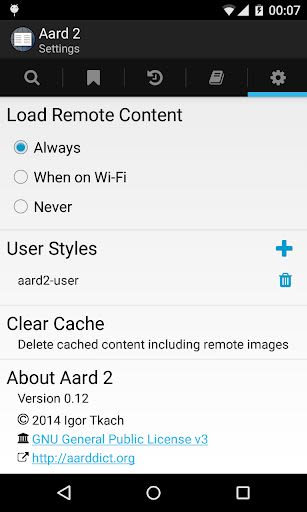
android.permission.ACCESS_NETWORK_STATE: Enables user control over loading remote content. -
android.permission.READ_EXTERNAL_STORAGEandandroid.permission.WRITE_EXTERNAL_STORAGE: Necessary for accessing dictionary files.
-
Unleash the power of knowledge with Aard 2. Start your linguistic journey today – download now!
Note: Visit http://aarddict.org for dictionary downloads and further information.
Screenshots
Similar

Pray Daily - KJV Bible & Verse
WOOMBIT

Holy Bible KJV - Audio+Verse
Kala Pte. Ltd.

MapGenie: TOTK Map
Map Genie

King James Bible
BristineTech

HeyNovel
CHEEREAD LIMITED

WayRead - Fantastic Fictions
Mr. Romance’s Studio

What Story
OWO MEDIA PTE. LTD.

MooReader
Brandi Burnett

FavorNovel - Story, Web novels
HK IReader Technology Limited

Daily Bible Verses
Christian Quotes and Verses

The Holy Catholic Bible
Bible Now Group

MapGenie: Diablo 4 Map
Map Genie