
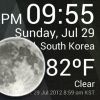
Weather Clock Widget
3.90
-

Sprache
English
-

OS
Android
-

Developer
CORE TECHNOLOGY
-

#Version
1.9.8.3-30
App-Beschreibung
Discover Time and Weather with Ease
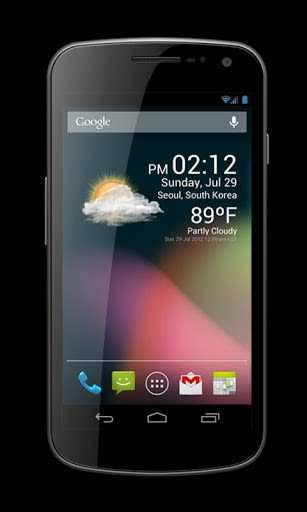
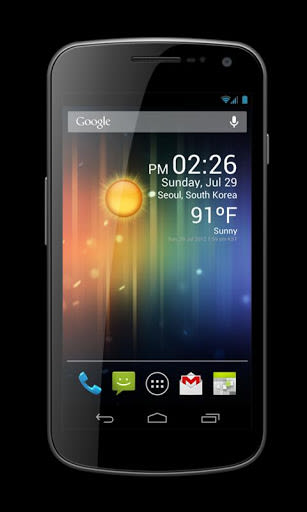
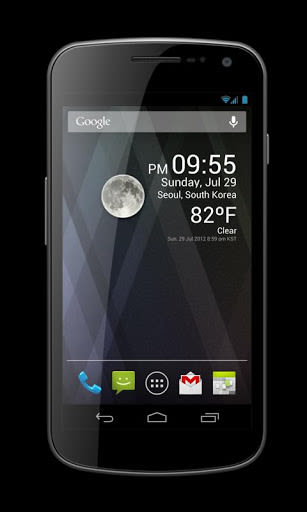
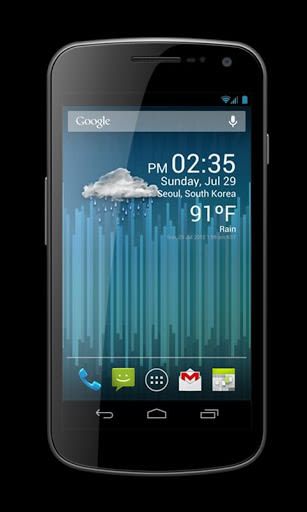
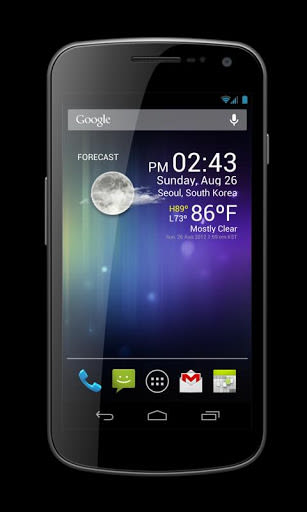
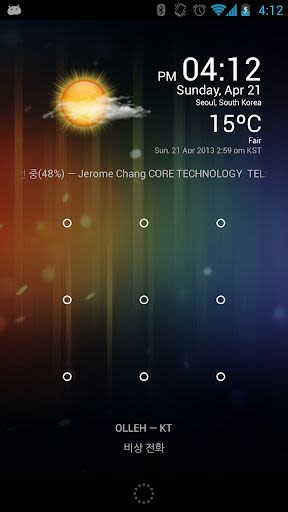
Are you looking for a simple and efficient way to stay updated on the current time and weather conditions? Look no further than Weather Clock Widget – a sleek and fast app designed to enhance your Android experience without draining your device's battery.
Key Features:
- Replacement lock screen clock widget for Android 4.2+
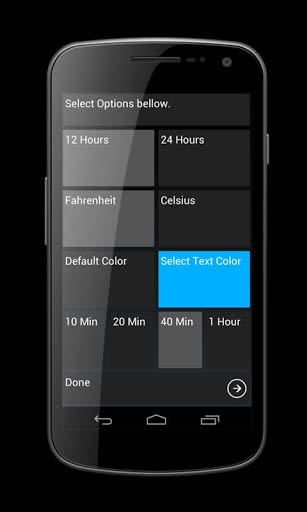
- Easy customization and addition to your lock screen
- Option to set as the primary lock screen widget
- Forecast toggle for quick weather updates
- Minimal battery usage for prolonged functionality
Benefits:
- Instant access to time and weather information
- Customize your lock screen effortlessly
- Preserve battery life while staying informed
- Seamless integration with Android devices
Why Choose This App:
Weather Clock Widget stands out for its user-friendly interface and low power consumption, making it a must-have tool for those seeking timely weather updates without compromising on performance.
Before diving into the app, ensure proper configuration by enabling GPS satellites in your device's settings:
- Settings -> Location services -> GPS satellites enable
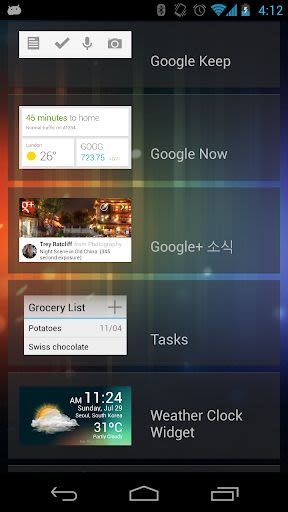
To add the widget to your home screen, follow these simple steps:
- Touch and hold an empty section of your home screen
- Select "Widgets"
- Choose the desired widget and place it on your home screen
- Enjoy quick access to weather information with a single touch
For detailed instructions, visit Google Nexus Support.
Don't miss out on the convenience of having time and weather updates at your fingertips. Download Weather Clock Widget now and stay informed effortlessly!
Compatible with Android 4.2 and above. Ensure GPS satellites are enabled for accurate weather data.
Screenshots
Videos
Similar

13abc First Warning Weather
Gray Digital Media

Weather Forecast: Live Weather
Weather Forecast - WaiWao Studio

Flying Superhero Robot Superhero Rescue Mission
Maxxido Games

Tropical Hurricane Tracker
JPL Technical Solutions

Wild Animal Hunter-New Dino Hunting Games
Games Cloud

Local Weather Forecast - Accurate Weather & Alert
Enjoy Life Studio

Weather Forecast - Local Weather Alerts - Widget
Vitality App Studios

Z Weather - Weather Forecast & Radar & Widget
Z APPs

KWTX Weather
Gray Digital Media

Boo Weather
Weather Creative Inc.

ANN Weather
Alabama News Network 1

WAAY Weather
Heartland Media