

Parental Control Kroha - screen time & kids mode
4.10
-

Sprache
English
-

Developer
Parental Control Kroha
-

#Version
3.4.3
App-Beschreibung
Parental Control Directory Listing App
Welcome to the ultimate parental control app for Android designed to safeguard children and provide comprehensive supervision to ensure their safety online. Our app offers a robust suite of features to empower parents in managing their kids' digital activities effectively.
Key Features:
-
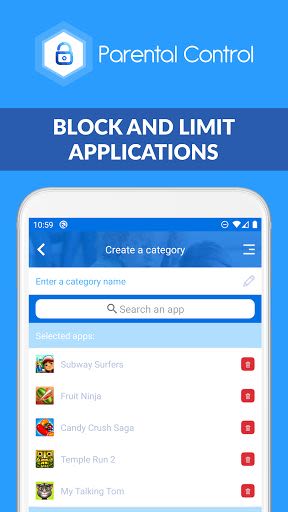
App & Phone Lock:
- Block apps and games
- Limit app and social media usage
- Set schedules for family time and study hours
-
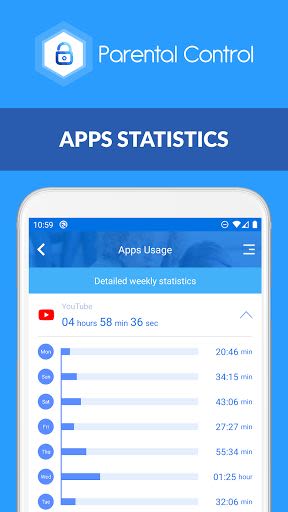
Screen Time Management:
- Detailed view of daily phone usage
- Set daily app time limits
- Monitor app usage statistics
-
Social Media Chat Monitoring:
- Track messengers like WhatsApp and Viber
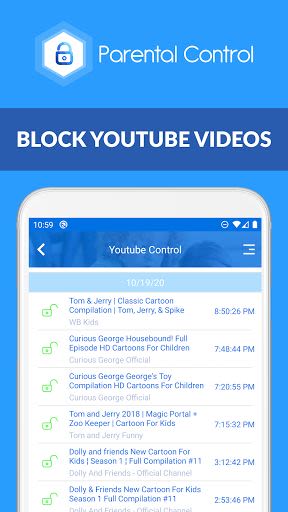
- Monitor YouTube activity
-
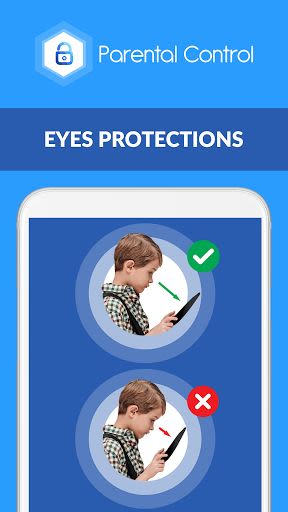
Eyes Protection & Night Mode:
- Protect eyes with Night Mode
- Ensure correct screen distance for eye health
-
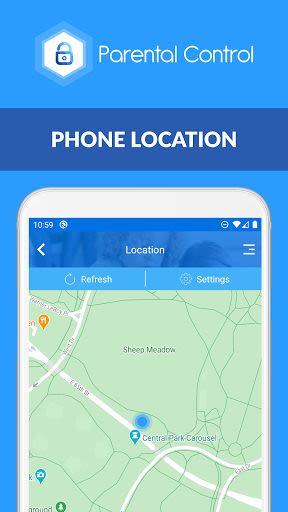
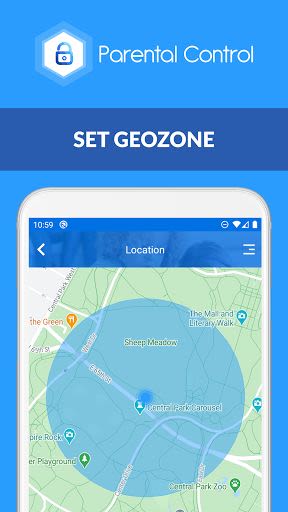
Family Locator & GPS Tracking:
- Real-time location monitoring
- Geo-zone alerts
-
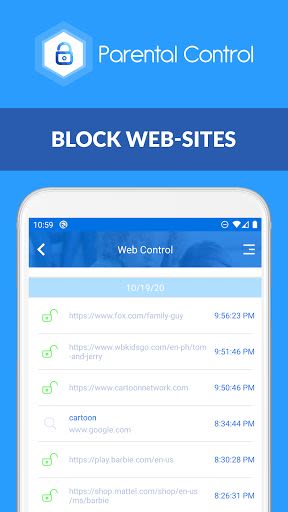
Website & YouTube Controls:
- Monitor visited websites
- Block harmful content and videos
- Enable Safe Search
Benefits:
- Promote healthy habits for kids' eyes
- Enhance family ties by reducing screen time
- Ensure child safety online
Why Choose This App:
- Comprehensive parental control features
- Real-time monitoring and alerts
- Easy-to-use interface for seamless control
Compatibility:
- Compatible with Android devices
- Requires network data capability
Installation Instructions:
- Install the app on your smartphone and your child's device(s).
- Link all family devices to a single account for centralized control.
- Ensure devices have network data capability for remote management.
Use our "Parental Control apps Kroha - Screen time & Kids Mode" to strengthen family bonds and create device-free quality time together.
Price:
- One-year license includes control of up to five family devices
- Operates in Parent mode or Kids mode
Check subscription details here.
Feedback & Support:
For any queries or assistance, reach out to our support team at [email protected].
Troubleshooting Notes:
- Configure Battery Saving Settings on your child's phone for optimal performance.
Permissions:
- Device Administrator permission required
- Accessibility services utilized for enhanced functionality
Empower yourself with our parental control app and ensure your child's safety and well-being in the digital world. Take control today!
Screenshots
Similar

Bedtime Stories for your Kids
Simka

Parents
All About Parenting

Sleepy Baby - White Noise
Fabrikod

Sleep Nanny: Baby Monitor Pro
Smart Sensor Lab

Easy Baby Photo Editor
dotori304

SPORT iD the Player Safety app
SPORT iD

Baby Shopping Checklist (Upgraded!)
BeantownLoner

Christian Hypnobirthing
Christian Hypnobirthing Ltd

theAsianparent: Track Pregnancy & Count Baby Kicks
theAsianparent - largest pregnancy & parenting app

Nara Baby Tracker
Nara Organics

Solid Starts: Introducing Real Food to Babies
Solid Starts

Ovulation Calendar & Fertility
Arbor Ltd