
Digital Monster Watch Face
4.00
-

Sprache
English
-

OS
Android
-

Developer
RichFace
-

#Version
2.0.3
App-Beschreibung
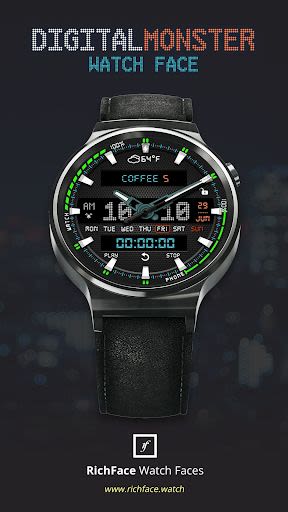
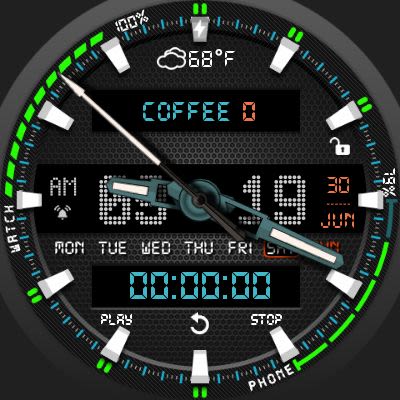
Digital Monster Watch Face for Android Wear
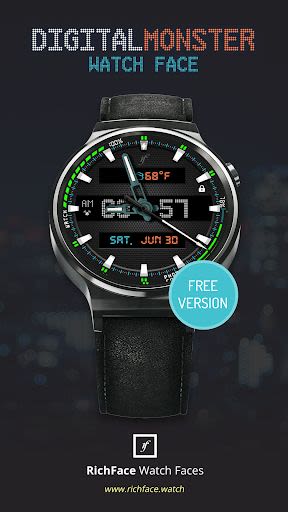
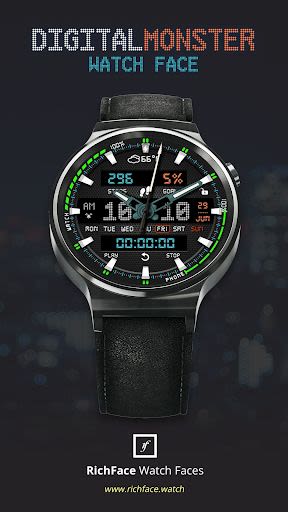
Digital Monster Watch Face for Android Wear is a visually striking timepiece offering a blend of digital aesthetics and interactive features. Designed to captivate, this watch face boasts extensive customization options accessible both on the watch itself and via the companion app on your phone. Embracing the latest in wearable technology, the app seamlessly integrates with Android Wear 2.0, including external complication support.
Key Features:
-
Android Wear 2.0 Integration:
- Fully compatible with Android Wear 2.0.
- Standalone functionality for both iPhone and Android devices.
- External complication data for enhanced indicators.
-
Compatibility:
- Compatible with all Android Wear watches.
- Free version available with basic features.
-
Free Version Complications:
- Phone battery indicator.
- Watch battery indicator.
-
Free Version Options:
- Color customization.
- 24-hour format.
- Various card styles.
- Smooth seconds display.
- Screen time settings.
-
Paid Version Enhancements:
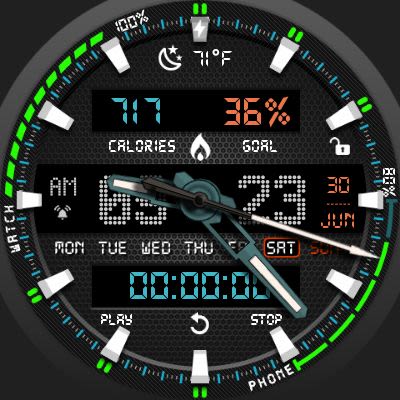
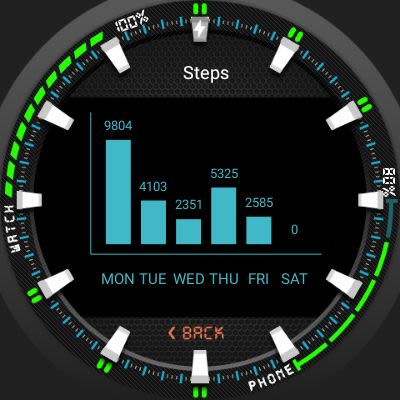
- Additional built-in complications (e.g., steps, distance, fitness stats).
- Vibration alert on every hour.
- Extended customization options for a premium experience.
-
Paid Version Options:
- Expanded color choices.
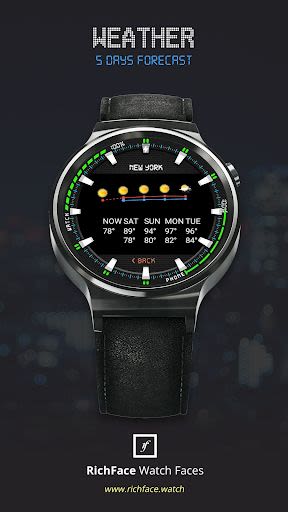
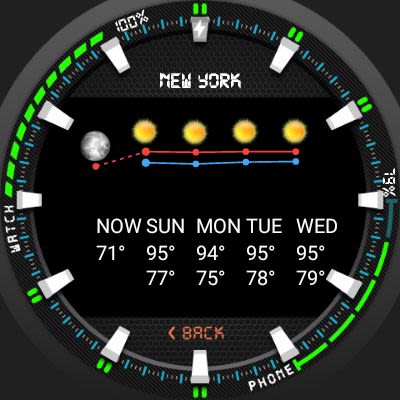
- Forecast display.
- Full ambient mode support.
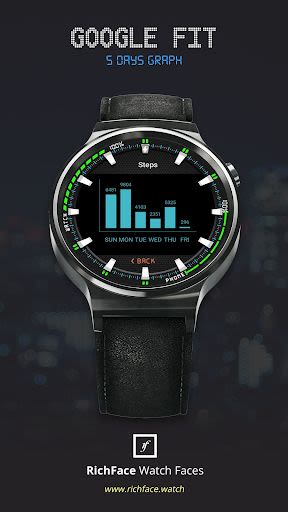
- Google FIT integration.
- Detailed weather settings.
Benefits:
- Personalize your watch face to match your style.
- Stay informed with essential data at a glance.
- Enhance your wearable experience with advanced features.
- Seamlessly integrate health and fitness tracking into your daily routine.
Why Choose This App:
- Comprehensive customization for a unique look.
- Reliable performance across various Android Wear devices.
- Premium features to enrich your smartwatch experience.
How to Install:
Android Wear 2.0:
- Download from Google Play Wear Store on your watch.
- Install the companion app for advanced customization on your Android phone.
Android Wear 1.0:
- Install the app and run 'Re-sync app' from the Android Wear app.
- Select Digital Monster Watch Face as your watch face through the Android Wear app or on your watch.
For any queries or assistance, contact us at [email protected].
Permissions Explained:
For details on permissions, visit Privacy Policy.
Don't miss out on transforming your Android Wear watch into a digital masterpiece. Download Digital Monster Watch Face now!
Screenshots
Similar

Analog Classic Watch Messa 100
Messa Watch

Color Phone - Nice Call Screen
Govo Tech by Volio

Arabic Wallpapers
Mahmoud Zadah

Concentric - Pixel Watch Face
WatchFace-Designs

Clean Digital
JH Watchfaces

Yoshion - Pic Collage Maker
Joseph Jenny

Minimal Basic 2 English
OQ Watchfaces

Beautiful wallpapers
Applications from a duck

Wear OS Watch Neon Shatte
GeorgKing

RE 03 - Digital Watch Face
RECREATIVE ® Watch Faces

Anime World Wallpapers
N.E.O.N STUDIO

Launcher iOS 16
LuuTinh