

Icon Changer
4.40
-

Language
English
-

OS
Android
-

Developer
Any Studio
-

#Version
1.6.5
App Description
Icon Changer: Transform Your Android Experience
Welcome to Icon Changer, your ultimate tool for revamping the look and feel of your Android device with ease. Say goodbye to mundane app icons and hello to a world of customization possibilities. Whether you want a fresh new look or simply crave a personalized touch, Icon Changer has got you covered.
Key Features:
- Completely free and user-friendly icon replacement app.
- Utilizes Android system shortcuts for seamless icon customization.
- Offers a vast selection of built-in icons and styles.
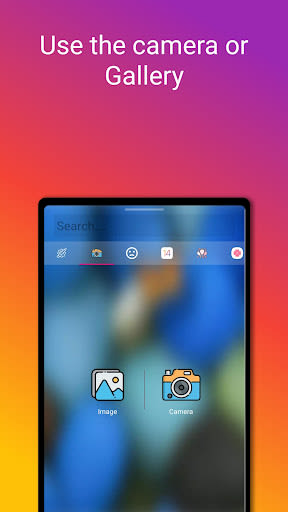
- Option to choose icons from the gallery or capture new ones using the camera.
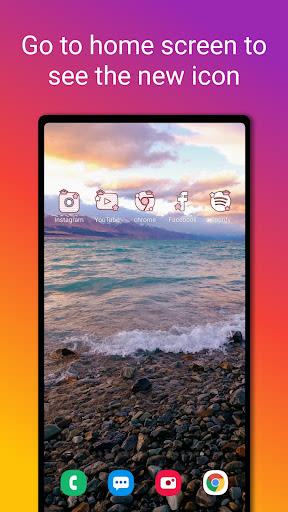
- Instantly creates shortcuts with new icons on your home screen.
How to Use:
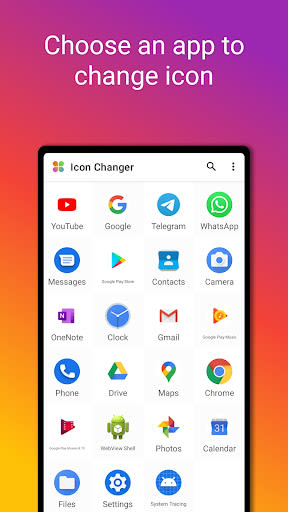
- Open Icon Changer.
- Select the application you wish to customize.
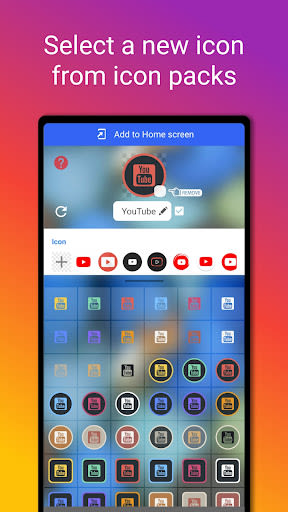
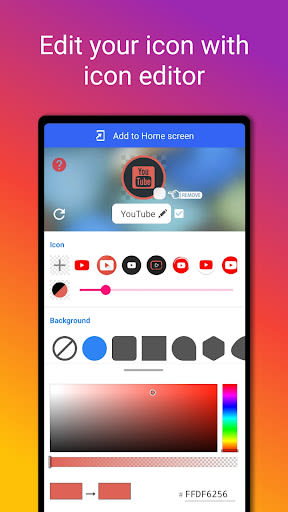
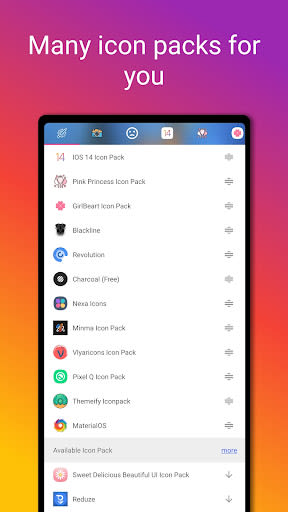
- Browse and pick a new image from the icon library, gallery, or third-party packs.
- Edit the application name if desired.
- View your fresh shortcut icons on the home screen.
About Watermark:
Some systems may add a watermark to the shortcut icon. Our method ensures a watermark-free icon change without complex widget use. To remove a watermark:
- Long press on your phone's home screen and select "Widget" from the menu.
- Locate Icon Changer in the widget list, hold, and drag it to your launcher.
- Customize your icon hassle-free.
Enhance your Android experience and make your device truly yours with Icon Changer. Elevate your device's aesthetics effortlessly!
Compatibility: Compatible with Android devices.
Technical Requirements: Requires Android OS.
Experience a seamless icon transformation today. Download Icon Changer now!
Screenshots
Similar

Analog Classic Watch Messa 100
Messa Watch

Color Phone - Nice Call Screen
Govo Tech by Volio

Arabic Wallpapers
Mahmoud Zadah

Concentric - Pixel Watch Face
WatchFace-Designs

Clean Digital
JH Watchfaces

Yoshion - Pic Collage Maker
Joseph Jenny

Minimal Basic 2 English
OQ Watchfaces

Beautiful wallpapers
Applications from a duck

Wear OS Watch Neon Shatte
GeorgKing

RE 03 - Digital Watch Face
RECREATIVE ® Watch Faces

Anime World Wallpapers
N.E.O.N STUDIO

Launcher iOS 16
LuuTinh