

Adobe Photoshop Fix
4.20
-

Language
English
-

OS
Android
-

Developer
Adobe
-

#Version
1.1.0
App Description
Image Retouching & Restoration Made Easy with Adobe Photoshop Fix
In a world where visual perfection matters, Adobe Photoshop Fix stands out as the go-to solution for powerful yet effortless image retouching and restoration directly on your Android device. Whether you need to heal imperfections, smooth skin, liquify features, or adjust lighting, this app empowers you to achieve the exact look you desire with precision and ease.
Key Features
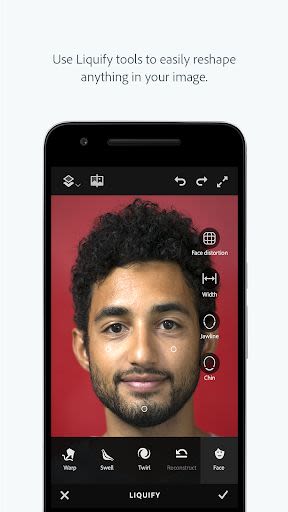
- Face-aware Liquify: Easily make dramatic edits to facial features for that perfect portrait.
- Liquify Tool: Push, pull, rotate, or reshape any area for subtle or drastic effects.
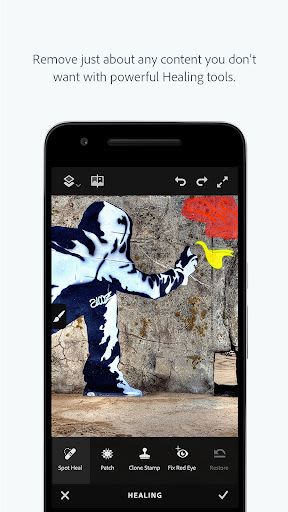
- Heal and Patch: Fix imperfections seamlessly by blending content from surrounding areas.
- Smooth Tool: Paint to smooth or sharpen skin, landscapes, or other elements effortlessly.
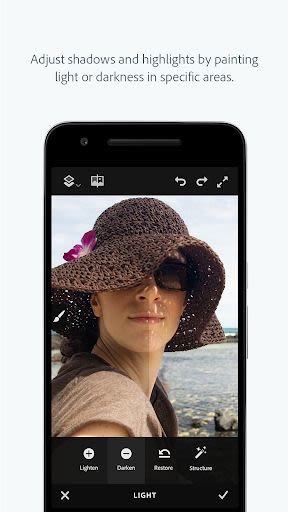
- Lighten and Darken: Add or remove light from specific parts of your photos for enhanced impact.
Benefits
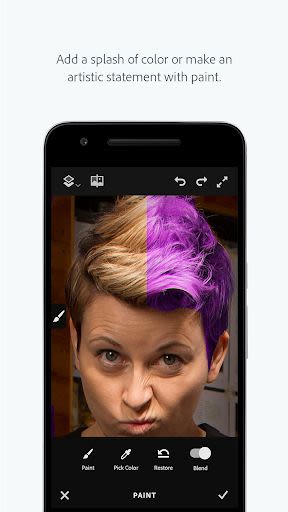
- Access essential editing tools like color adjustments, painting effects, vignettes, and defocusing.
- Seamlessly transfer edited images to Photoshop CC on desktop for further enhancements.
- All edits are converted to layers and saved as PSD files for advanced editing capabilities.
Why Choose This App
Adobe Photoshop Fix is not just a standalone tool; it seamlessly integrates with Adobe Creative Cloud, allowing you to access your edited photos across various Adobe apps for a cohesive creative workflow.
Get Connected to Creative Cloud
Love photography? Explore the Creative Cloud Photography plan offering Lightroom and Photoshop, the ultimate editing tools. Sync your edits across devices and refine your images effortlessly.
Don't miss out on other free Adobe apps like:
- Photoshop Mix: Combine elements from different images and apply effects on the go.
- Lightroom Mobile: Capture, edit, and share professional-quality images from your mobile devices.
- Photoshop Express: An easy-to-use photo editor with a range of effects and filters.
Technical Requirements
To unleash the full potential of Adobe Photoshop Fix, an internet connection and an Adobe ID are required. Simply sign up for a free Adobe ID within the app to enjoy online services and seamless synchronization across your devices.
Note: Adobe online services are subject to age restrictions and additional terms. Check Adobe's online privacy policy for more information.
Enhance your images, unleash your creativity, and elevate your photography game with Adobe Photoshop Fix. Download now and transform your visuals like a pro!
Make every pixel perfect with Adobe Photoshop Fix.
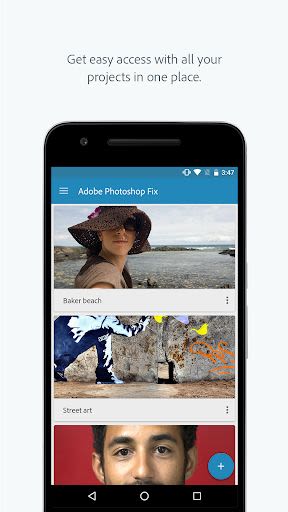
Screenshots
Similar

Becoco: Selfie Camera & Editor
changpeng

Time Warp Scan - Face Scanner
Voice Text
Time Warp Scan: Face Scanner
9appstech

PhotoFix: Enhance Photo Editor
vyro.ai

Time Warp Scan - Face Scan
Photo Collage & Grid - Foto Grid

Cartoon Face: AI Photo Editor
Photo Editor Perfect Corp.

Happy New Year Photo Frame2023
Appwallet Technologies

Photo frame, Photo collage
lsla smart tool

Fantasy - AI Art Generator
NFT Art Marker Studio

Cartoon Yourself, Toon Face
TikiP Studio

Foto Grid: Photo Collage &Grid
HARDSTONE PTE. LTD

Beauty Camera X - Selfie Camera, Photo Editor
Beauty Apps Studio