

El Pose 3D
3.20
-

Language
English
-

OS
Android
-

Developer
Agas Creative
-

#Version
1.0.7
App Description
Discover El Pose 3D: Your Ultimate Character Posing Companion
Introduction:
Welcome to El Pose 3D, the ultimate character model posing tool powered by a cutting-edge 3D engine. Whether you're looking to create a quick custom pose or refine it to perfection, El Pose 3D offers a seamless experience for all your artistic endeavors.
Key Features:
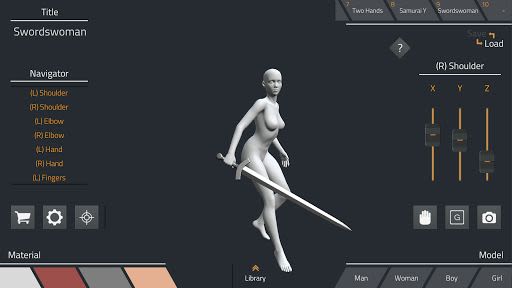
- Responsive Control and Navigation: Effortlessly maneuver your character models with precision.
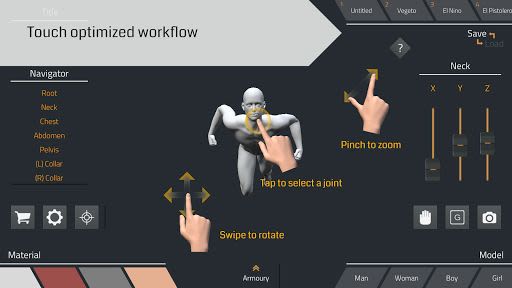
- Touch-Optimized Workflow: Enjoy a user-friendly interface tailored for smooth interactions.
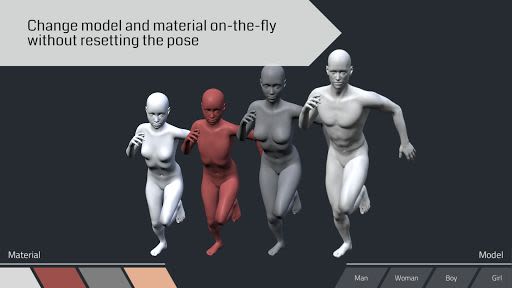
- On-the-Fly Model and Material Changes: Easily switch models and materials without losing your pose.
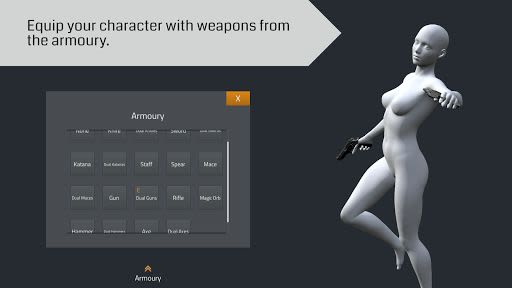
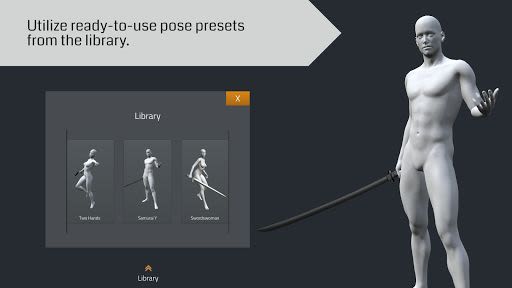
- Armoury and Library: Access a wide array of weapons and ready-to-use pose presets.
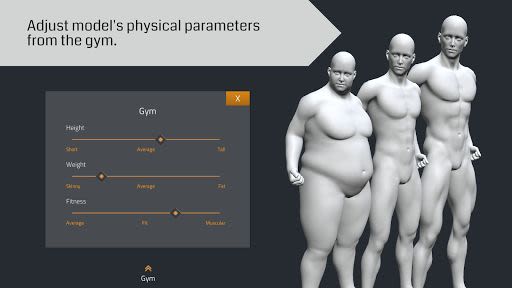
- Gym for Model Adjustments: Fine-tune your model's height, weight, and fitness parameters.
- Anatomy Accuracy: Ensure realistic joint bends for various body parts.
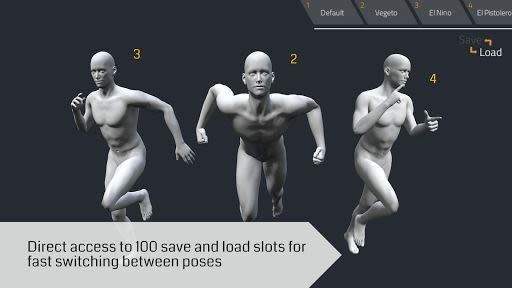
- Ample Pose Storage: Save up to 100 poses for quick access.
- High-Quality Screenshots: Capture and export screenshots in up to 6K resolution.
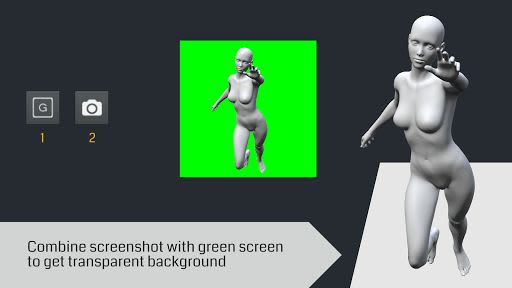
- Green Screen Support: Seamlessly create transparent backgrounds for your creations.
Benefits:
- Ideal for character design, illustration, shading practice, and more.
- Perfect for artists seeking inspiration and perspective checks.
- Streamline your anime, manga, or comic storyboard creation process.
- Enhance visual novel drafts and artistic projects effortlessly.
Why Choose El Pose 3D:
- Unparalleled ease of use for both beginners and experienced artists.
- Comprehensive features for diverse artistic needs.
- Stay organized with quick access to pose presets and storage.
Compatibility and Technical Details:
- Compatibility: Works on iOS and Android devices.
- Storage: Screenshots saved to "ElPose3D" folder in internal storage.
- Permissions: Enable storage permission in your device settings for full functionality.
FAQ:
- Screenshot Storage: Screenshots saved in the "ElPose3D" folder in internal storage.
- Troubleshooting: Enable storage permission in your device settings.
Contact Us:
For any inquiries, reach out to our developers at [email protected]. Experience the future of character posing with El Pose 3D now!
Enhance your artistic journey with El Pose 3D – Pose, Create, Inspire!
Screenshots
Similar

Logo Maker And Logo Creator 3D
Splaish Studio

AI Photo
toolsmeta

Photo AI
Brilliant Games Private Ltd.

Interior Design AI Home Decor
Identifier Studio

T Shirt Design-Custom T Shirts
Custom Design Apps

Logo Maker: Logo Creator App
Dzine Media Apps

Mehndi Designs Offline
Blue Brain Technologies

😜 FLORK sticker for whatsapp - WAStickerApps
Devmias Studio

Gaming Logo Maker: Esport Logo
AZ Mobile Software

SVG Design Space For Cricut
CA Publishing

Maskot - Gaming Logo Maker
Artico Apps

Loogy - Graphic Design Pro
Artoon Games