

Cricut Joy
3.60
-

Language
English
-

OS
iOS, Android
-

Developer
Cricut
-

#Version
2.3.2
App Description
Discover Easy DIY Projects with Cricut Joy Companion App
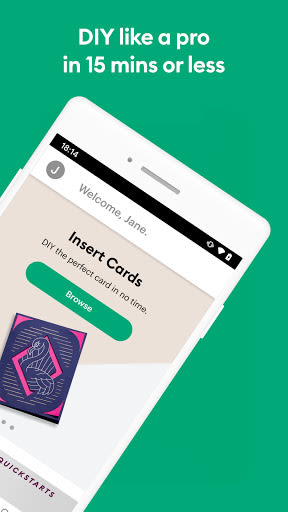
Unleash your creativity effortlessly with the Cricut Joy companion app tailored for Cricut Joy smart cutting machines. Dive into quick and delightful DIY projects like cards, labels, stickers, and iron-on transfers in just 15 minutes or less. With a seamless user experience, this app eliminates the learning curve, allowing you to start creating right away.
Why Choose This App
- Simple & Quick: Create stunning projects in minutes without any hassle.
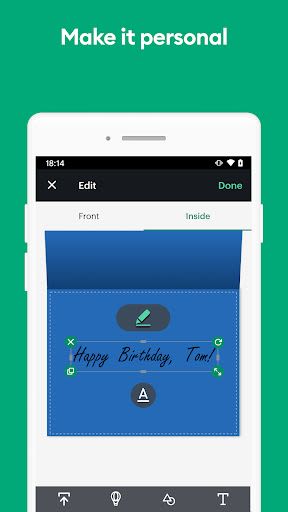
- Personalization: Design your own cards, labels, stickers, and more for a personal touch.
- Guided Design Experience: Easily navigate through size, shape, style, font, and color options for your projects.
Key Features
-
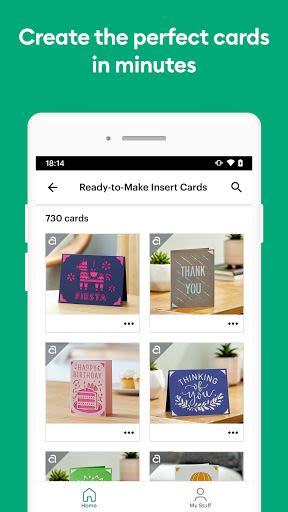
Insert Cards:
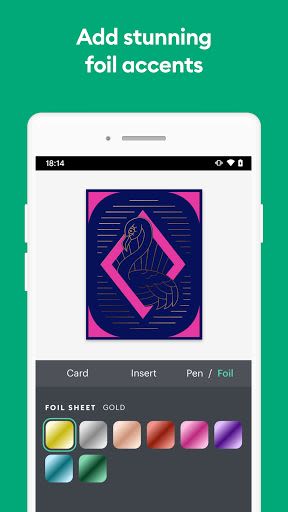
- Choose from a variety of designs or create your own with foil accents.
-
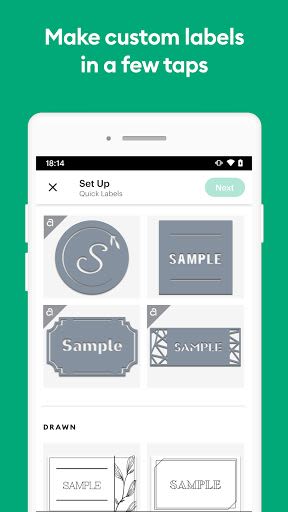
Quick Labels:
- Professionally designed label styles with customizable text and colors.
-
Vinyl Stickers & Decals:
- Decorate various surfaces with ready-to-use images or your own designs.
-
Iron-On & Infusible Ink Heat Transfers:
- Customize clothing and accessories with unique designs.
-
Paper Crafts:
- Design gift tags, cupcake toppers, and more with ease.
Benefits
- Access to a wide range of greeting card designs, label shapes, fonts, and images.
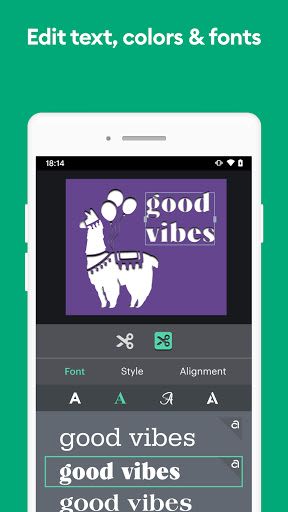
- Effortlessly edit colors, font styles, and project elements.
- Real-time preview and easy project management features.
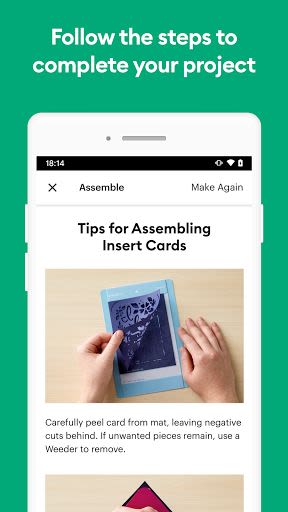
- Convenient step-by-step assembly instructions for seamless crafting.
What Can You Make?
- Greeting Cards: Personalized cards with foil accents.
- Quick Labels: Customizable labels for various purposes.
- Vinyl Stickers & Decals: Decorate surfaces with ease.
- Iron-On & Infusible Ink Heat Transfers: Create custom designs for apparel.
- Paper Crafts: Craft gift tags, cupcake toppers, and more effortlessly.
Technical Information
- Compatible with Cricut Joy machines only.
- For complex projects, refer to the full-featured Cricut Design Space app.
- Activate your Cricut Joy machine at cricut.com/setup before using the app.
About Cricut Joy
Discover the smart cutting and writing capabilities of Cricut Joy, ideal for personalizing everyday items with precision. From cutting popular materials to flawless writing and drawing, Cricut Joy adds a touch of customization to your daily routine.
Need Help?
For any assistance, reach out to Cricut Member Care via chat, call, or email at help.cricut.com.
The Fine Print
Ensure compliance with the terms of use outlined at cricut.com/legal. Dive into the world of effortless DIY creations with the Cricut Joy companion app today!
Screenshots
Similar

Logo Maker And Logo Creator 3D
Splaish Studio

AI Photo
toolsmeta

Photo AI
Brilliant Games Private Ltd.

Interior Design AI Home Decor
Identifier Studio

T Shirt Design-Custom T Shirts
Custom Design Apps

Logo Maker: Logo Creator App
Dzine Media Apps

Mehndi Designs Offline
Blue Brain Technologies

😜 FLORK sticker for whatsapp - WAStickerApps
Devmias Studio

Gaming Logo Maker: Esport Logo
AZ Mobile Software

SVG Design Space For Cricut
CA Publishing

Maskot - Gaming Logo Maker
Artico Apps

Loogy - Graphic Design Pro
Artoon Games