

eufy Clean(EufyHome)
4.40
-

Language
English
-

OS
Android
-

Developer
Anker
-

#Version
2.15.0
App Description
eufy Clean - Your Gateway to Smart Home Control
Welcome to eufy Clean, the ultimate solution for managing your Eufy smart home devices effortlessly. With eufy Clean, you can take full control of your smart home gadgets from anywhere, ensuring a seamless and personalized experience for you and your family members.
How to Use eufy Clean:
-
Registering Your Account:
- Download the app and create a new account using your email address. Alternatively, log in directly with your EufyLife account.
-
Adding Devices:
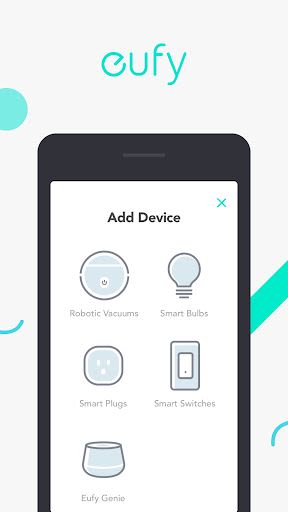
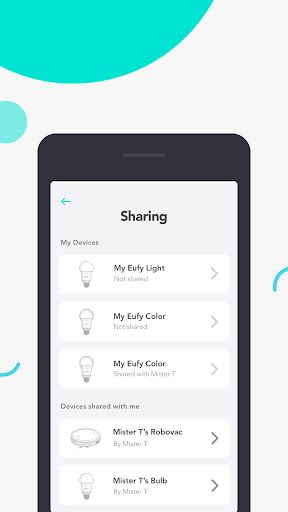
- Open the eufy Clean app and easily pair new devices with your smartphone through a simple setup process. If a device is already connected by another family member, you can request access to operate it.
-
Using Devices:
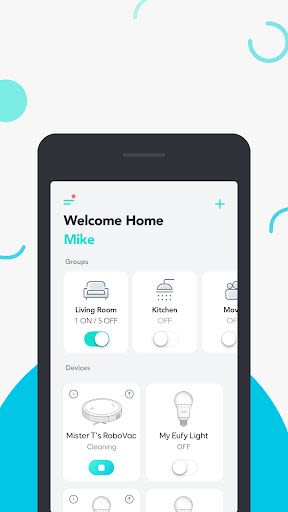
- Once you've successfully paired a new device, it will appear in your device list. Simply tap on the desired icon to start enjoying the full potential of your Eufy smart home setup.
Contact Us:
- Email: [email protected]
- Website: eufylife.com
- Facebook: @EufyOfficial
Key Features:
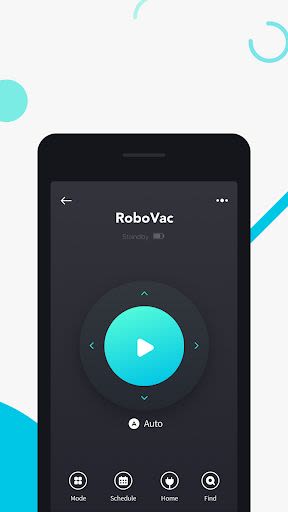
- Remote control of Eufy smart home devices.
- Seamless sharing of devices with family members.
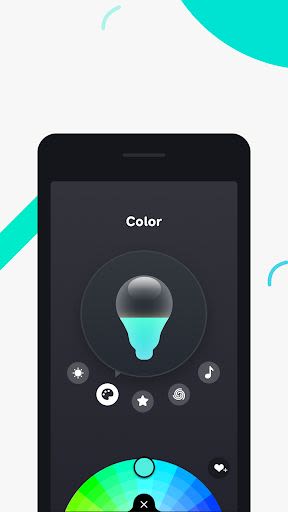
- Personalized settings for each device.
Benefits:
- Manage your smart home from anywhere.
- Customize preferences for a tailored experience.
- Easy setup and intuitive interface for hassle-free control.
Why Choose eufy Clean:
- Effortless device management for the whole family.
- Stay connected to your smart home ecosystem on the go.
Compatibility: iOS & Android Technical Requirements: Requires iOS 10.0 or later. Compatible with iPhone, iPad, and iPod touch.
Experience the future of smart home living with eufy Clean. Download now and elevate your home automation experience like never before.
Screenshots
Similar

Wingman: AI Dating Assistant
Vert Media

TenderBang: Dating for Locals
Tender Meetups App

Real Life Network
RealLife Network

Bible for woman + audio
biblia1960

Lalo
Lalo

American Greetings Ecards
American Greetings

Spirit Box Ghost EVP P-GB11
Marcus Ferron

Discotech: VIP Bottle Service, Guest List, Tickets
Discotech, Inc.

Frontdoor
frontdoor

Quran Majeed – Holy Quran
Gwal Apps

Row Counter - Knit and Crochet
Annapurnapp Technologies

RIZZ
TrendIt