

App Locker | Best AppLock
4.50
-

Language
English
-

OS
Android
-

Developer
Mega Fortuna
-

#Version
6093r
App Description
⭐️⭐️⭐️ Protect Your Privacy with App Lock - The Ultimate Solution with Fingerprint Support ⭐️⭐️⭐️
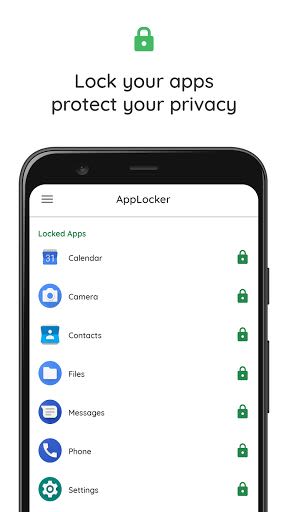
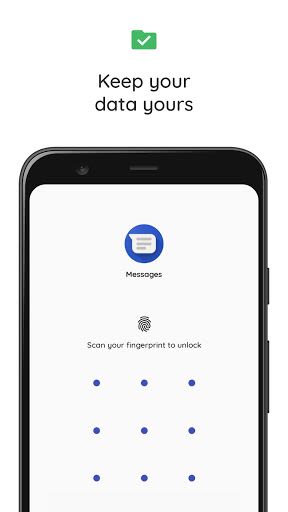
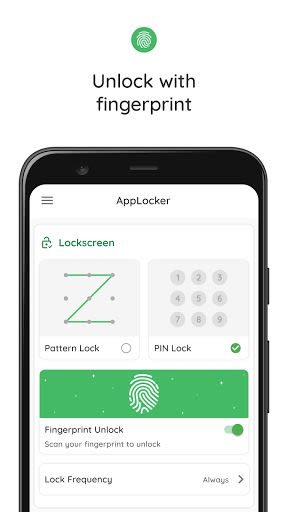
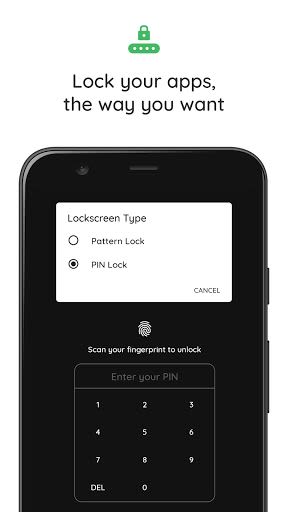
In a world where privacy is paramount, our free App Lock offers unrivaled protection for your sensitive information. Safeguard apps like WhatsApp, Facebook, Gallery, and more with ease. Now, experience the added security of locking your apps using fingerprint scanner support!
Key Features:
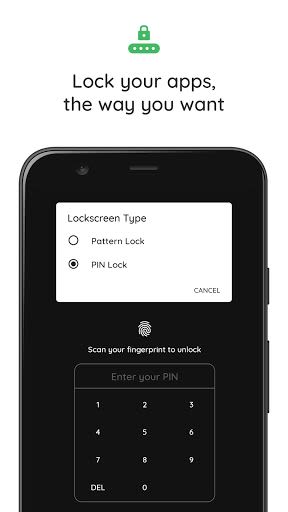
- Advanced App Lock: Secure your personal data with a robust yet user-friendly lock pattern.
- Efficient Performance: Our AppLock is the lightest on Google Play Store, ensuring minimal impact on your device's resources.
- Social Apps Security: Protect messaging and social apps to maintain the sanctity of your online interactions.
- Gallery Lock: Safeguard your photos and videos from prying eyes by locking gallery and photo apps.
- Free to Use: Enjoy all these features and more without any cost – our app is always free!
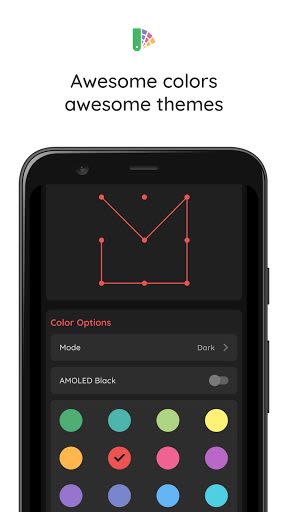
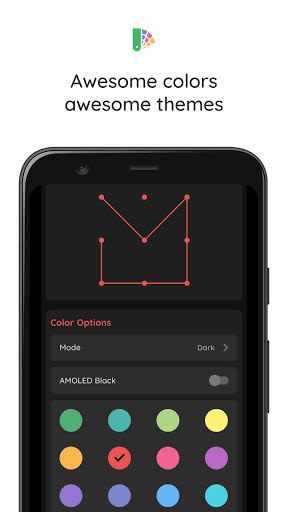
- Customization Options: Choose from a variety of awesome themes and colors to personalize your App Lock experience.
- Seamless Integration: With a sleek Material design, our app works flawlessly on the latest Android versions.
Benefits:
- Enhance Privacy: Keep your personal data secure even in shared devices.
- User-Friendly: Easy-to-use interface for convenient app locking and unlocking.
- Resource-Efficient: Minimal impact on RAM, battery, and system resources for optimal performance.
- Secure Messaging: Lock Facebook Messenger chat heads for added confidentiality.
Why Choose This App:
- Unmatched Security: Utilize cutting-edge fingerprint support for enhanced protection.
- Continuous Updates: Stay ahead with compatibility ensured for the latest Android versions.
- Tailored for You: Personalize your security experience with customizable themes and colors.
Compatibility:
-
Important Note for Huawei and Xiaomi Users: Due to device-specific settings, follow these steps to ensure App Lock functions seamlessly:
- Huawei: Phone Manager App > Protected Apps > Add App Locker to the list.
- Xiaomi: Services > Security > Permissions > Autostart, locate App Locker, and enable autostart.
Secure your digital world today with App Lock – the essential tool for safeguarding your privacy. Download now and take control of your data!
Screenshots
Videos
Similar

All Document Reader 2023
FunGear inc

QR Code Scanner for Android: QR Reader, QR Creator
Taymay - Simple & Effective.

ChatAI: AI Chatbot App
iKame Applications - Begamob Apps

App Lock - Applock Fingerprint
Trusted Tools

All Document Reader - One Read
Simple Design Ltd.

QR Scanner - Barcode Scanner
Leap Fitness Group

PDF Reader - PDF Viewer 2022
Simple Design Ltd.

FlyLadyPlus
FlyLadyPlus

BlackNote Notepad Notes
Notas Notepad

Free QR Code Reader & Barcode Scanner - QR Scanner
JonDev. Mobile

PDF Scanner APP - Scan to PDF
Simple Design Ltd.

Image to PDF Converter - JPG to PDF, PDF Maker
Simple Design Ltd.