
Glitter Number and letters coloring Book for kids
4.20
-

Language
English
-

OS
Android
-

Developer
BaramGames
-

#Version
4.0
App Description
Glitter Alphabet & Numbers Coloring and Drawing Game For Kids
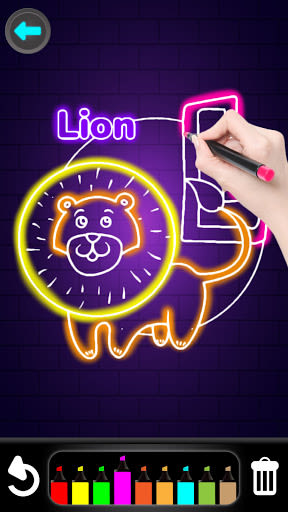
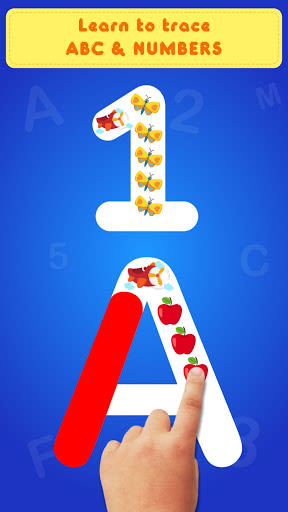
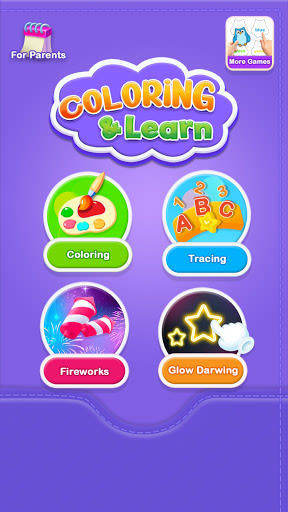
Welcome to Glitter Alphabet & Numbers, the ultimate educational app that makes learning alphabets, numbers, colors, and drawing fun for kids and toddlers. Let your little ones explore and master the world of glittery letters and numbers from A to Z and 1 to 10 with ease and creativity!
Key Features:
- Educational Fun: Engaging way for kids to learn alphabets, numbers, and colors.
- Interactive Design: Simple touch and drag interface with large letters and numbers.
- Voice Guidance: Abundant English voices to aid in language learning.
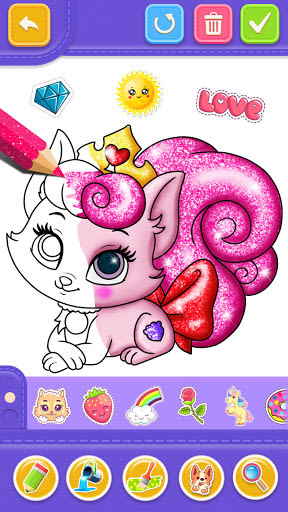
- Variety of Content: Over 40 amazing coloring pages and a plethora of stickers.
- Creativity Boost: Enhances memory skills and creativity development.
- User-Friendly: Easy-to-use for all ages, optimized for smartphones and tablets.
- Free Access: All glitter numbers and letters coloring pages available at no cost.
Benefits:
- Skill Development: Helps children write letters and numbers accurately.
- Recognition Improvement: Enhances visual recognition skills while having fun.
- Color Learning: Encourages learning colors and numbers simultaneously.
Why Choose This App:
- Engaging Learning: Makes learning enjoyable through interactive coloring and drawing activities.
- Wide Content Selection: Offers a wide range of numbers, letters, and colors to explore.
- Creativity Unleashed: Allows kids to express their creativity through art and colors.
Technical Details:
- Compatibility: Works on all smartphones and tablets with any screen resolution.
- Availability: Available for iOS and Android devices.
- Language Support: English voices for guided learning experience.
Don't miss out on the opportunity to spark your child's creativity and learning journey with Glitter Alphabet & Numbers Coloring and Drawing Game. Download now and watch your little ones thrive in a colorful world of education and fun!
How to Use:
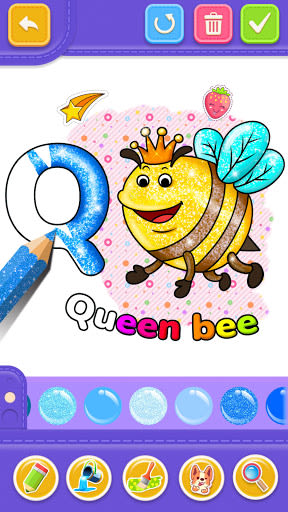
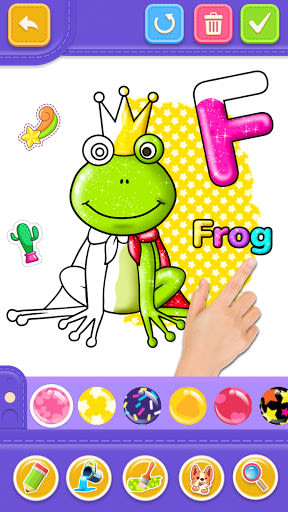
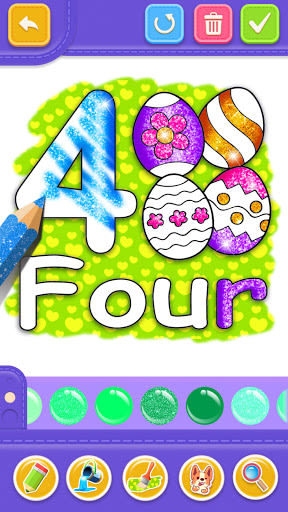
- Choose a coloring page.
- Select your preferred color.
- Tap to draw.
- Save your creations.
- Zoom in for details.
- Erase colors easily.
- Explore a wide range of colors with slide brushes.
- Share your masterpiece with friends and family.
Unleash the artist in your child today!
Screenshots

Similar

Logo Maker And Logo Creator 3D
Splaish Studio

AI Photo
toolsmeta

Photo AI
Brilliant Games Private Ltd.

Interior Design AI Home Decor
Identifier Studio

T Shirt Design-Custom T Shirts
Custom Design Apps

Logo Maker: Logo Creator App
Dzine Media Apps

Mehndi Designs Offline
Blue Brain Technologies

😜 FLORK sticker for whatsapp - WAStickerApps
Devmias Studio

Gaming Logo Maker: Esport Logo
AZ Mobile Software

SVG Design Space For Cricut
CA Publishing

Maskot - Gaming Logo Maker
Artico Apps

Loogy - Graphic Design Pro
Artoon Games