

Mobile HotSpot
3.60
-

Language
English
-

OS
Android
-

Developer
AndroidSTT
-

#Version
1.9.8
App Description
Discover Mobile HotSpot: Your Ultimate Internet Sharing Companion
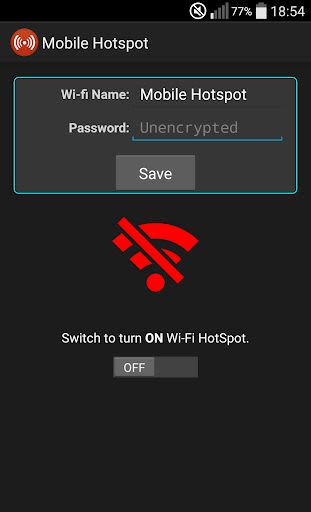
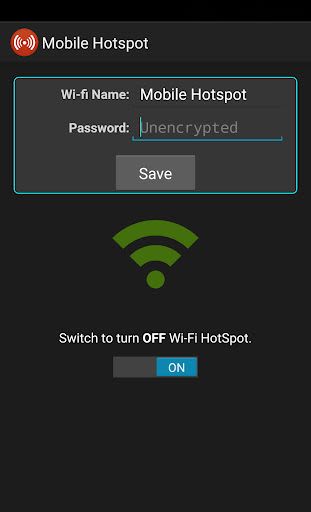
Are you looking for a seamless way to share your Internet connection with your tablet or PC effortlessly? Look no further than Mobile HotSpot! With just one click, you can transform your mobile device into a powerful Wi-Fi hotspot, enabling you to connect multiple devices and stay connected on the go.
Key Features:
- Device Tracking: Easily monitor the number of devices connected to your hotspot and view a detailed list of all connected devices.
- Auto Turn-Off: Set a timer to automatically disable your hotspot after a specified duration for convenience.
- Smart Activation: Activate your hotspot automatically when your phone is connected to AC or USB power, and disable it when disconnected to save battery.
- Battery Saver: Mobile HotSpot intelligently turns off and stops sharing when your battery level drops below 20% to preserve battery life.
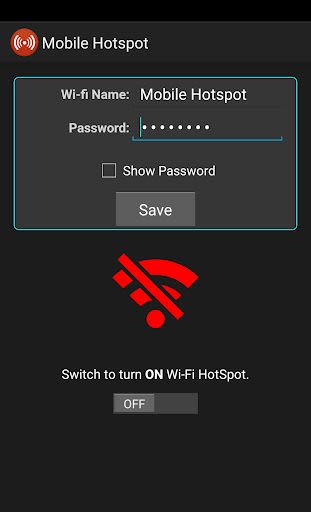
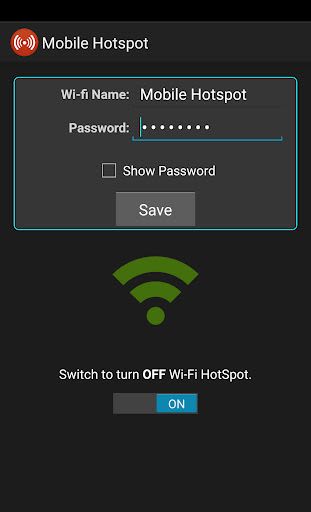
- Customizable Settings: Adjust various parameters like SSID, timer, battery level, and notifications via the easy-to-use configuration screen.
Benefits:
- Seamlessly manage tethering and share your Internet connection from your phone.
- Compatibility with Desktop, Laptop, iPad, Playstation 3 (PS3), Xbox, Blu-ray, Smart TV.
- Enjoy an ad-free experience for the first five uses, with an option to remove ads for only $1.99.
Why Choose Mobile HotSpot:
- Comprehensive functionality for efficient Internet sharing.
- User-friendly interface for hassle-free operation.
- Continuous support and updates to enhance user experience.
Technical Information:
- Compatibility: Android devices with tethering capability.
- Price: Free for the first five uses, $1.99 for ad-free version.
If you encounter compatibility issues or have any feedback, please reach out to us. We value your input and strive to deliver the best user experience possible.
For troubleshooting and FAQs, visit our Support and FAQ pages. Take a minute to participate in our survey to help us expand our list of compatible devices at here.
Note: Verify your carrier’s hotspot policy to avoid any additional charges.
Transform your phone into a powerful hotspot with Mobile HotSpot and stay connected wherever you go!
Screenshots
Videos
Similar

ChatGPT
OpenAI

Whats Web - Whatscan for Web
Secure Soft Inc

Traductor de idiomas
Dinanyelis Rodriguez becosme

Email for Outlook
Utility Apps by XSDev

Cuballama
Cuballama

Sticker Maker for WhatsApp
Trusted Tools

Quick SMS Launcher - Messenger
Share File Technologies by 090 Bravo

Messages - SMS, Chat Messaging
Phase Zero Apps

Walkie Talkie, Talk Now, Push to Talk
Find Friends, Play Games among us, Live Voice Chat

CastChat - Match & Voice Chat
Guru AI Lab

ClanPlay: Community and Tools for Gamers
ClanPlay

Boost Mobile
DISH Wireless L.L.C.