
Volume Styles - Custom control
4.40
-

Language
English
-

OS
Android
-

Developer
Tom Bayley
-

#Version
4.4.0
App Description
Discover the Ultimate Volume Customization App
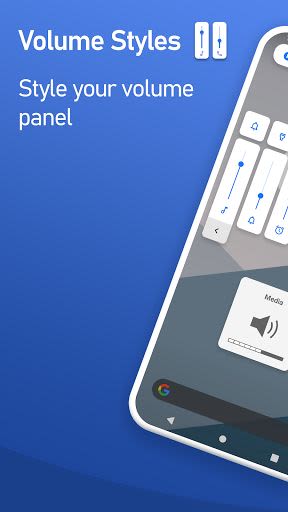
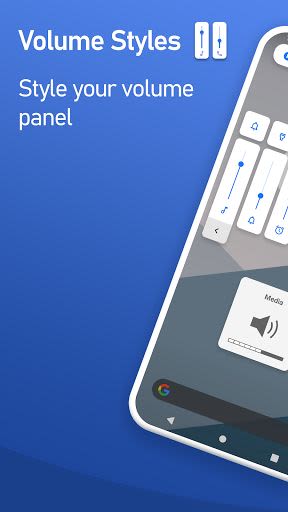
Are you tired of the standard volume controls on your device? Welcome to Volume Styles, the most advanced volume app on the Play Store that empowers you to take complete control over your volume sliders and panel appearance. Elevate your user experience by customizing colors, themes like iOS and MIUI, slider positions, and more, all with unrivaled flexibility and ease.
Key Features:
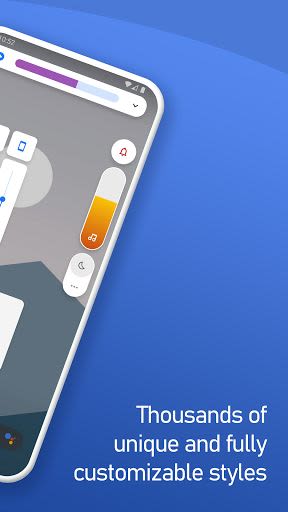
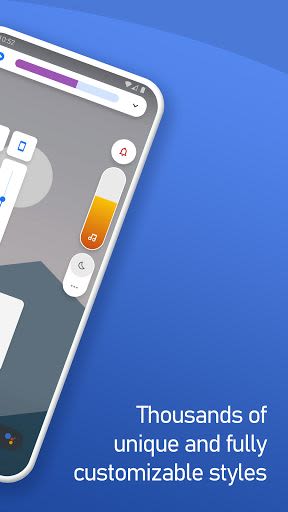
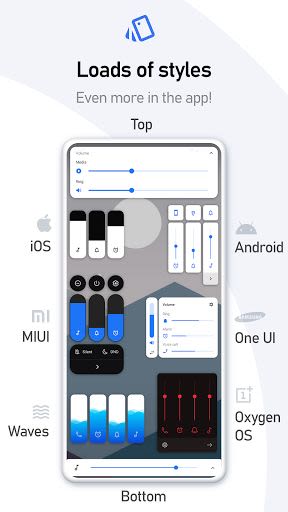
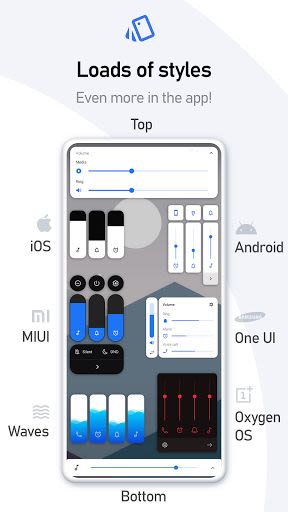
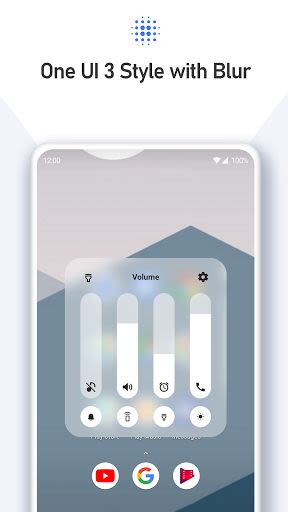
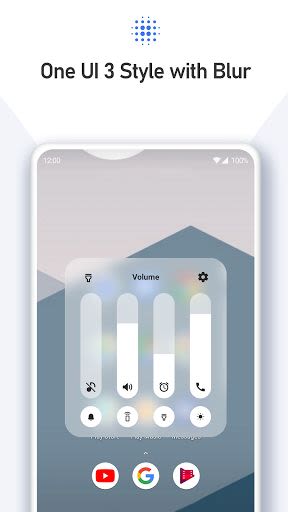
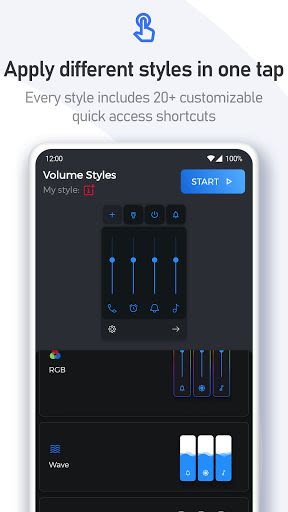
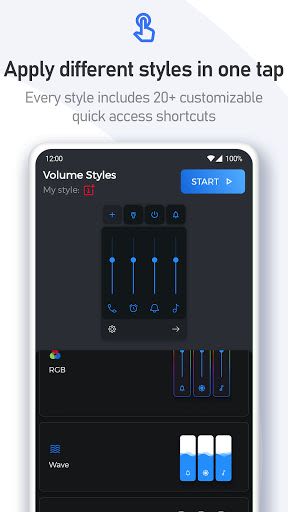
- Styles Galore: Instantly apply a variety of styles to your volume slider with a single tap, including Android 10, iOS 13, Samsung One UI, and many more.
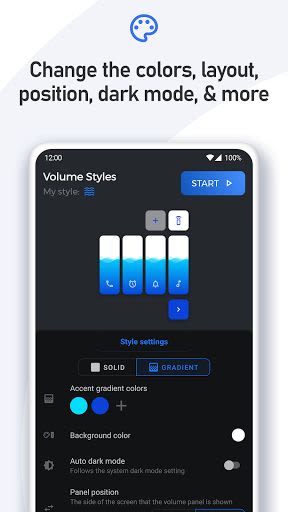
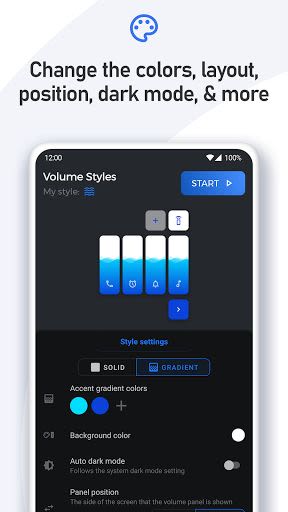
- Custom Style Creator: Tailor your volume panel to your exact preferences using the in-app Style Creator feature.
- Community Style Feed: Share your custom styles with the community and explore thousands of designs crafted by fellow users.
- Slider Options: Personalize your volume sliders to display media, ring, notification, alarm, and other volume controls, plus a brightness slider.
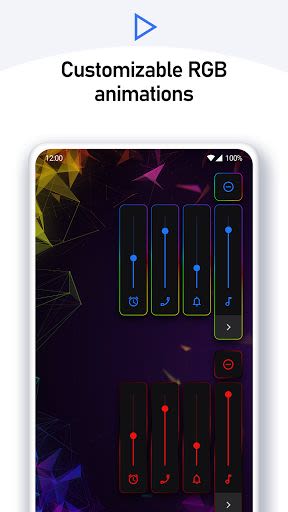
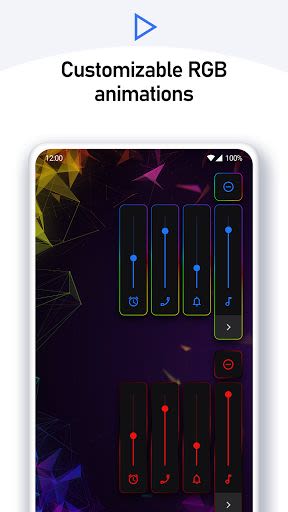
- Extensive Customization: Adjust colors, enable auto dark mode, modify corner radius, and fine-tune volume panel settings.
Benefits:
- Effortlessly access additional shortcuts on the volume panel for quicker functionality.
- Enjoy a seamless experience with customizable volume controls tailored to your liking.
- Instantly apply or save favorite styles from the Style Feed with a single tap.
- Access a wide range of volume styles, including iOS 12, Windows Phone, volume knob, and more.
Why Choose This App:
- Unmatched Versatility: Choose from an extensive selection of volume styles to suit your unique preferences.
- Community Engagement: Share and discover custom styles within the app's vibrant community.
- Effortless Accessibility: Simplify volume adjustments and enhance device usability with additional shortcuts.
Technical Information:
- Compatibility: Android devices
- Accessibility: Utilizes Accessibility Services for overriding volume buttons
How to Get Started:
- Download: Get Volume Styles from the Play Store.
- Customize: Personalize your volume panel to reflect your style and preferences.
- Explore: Dive into a world of endless customization possibilities with thousands of available styles.
- Connect: Engage with the community through the Style Feed and share your unique creations.
For more information, visit our Frequently Asked Questions. Stay updated by following us on Twitter and Telegram. For support, contact us at [email protected].
Elevate your volume control experience with Volume Styles – redefine how you interact with your device's audio settings!
Screenshots
Similar

Analog Classic Watch Messa 100
Messa Watch

Color Phone - Nice Call Screen
Govo Tech by Volio

Arabic Wallpapers
Mahmoud Zadah

Concentric - Pixel Watch Face
WatchFace-Designs

Clean Digital
JH Watchfaces

Yoshion - Pic Collage Maker
Joseph Jenny

Minimal Basic 2 English
OQ Watchfaces

Beautiful wallpapers
Applications from a duck

Wear OS Watch Neon Shatte
GeorgKing

RE 03 - Digital Watch Face
RECREATIVE ® Watch Faces

Anime World Wallpapers
N.E.O.N STUDIO

Launcher iOS 16
LuuTinh