
Nighty Saver - watch face
-

Language
English
-

OS
Android
-

Developer
Nighty Watch Faces
-

#Version
10.0
App Description
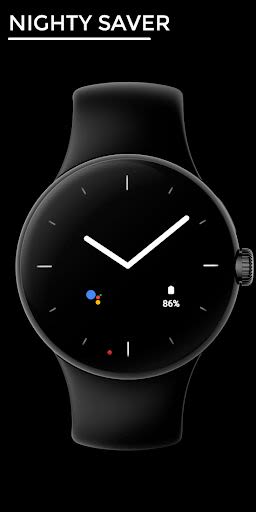
Nighty Saver - Watch Face Directory for Wear OS Devices
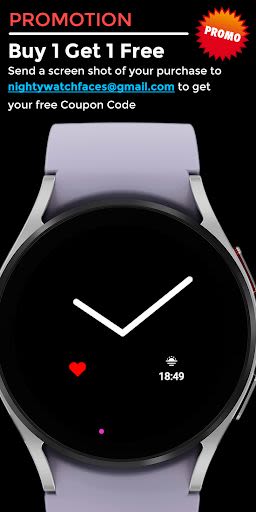
Welcome to Nighty Saver, an exclusive watch face directory designed for Wear OS devices with API 28 and above. Take advantage of our limited-time offer: Buy one, get one free! Simply purchase a watch face, send us a screenshot at [email protected], and receive your complimentary promo code. Make sure to select your specific Wear OS device from the installation dropdown menu for seamless installation.
Installation Guidelines
- Device Compatibility: Wear OS devices
- Permissions: Manual enablement required for Sensors and Complication Data
Why Choose Nighty Saver?
Nighty Saver offers a blend of style and functionality with its standout features:
Key Features:
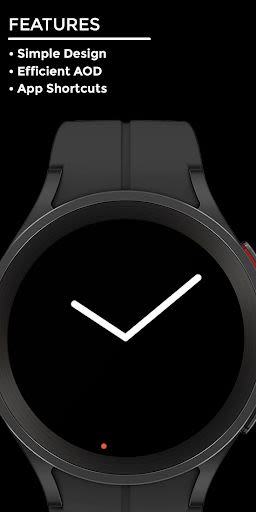
- Simple and Minimalistic Design
- Customizable Options
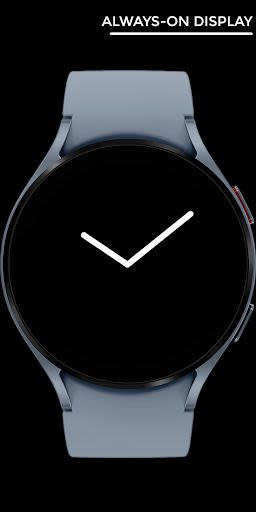
- Efficient Always-On Display (AOD)
- Quick App Shortcuts
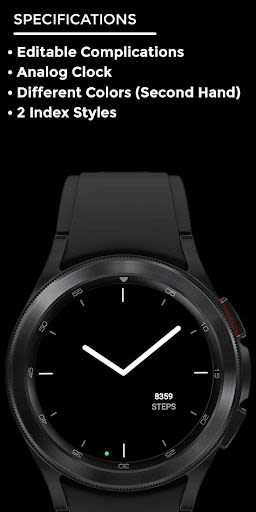
Specifications:
- Editable Complications
- Analog Clock Display
- Multiple Color Options for Second Hand
- 2 Index Style Variations
Customization Tips:
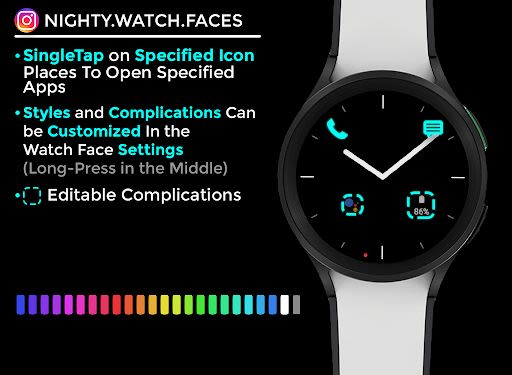
- App Access: Single-tap on the specified icons in the watch face image to open designated apps.
- Customization: Adjust styles and complications in the watch face settings by long-pressing in the middle.
Troubleshooting Tips:
- If you encounter the error "Your Device isn't compatible with this version," find and download the watch face from the Play Store app on your watch or via a web browser on your PC or phone.
For any queries or direct feedback, reach out to us via email or Instagram. Your satisfaction is our priority!
Website: Nighty Saver Watch Faces Instagram: Nighty Watch Faces Email: [email protected]
Enhance your Wear OS device with Nighty Saver's stylish and efficient watch faces. Don't miss out on our exclusive offers – get yours today!
Screenshots
Similar

Analog Classic Watch Messa 100
Messa Watch

Color Phone - Nice Call Screen
Govo Tech by Volio

Arabic Wallpapers
Mahmoud Zadah

Concentric - Pixel Watch Face
WatchFace-Designs

Clean Digital
JH Watchfaces

Yoshion - Pic Collage Maker
Joseph Jenny

Minimal Basic 2 English
OQ Watchfaces

Beautiful wallpapers
Applications from a duck

Wear OS Watch Neon Shatte
GeorgKing

RE 03 - Digital Watch Face
RECREATIVE ® Watch Faces

Anime World Wallpapers
N.E.O.N STUDIO

Launcher iOS 16
LuuTinh