
Widget iOS 16 - Color Widgets
3.70
-

Language
English
-

OS
Android
-

Developer
Mobile Smart Growth
-

#Version
5.3
App Description
Discover Color Widgets: Your Ultimate Home Screen Manager
Are you tired of the same old phone interface? Say hello to Color Widgets—the leading worldwide Home Screen Manager with Lock Screen Widget, designed to fulfill all your customization dreams with just a single click!
Key Features:
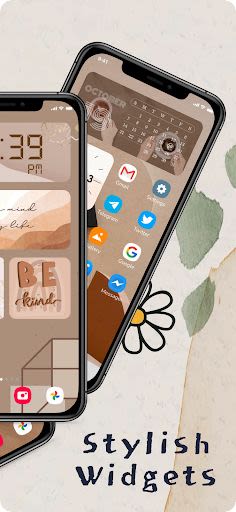
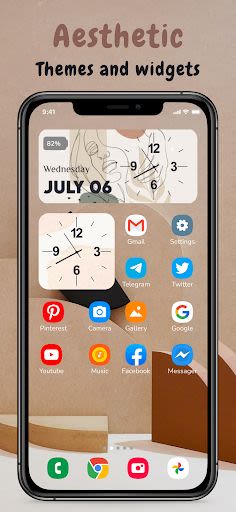
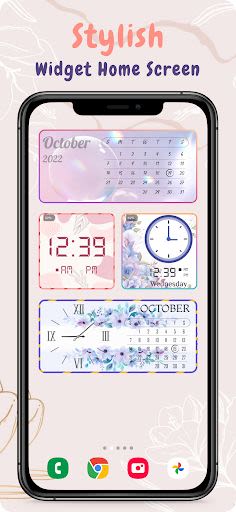
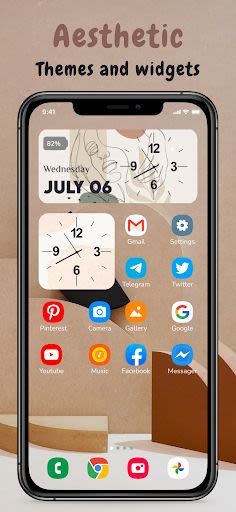
- Stylish Widgets: Customize your home screen with a wide array of cool widgets, themes, keyboards, fonts, and charging animations.
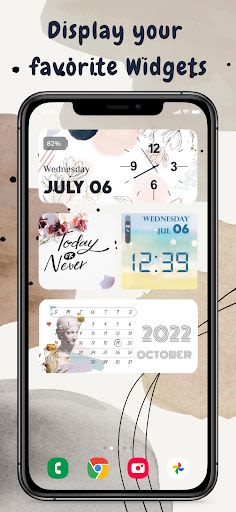
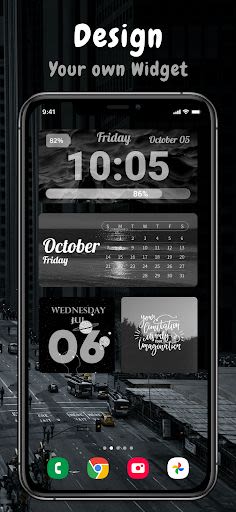
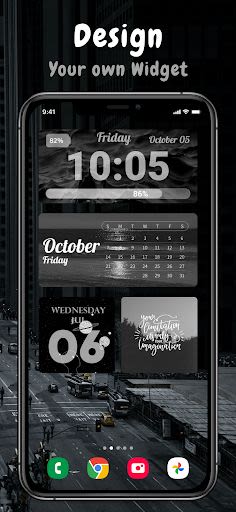
- Widget iOS 16: Easily add aesthetic and practical widgets to your home screen using predesigned options or create your own with the intuitive widget editor.
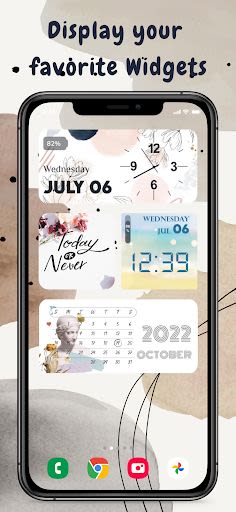
- Widget Variety: Choose from photo, countdown, date and battery, weather, quotes, and more widget types.
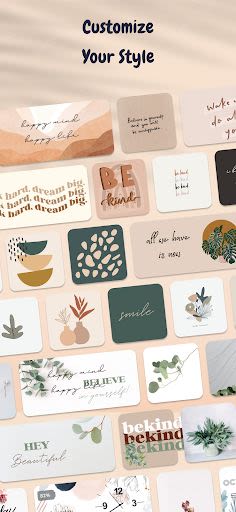
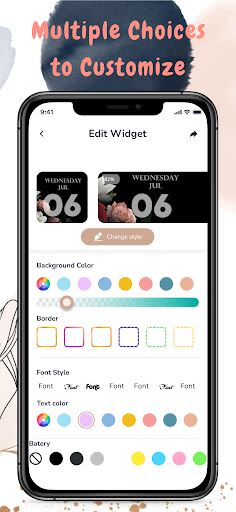
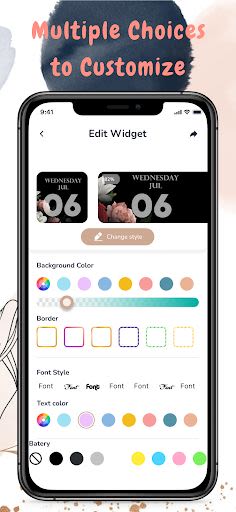
- Customization Options: Enjoy the freedom to personalize Widgets in small, medium, and large sizes with beautiful fonts, colors, and backgrounds.
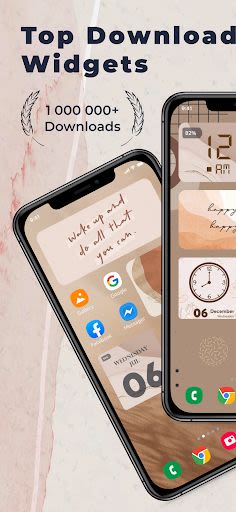
- Rich Content: Access 2000+ icons, 5000+ widgets, 200+ themes, and aesthetically pleasing wallpapers.
Benefits:
- Enhance convenience and functionality on your iPhone with all-in-one services.
- Transform your Android smartphone with the fresh look of iOS 16.
- Enjoy a range of widgets, icons, wallpapers, and keyboard themes to beautify your home screen.
Why Choose Color Widgets:
- Widget iOS 16 Customization: Personalize widgets with images, fonts, color schemes, and enjoy frequent updates with new widget options.
- Diverse Widget Selection: Explore various widget types like Time, Date & Battery, Weather, Music & Playlists, Quotes, and more.
- Easy Setup: Follow simple steps to set up and customize widgets on your home screen.
How to Use Color Widgets:
- Choose your preferred widget category.
- Set the widget.
- Access your phone screen.
- Long-press to view the widget options.
- Select the desired widget size (2 × 2, 4 × 2, or 4 × 4).
Additional Features:
- Photo Widget: Decorate your home screen with personal photos and inspiring text.
- Reminder Functionality: Use widgets for notes, event reminders, or important information.
- Continuous Updates: Stay tuned for new widgets and features.
Get Color Widgets for Free:
Experience the full potential of Widget iOS 16 - Color Widgets without any cost. We value your feedback, suggestions, and recommendations to enhance your experience further.
Note: If widgets are not refreshing, enable the "Allow Apps to run in the background" option in the app settings.
Enhance your phone's aesthetics and functionality with Color Widgets—your go-to Home Screen Manager that brings creativity to your fingertips. Customize, personalize, and elevate your device experience today!
Screenshots
Videos
Similar

Wingman: AI Dating Assistant
Vert Media

TenderBang: Dating for Locals
Tender Meetups App

Real Life Network
RealLife Network

Bible for woman + audio
biblia1960

Lalo
Lalo

American Greetings Ecards
American Greetings

Spirit Box Ghost EVP P-GB11
Marcus Ferron

Discotech: VIP Bottle Service, Guest List, Tickets
Discotech, Inc.

Frontdoor
frontdoor

Quran Majeed – Holy Quran
Gwal Apps

Row Counter - Knit and Crochet
Annapurnapp Technologies

RIZZ
TrendIt