

Auto Clicker - Click Assistant
4.30
-

Idioma
English
-

OS
Android
-

Developer
Andromeda App
-

#Versión
3.5.6
Descripción de la Aplicación
Auto Clicker - Click Assistant Directory
Introduction:
Welcome to the Auto Clicker - Click Assistant Directory, your go-to resource for a powerful and intuitive auto-clicking tool designed to enhance your gaming experience and simplify repetitive tasks. With thousands of satisfied users, our Auto Clicker - Click Assistant stands out as a top choice for gamers and users seeking efficient click automation solutions.
Key Features:
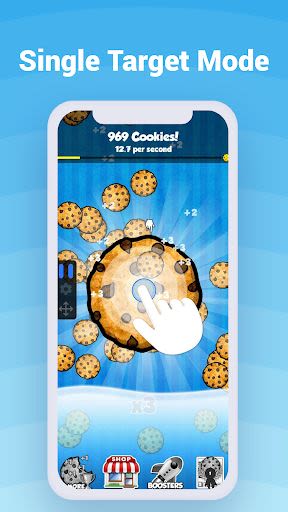
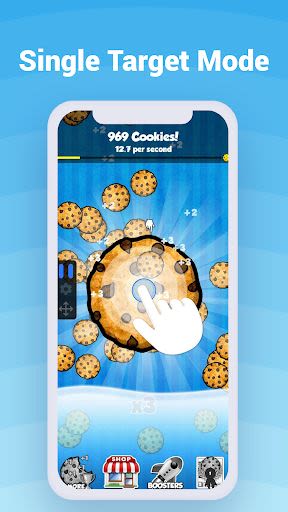
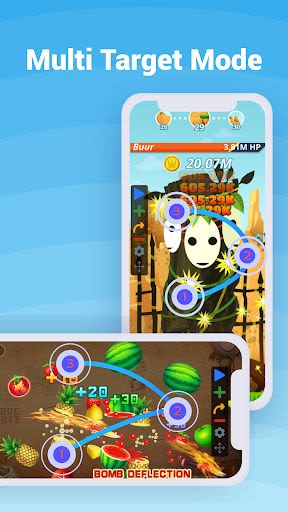
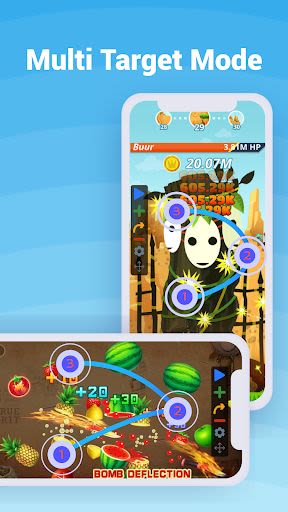
- Auto Clicker Tapper: Perform various click actions effortlessly, including double clicks, long clicks, and single clicks, without requiring root access.
- Easy-to-Use Interface: Enjoy a user-friendly interface that caters to both seasoned users and beginners.
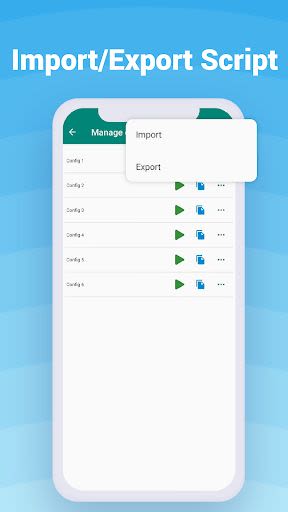
- Custom Click Configurations: Save and reuse specific click configurations for convenience.
- Clicker Parameters Control: Set click intervals, run modes, and other parameters to suit your specific requirements.
- Automation Control: Start, stop, and resume automated click operations with ease.
- Global Timer: Ensure precise timing with the integrated global timer feature.
Benefits:
- Enhance gaming performance by automating repetitive tasks.
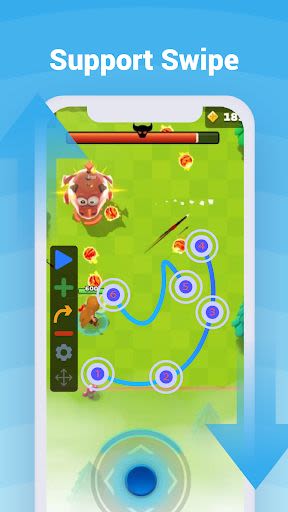
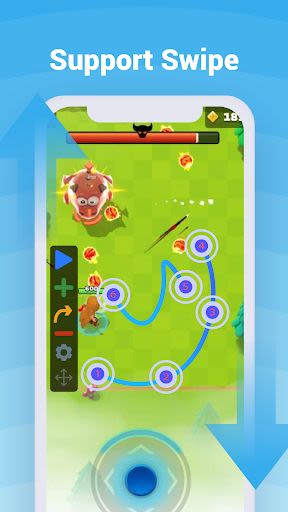
- Create custom click gestures and swipes tailored to your needs.
- Save time and effort by streamlining click operations.
- Access premium features and updates with the purchase of the premium version.
- Enjoy a seamless user experience with detailed tutorials and demo videos.
Why Choose This App:
- Effortlessly navigate through the app with step-by-step instructions for optimal usage.
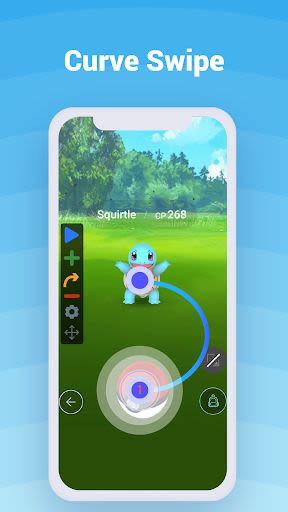
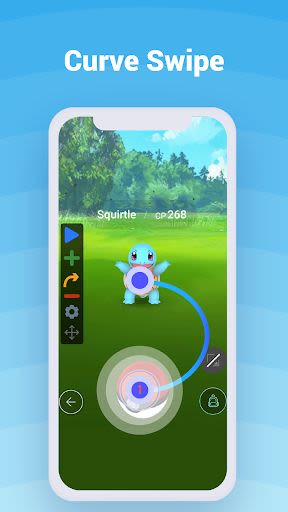
- Customize click scripts, pinch gestures, and curve swipes for a personalized experience.
- Secure, privacy-focused app that does not require private data for operation.
How To Use:
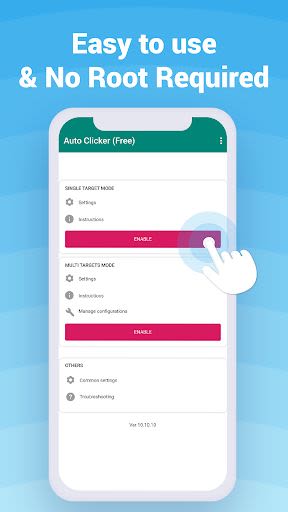
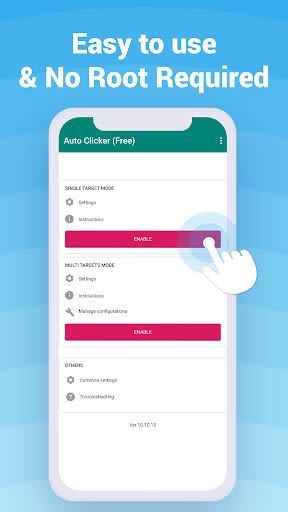
- Enable the Accessibility service to unlock the full functionality of the Auto Clicker - Click Assistant.
- Start the service from the homepage to initiate automated click operations.
- Configure click scripts and durations in the Settings section for tailored performance.
- Save your preferred click configurations for quick access and seamless operation.
Frequently Asked Questions:
-
Why should I enable Accessibility service?
Enabling this service facilitates various functions like swiping, clicking, and gesture creation. -
Do I need to provide private data?
No, the app does not require any private data for operation.
Say goodbye to tedious manual clicking and embrace the efficiency of Auto Clicker - Click Assistant for a smoother and more productive user experience. Try it now and elevate your gaming and task automation capabilities!
Compatible with: iOS and Android devices
Minimum technical requirements: Android 4.1 and up, iOS 10.0 or later
Download the Auto Clicker - Click Assistant Directory today and automate your way to efficiency!
Capturas de pantalla
Similar

Superheroes Mod for Minecraft
MCPE mods maker

Happy New Year Gif
sticker maker - WAStickerApps

Funny Prank Fart Broken Screen
Zone Dev

OHappy
panda8336

Clown Color, Paint by numbers
Excellent Coloring Pages

Call Prank - Fake Sound
ABIBusiness Global LTD

Video Downloader
Simple Tube Video Downloader

Henry Danger Prank Fake Call
Prank Calling

JoyArk - Cloud Gaming Platform
JoyArk official

Wolf Coloring Game Offline, Happy Color by Number
Excellent Coloring Pages

FaceMagic: Make faceswap video
DeepArt Limited

Space Launch Now
Caleb Jones