

DocuSign - Upload & Sign Docs
4.70
-

Idioma
English
-

OS
Android
-

Developer
DocuSign
-

#Versión
3.26.1
Descripción de la Aplicación
Welcome to DocuSign eSignature Directory Listing App
DocuSign eSignature is the world’s leading solution for sending and signing agreements anytime, anywhere. Trusted by millions globally, our eSignature platform ensures that your signature is your bond. Seamlessly conduct business operations on the go with the free DocuSign mobile app.
UNLIMITED FREE SIGNING
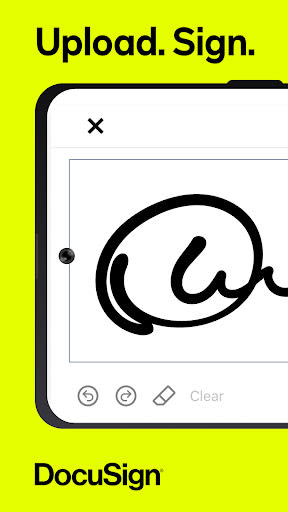
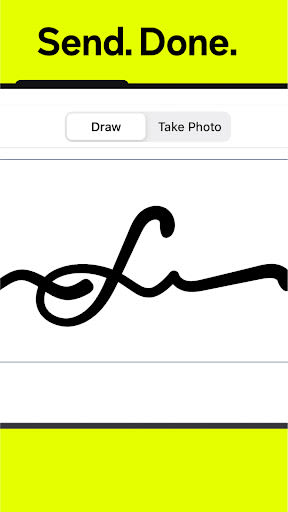
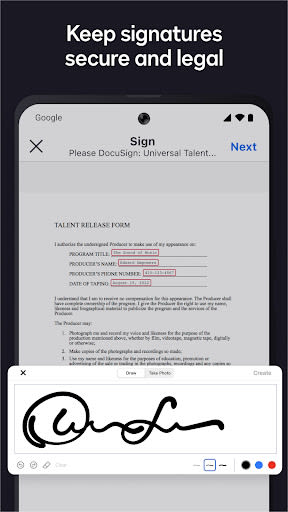
- Step 1: Create your personalized signature directly on your device.
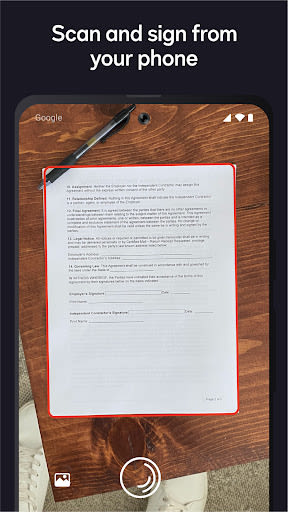
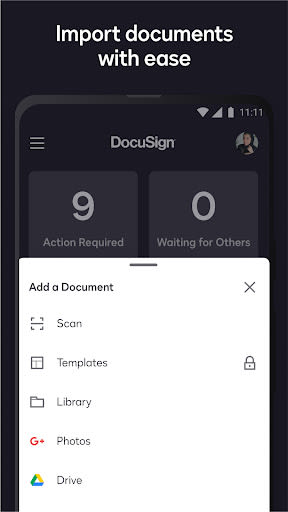
- Step 2: Easily upload documents via email, Google Drive, Dropbox, Box, Evernote, Salesforce, or by photo scanning.
- Step 3: E-sign your documents for free with no monthly limits.
SEND & MANAGE AGREEMENTS
- Step 1: Import files and send them for signatures directly from your device.
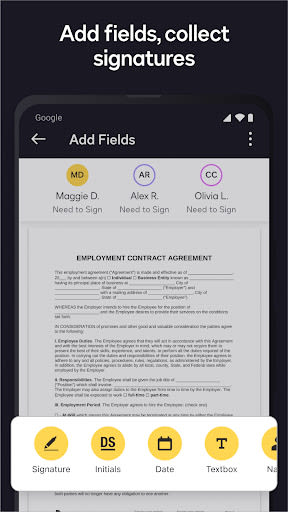
- Step 2: Prepare documents with precise "Sign Here" tags, set signing orders, and workflows for multiple signers. DocuSign supports both in-person and remote signing.
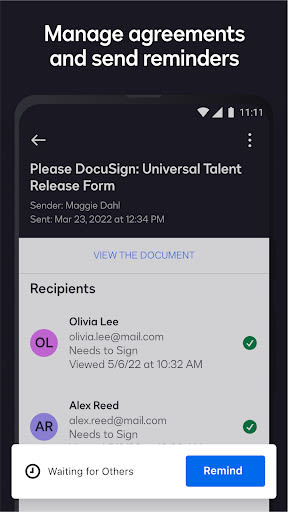
- Step 3: Remind signers with a single tap or void already sent documents.
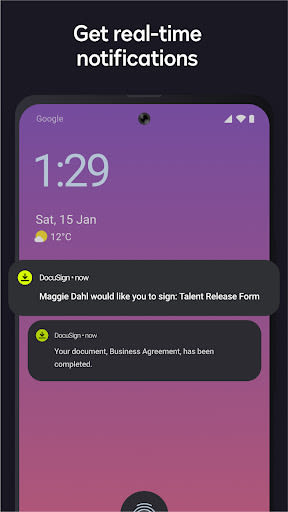
- Step 4: Receive real-time push notifications upon document signing.
E-SIGNATURE IS LEGAL & SECURE
- Legally binding agreements compliant with the eSign Act.
- Complete audit trail for tracking signatories, time, and location.
- Encrypted documents for enhanced security.
- ISO 27001 SSAE16 compliant.
Key Features
In addition to the free signing experience, explore advanced features available through our premium plans:
-
Standard Plan
- Send documents for signature.
- Access to advanced fields and manage signing processes conveniently.
-
Real Estate Plan
- Send documents for signature.
- Real estate-specific features including zipForm Plus integration.
- Manage signings on-the-go with ease.
-
Personal Plan
- Send up to 5 documents monthly.
- Access essential fields and reusable templates.
Supported File Types
- Word
- Excel
- Images (JPEG, PNG, TIFF)
- Text and more
Common Documents to Sign with DocuSign
- NDAs
- Sales contracts
- Health care documents
- Financial agreements
- Waivers
- Permission slips
- Lease agreements
Why Choose This App
- Simplify agreement processes with a versatile and secure eSignature solution.
- Enhance productivity by managing signings remotely and securely.
- Choose from various plans tailored to different user needs.
Compatibility
- Compatible with iOS and Android devices.
- Technical requirements: Internet connection, compatible file formats.
Call-to-Action
Download the DocuSign eSignature app now to streamline your agreement processes effortlessly!
For inquiries or feedback, reach out to us at [email protected]. Discover more about electronic signatures with DocuSign at our website.
Subscription information: Payment will be charged to Google Play at confirmation of purchase. Subscriptions automatically renew unless auto-renew is turned off at least 24 hours before the current period ends. Manage subscriptions and auto-renewal settings in your account after purchase. No cancellation during the active subscription period.
Capturas de pantalla
Similar

All Document Reader 2023
FunGear inc

QR Code Scanner for Android: QR Reader, QR Creator
Taymay - Simple & Effective.

ChatAI: AI Chatbot App
iKame Applications - Begamob Apps

App Lock - Applock Fingerprint
Trusted Tools

All Document Reader - One Read
Simple Design Ltd.

QR Scanner - Barcode Scanner
Leap Fitness Group

PDF Reader - PDF Viewer 2022
Simple Design Ltd.

FlyLadyPlus
FlyLadyPlus

BlackNote Notepad Notes
Notas Notepad

Free QR Code Reader & Barcode Scanner - QR Scanner
JonDev. Mobile

PDF Scanner APP - Scan to PDF
Simple Design Ltd.

Image to PDF Converter - JPG to PDF, PDF Maker
Simple Design Ltd.