

PrinterShare Mobile Print
4.10
-

Idioma
English
-

OS
Android
-

Developer
Mobile Dynamix
-

#Versión
12.11.4
Descripción de la Aplicación
Print Anywhere with PrinterShare
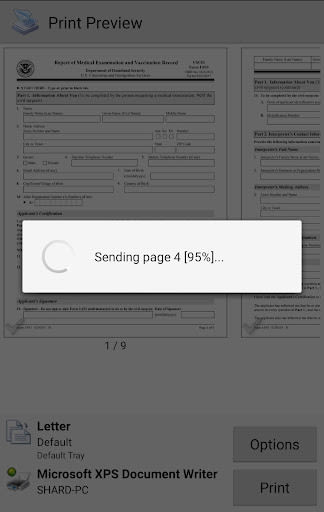
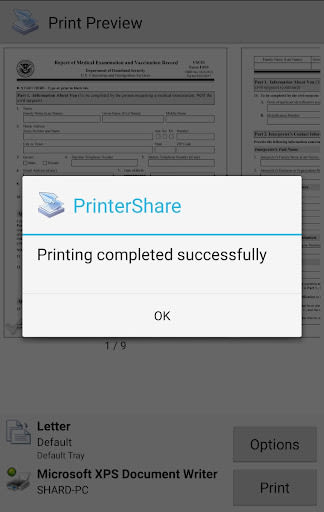
In today's fast-paced world, convenience is key. PrinterShare empowers you to print directly from your Android phone or tablet to virtually any printer, revolutionizing the way you handle your printing needs. Whether you're at home, in the office, or on the go, PrinterShare ensures that printing is easy and hassle-free.
Key Features:
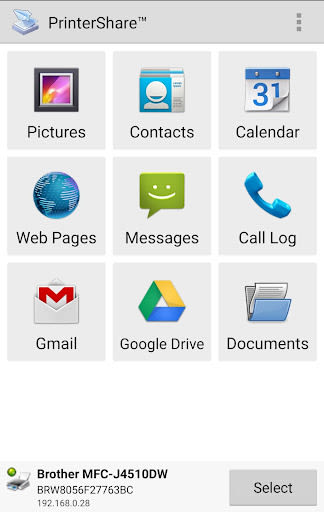
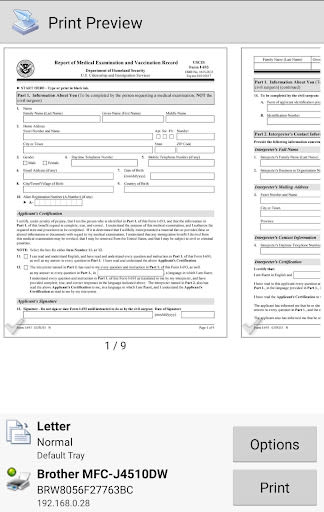
- Versatile Printing: Print photos, emails, documents (PDF, Microsoft® Word, Excel®, PowerPoint®), bills, invoices, messages, web pages, and more.
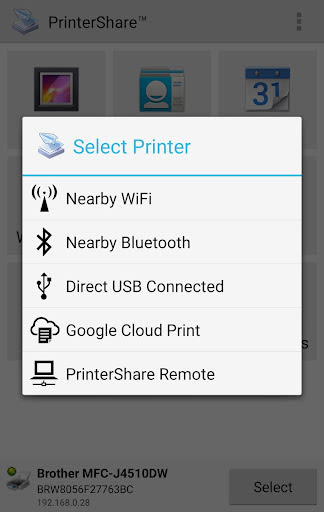
- Seamless Connectivity: Print from nearby wireless or USB OTG connected printers, Windows shared printers, Mac shared printers, and even remotely over the internet.
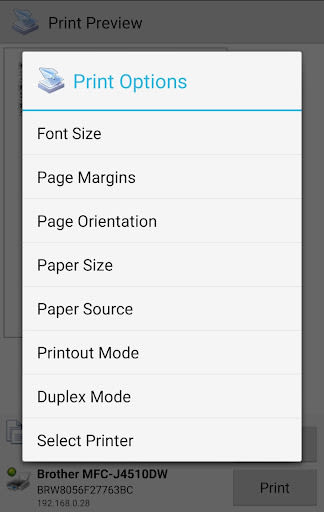
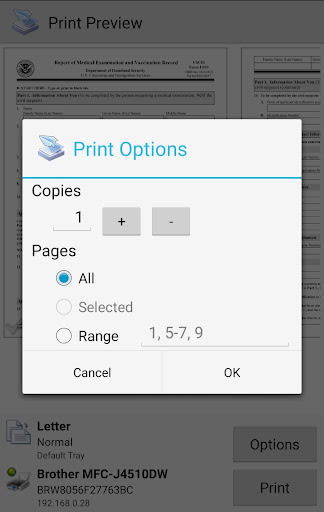
- Printing Options: Customize settings like paper size, page orientation, copies, print quality, color, media tray, and more.
- Premium Features: Unlock unlimited nearby and remote printing capabilities without the need for a computer.
- Wide Printer Support: Compatible with HP, Canon, Brother, Samsung, Dell, and more printers (check supported list on PrinterShare's website).
- UPS Label Printing: Easily print UPS shipping labels using supported thermal printers via the UPS website.
Benefits:
- Convenience: Print from anywhere, at any time, without the need for a computer.
- Flexibility: Print a variety of file types and digital content effortlessly.
- Cost-Effective: Free version available with limited features, while Premium Features offer enhanced functionality.
- Compatibility: Supports a wide range of printers, including legacy networkable ones.
- User-Friendly: Intuitive interface for seamless printing experience.
Why Choose This App:
- Efficiency: Save time and effort by printing directly from your device.
- Reliability: Ensures high-quality prints with customizable settings.
- Accessibility: Print a diverse range of content with ease.
Technical Information:
- Compatibility: Android devices
- Requirements: Some features may require in-app purchases
- Additional Software: Free computer software available for Mac and Windows on PrinterShare's website
Take your printing experience to the next level with PrinterShare. Explore the endless possibilities of printing with ease, efficiency, and reliability. Make printing a breeze, wherever you are!
For more details, visit PrinterShare's FAQ. In case of any issues, reach out to us at [email protected]. Happy printing!
P.S. PrinterShare uses drivers from HPLIP (http://hplipopensource.com) and GutenPrint (http://gimp-print.sourceforge.net) for selected printer models.
Capturas de pantalla
Similar

Work from Home
Online Jobs & Startups

Acres: Land Data & Parcel Maps
Acres.co

Secure Gateway
ALSCO

ALSCO!
ALSCO

Hirect: Chat Based Job Search
Download now

PACK EXPO/Healthcare Packaging EXPO 2018
Map Your Show

Heritage Parts
Heritage Parts

Stripe Dashboard
Stripe, Inc.

TruckSmarter Load Board & Fuel
TruckSmarter

DScanner - Camera Scanner
CamSoft Information

JOB TODAY: Hire in 24 Hours
JOB TODAY S.A.

Blinq - Digital Business Cards
Blinq Technologies