

LastPass Authenticator
4.40
-

Idioma
English
-

OS
Android
-

Developer
GoTo Technologies USA, Inc.
-

#Versión
2.5.0
Descripción de la Aplicación
Secure Two-Factor Authentication Made Simple with LastPass Authenticator
In an era where online security is paramount, LastPass Authenticator stands out as a reliable ally, offering seamless two-factor authentication not just for your LastPass account but also for other compatible apps. By combining one-tap verification with secure cloud backup, LastPass Authenticator ensures robust security measures without the hassle.
Key Features:
- Effortless two-factor authentication for LastPass and supported apps
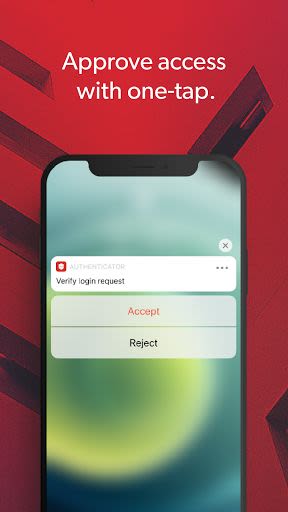
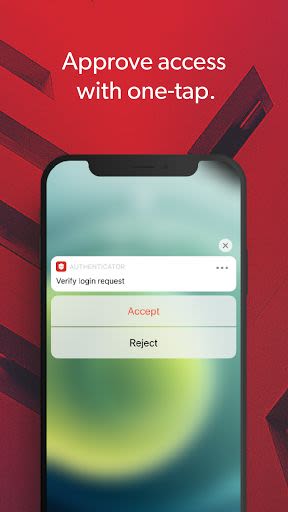
- One-tap verification for quick access
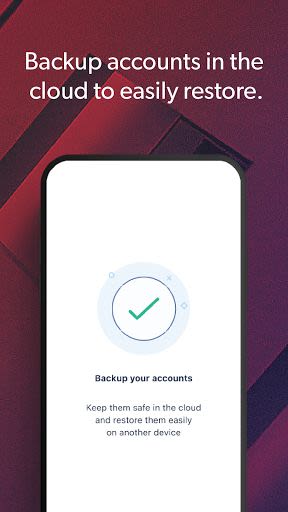
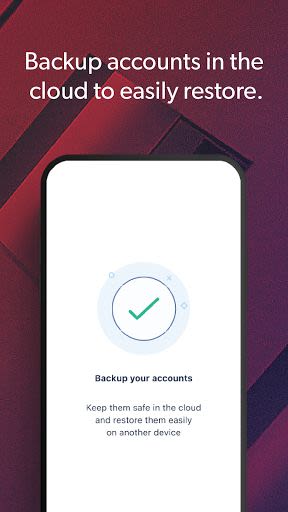
- Secure cloud backup for peace of mind
- Device trust feature for added convenience
Benefits:
- Enhances digital security by requiring an additional login step
- Safeguards accounts even if passwords are compromised
- Streamlines login process with trusted devices
- Supports Google Authenticator and TOTP-based services
Why Choose LastPass Authenticator:
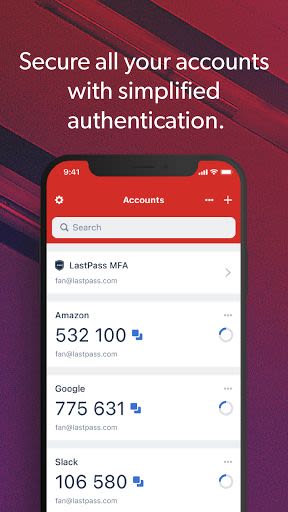
- Generates 6-digit codes every 30 seconds
- Enables push notifications for quick approval
- Offers encrypted backup for seamless device transitions
- Compatible with SMS codes and QR code setup
- Supports multiple accounts across various services and apps
How to Get Started:
To activate LastPass Authenticator:
- Download the app on your mobile device.
- Access "Account Settings" in your LastPass vault on a computer.
- Navigate to "Multifactor Options" and set up LastPass Authenticator.
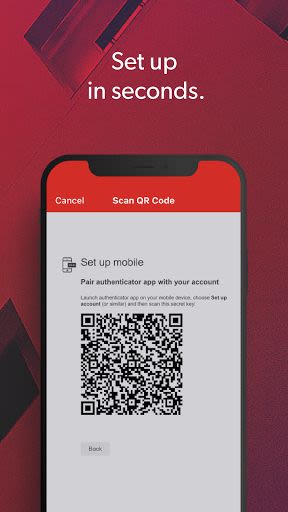
- Scan the provided barcode with the app.
- Customize your preferences and save changes.
Logging In:
When logging into your LastPass account or supported services:
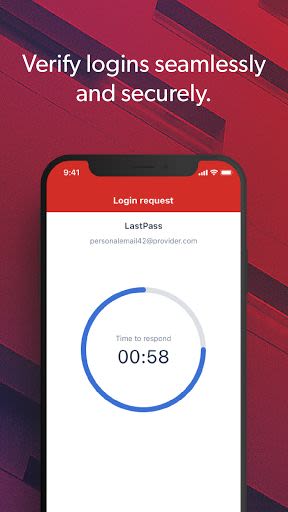
- Generate a 6-digit code or approve/deny a push notification.
- Alternatively, use an SMS code.
- Enter the code in the login prompt or approve/deny the request.
Don't compromise on security. Embrace LastPass Authenticator to fortify your online presence effortlessly.
Stay protected. Stay secure. Install LastPass Authenticator on Android and iOS today.
Capturas de pantalla
Similar

All Document Reader 2023
FunGear inc

QR Code Scanner for Android: QR Reader, QR Creator
Taymay - Simple & Effective.

ChatAI: AI Chatbot App
iKame Applications - Begamob Apps

App Lock - Applock Fingerprint
Trusted Tools

All Document Reader - One Read
Simple Design Ltd.

QR Scanner - Barcode Scanner
Leap Fitness Group

PDF Reader - PDF Viewer 2022
Simple Design Ltd.

FlyLadyPlus
FlyLadyPlus

BlackNote Notepad Notes
Notas Notepad

Free QR Code Reader & Barcode Scanner - QR Scanner
JonDev. Mobile

PDF Scanner APP - Scan to PDF
Simple Design Ltd.

Image to PDF Converter - JPG to PDF, PDF Maker
Simple Design Ltd.