
Headphones Equalizer
4.20
-

Idioma
English
-

OS
Android
-

Developer
ManyThingsDev
-

#Versión
2.3.188
Descripción de la Aplicación
Discover the Ultimate Headphones Equalizer App
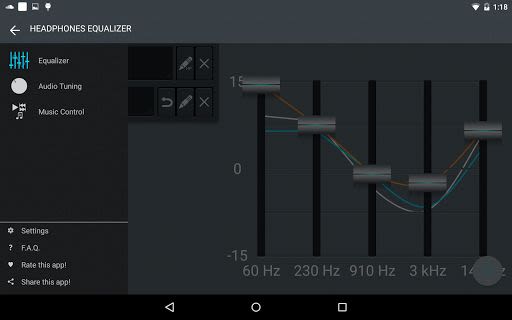
Are you looking to elevate your audio experience to new heights? Introducing Headphones Equalizer, the must-have tool that allows you to create custom equalizations tailored to the headphones you own. Whether you're rocking any brand or model, this app has got you covered!
Why Choose Headphones Equalizer?
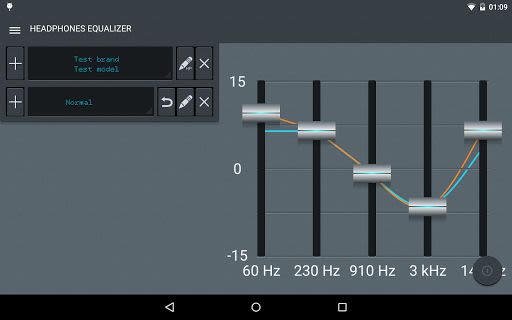
- Headphone stash: Add and manage multiple headphones effortlessly (unlock more slots with Premium).
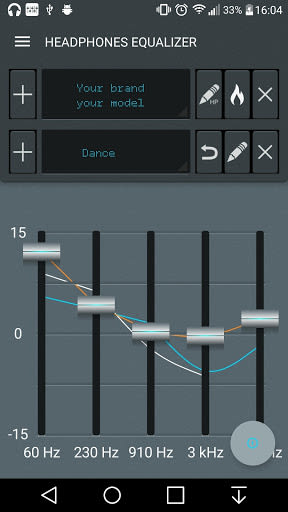
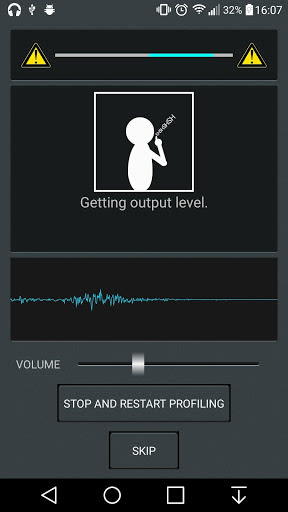
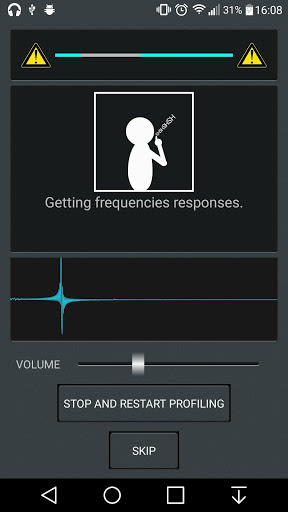
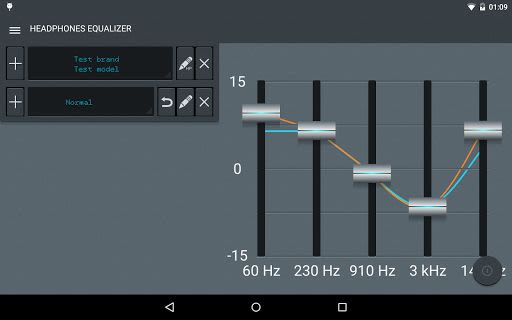
- Headphone calibration: Fine-tune sound intensity by measuring frequencies for precise adjustments.
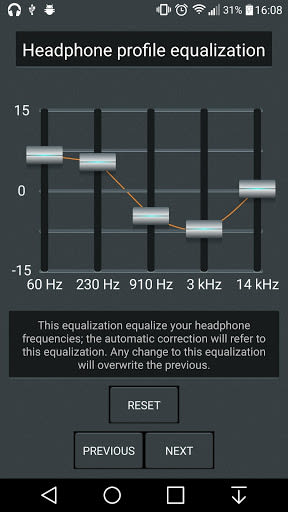
- Profile equalization: Set a base equalization for a personalized sound experience.
- Headphone correction: Automatically apply profile equalization for seamless audio enhancement.
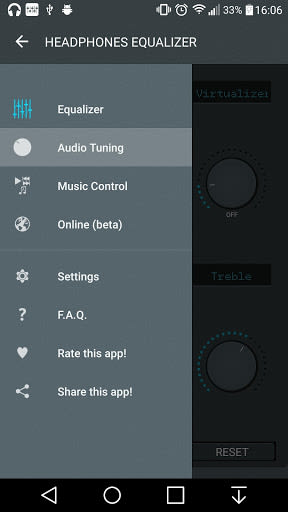
- Headphone Equalizer Online: Join the community to share, save, and download custom profiles and equalizations.
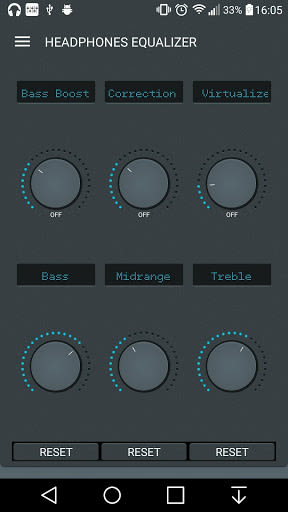
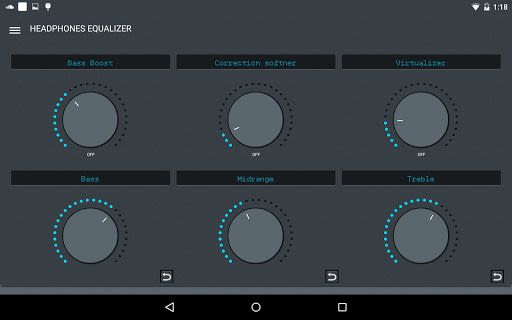
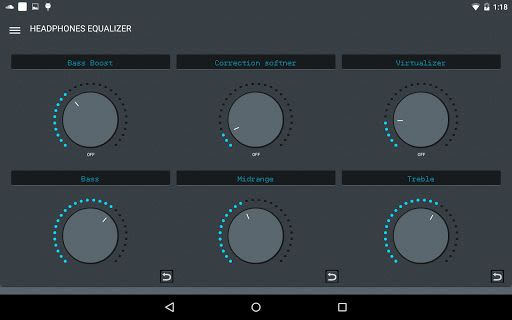
- Bass boost, Correction attenuation, and Virtualizer: Customize sound with precision using intuitive controls.
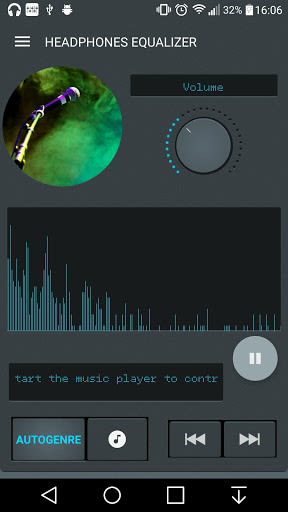
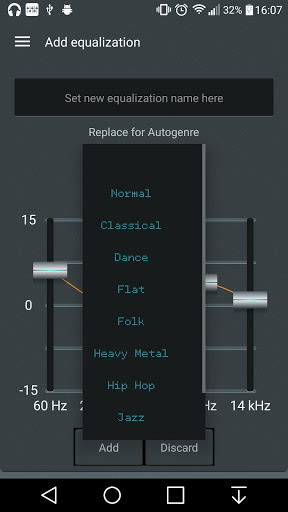
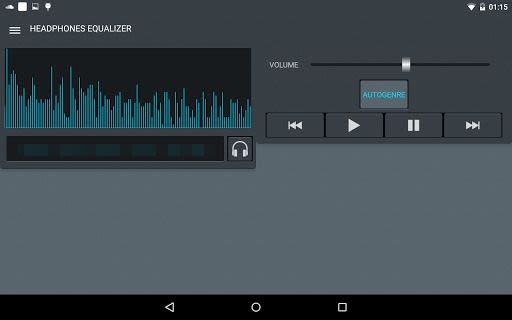
- Autogenre: Let the app detect the current genre and adjust equalization accordingly (Premium feature).
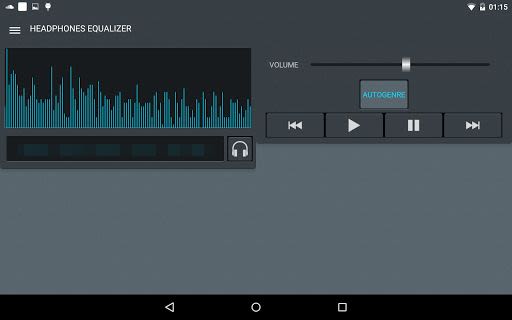
- Integrated music player and system volume controls: Manage audio settings conveniently within the app.
- Quick notification access: Swiftly switch equalizations or access the app directly from notifications.
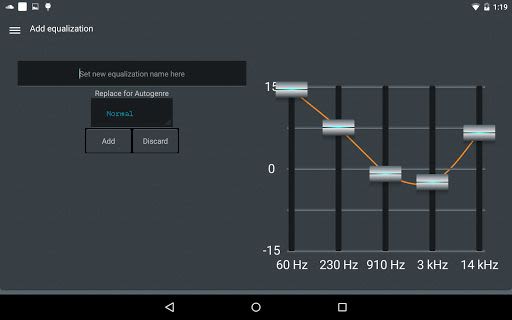
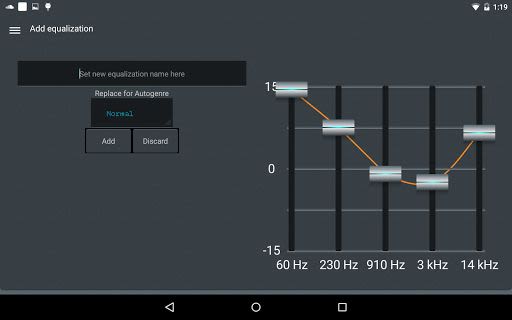
- Custom equalizations: Personalize your sound profile and save it to your headphone list.
- Backup and restore: Safeguard your headphone stash data with ease (Premium feature).
Key Features:
- Headphone stash management
- Precise headphone calibration
- Customized profile equalization
- Automatic headphone correction
- Online community for sharing profiles
- Advanced sound controls: Bass, Midrange, Treble
- Autogenre genre detection
- Integrated music player
- Quick notification access
- Custom equalization settings
- Backup and restore functionality
Benefits of Using Headphones Equalizer:
- Enhanced audio quality: Enjoy a tailored sound experience that suits your preferences.
- User-friendly interface: Easily navigate and control audio settings with intuitive tools.
- Community engagement: Connect with fellow users to share and discover custom equalizations.
- Convenient backup: Secure your headphone data for seamless transitions or device changes.
Technical Information:
- Compatibility: iOS, Android
- Languages: English, Italian, Русский
- Permissions: Detailed explanation provided for user transparency.
Ready to take your audio experience to the next level? Download Headphones Equalizer now and immerse yourself in unparalleled sound quality! For feature requests or bug reports, reach out via the official Google+ community board.
Download Now and unlock the full potential of your headphones!
Capturas de pantalla
Videos
Similar

DJ Music Mixer - DJ Remix 3D
Mobile_V5

Sound Memo Voice Recorder
Sunny cc inc

Mp3Juices Mp3 Juice Downloader
MyFreeMp3 Music

Volume & Bass Booster - EQ PRO
BGNmobi

Equalizer- Bass Booster&Volume
Litter Penguin

Voice Recorder & Voice Memos
Simple Design Ltd.

SikhNet Audio Stories for Kids
SikhNet.com

Music Downloader Mp3 Download
GO MUSIC PLAYER PLUS ZEE
Music Downloader Mp3 Download
Good Music Mp3 Downloader Apps

Fyzer Reprodutor de Músicas
Apps Snapdark

Extra Volume Booster, XBooster
Simple Design Ltd.

Mozart for Babies Brain Development Lullabies
Two B Soft