
File Commander - File Manager & Free Cloud
4.20
-

Idioma
English
-

OS
Android
-

Developer
MobiSystems
-

#Versión
8.4.44097
Descripción de la Aplicación
Discover File Commander – Your Ultimate File Management Solution
Are you seeking a robust file manager to streamline file handling on your Android device, cloud storage, or network location? Look no further than File Commander! This feature-rich app boasts a clean and intuitive interface, making file management a breeze. Optimized for Android P, File Commander offers a plethora of functionalities that set it apart from the rest.
Key Features:
-
Access & Manage Files:
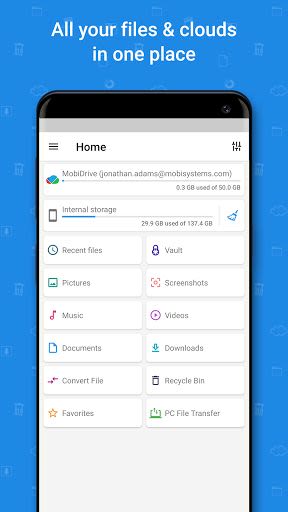
- Easily locate files with customizable Home screen tiles.
- Organize files into categories like Music, Pictures, Videos, Archives, and more.
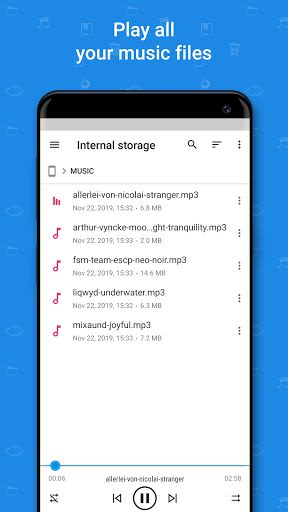
- Enjoy integrated Audio & Video players.
- Seamlessly connect to popular cloud services like Google Drive, Dropbox, Box, and Microsoft OneDrive.
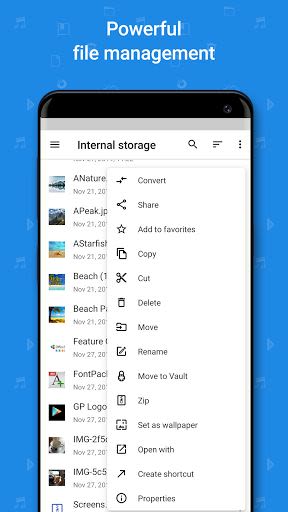
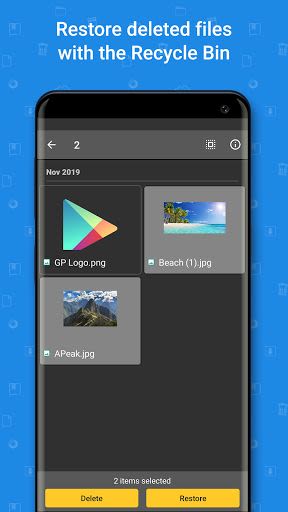
- Utilize the Recycle Bin to retrieve and manage deleted files.
- Manage external storage such as microSD cards and USB OTG drives.
- Access hidden files and folders, including system-protected data.
- Resume tasks quickly with the Recent files feature.
- Transfer files between your PC and Android device effortlessly.
- Securely add files to archives to save space.
- Bookmark favorite files and folders for quick access.
- Establish connections with nearby devices via Bluetooth.
- Sync app settings across multiple devices with the Login profile feature.
- Access Windows/SMB-based local network locations, FTP/FTPS servers, and Remote shares (exclusive for Sony Xperia devices).
-
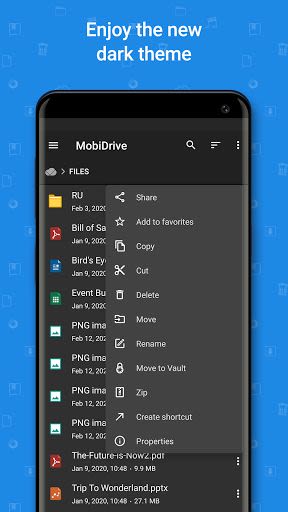
MobiDrive:
- Enjoy 5GB of FREE storage (upgradeable to 50GB for Premium users) for safe file storage.
- Share files and folders without restrictions.
- Access selected MobiSystems Drive files offline.
-
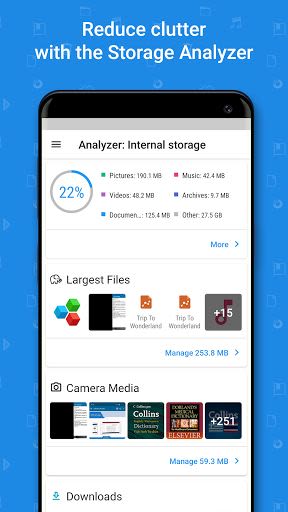
Storage Analyzer:
- Gain insights into storage usage with detailed information.
- Receive suggestions on freeing up storage space by deleting or moving files.
- Analyze both internal and external storage locations.
-
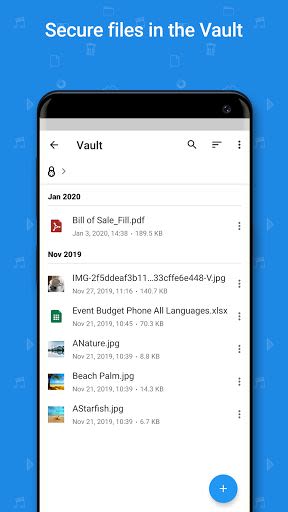
Vault:
- Secure sensitive data using File Commander's Vault feature.
- Encrypt selected files and folders for enhanced privacy protection.
-
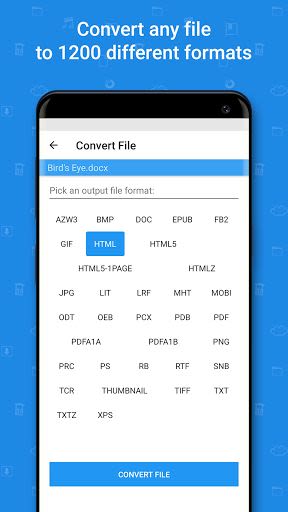
Convert Files:
- Convert files across 1200+ formats with File Commander's file conversion service.
- Support for various file formats including PDF, DOCX, XLSX, EPUB, and more.
- Premium users enjoy unlimited conversions.
Benefits:
- Efficiently manage files across devices and storage locations.
- Safeguard sensitive data with robust encryption.
- Optimize storage space with the Storage Analyzer.
- Seamlessly convert files to different formats.
- Enjoy secure and convenient file sharing.
Why Choose File Commander:
- Intuitive interface for effortless file management.
- Extensive file format support for versatile usage.
- Secure data protection with the Vault feature.
- Seamless integration with popular cloud services.
- Enhanced storage analysis for optimized usage.
Compatibility: Available for Android devices.
Technical Requirements: Varies with device.
Don't miss out on the full potential of your files – experience the power of File Commander today! Download now and take control of your file management tasks like never before.
Capturas de pantalla
Videos
Similar

Work from Home
Online Jobs & Startups

Acres: Land Data & Parcel Maps
Acres.co

Secure Gateway
ALSCO

ALSCO!
ALSCO

Hirect: Chat Based Job Search
Download now

PACK EXPO/Healthcare Packaging EXPO 2018
Map Your Show

Heritage Parts
Heritage Parts

Stripe Dashboard
Stripe, Inc.

TruckSmarter Load Board & Fuel
TruckSmarter

DScanner - Camera Scanner
CamSoft Information

JOB TODAY: Hire in 24 Hours
JOB TODAY S.A.

Blinq - Digital Business Cards
Blinq Technologies