
Remote Control Collection
4.00
-

Idioma
English
-

OS
iOS, Android
-

Developer
Steppschuh
-

#Versión
3.7.4.0
Descripción de la Aplicación
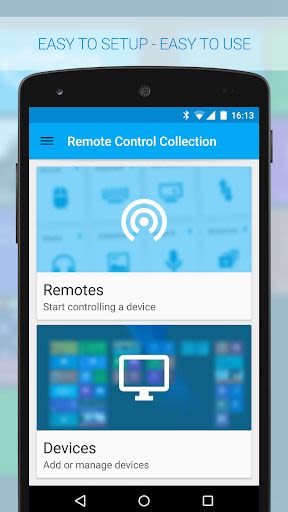
Control Your Windows PC or Mac Wirelessly with The Remote Control Collection
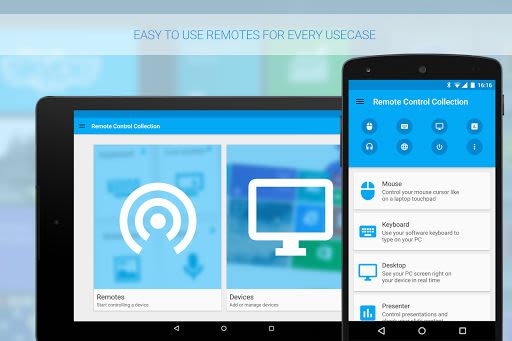
Are you looking for a convenient way to manage your Windows PC or Mac from your Android device? Look no further than The Remote Control Collection! This comprehensive app offers a range of remotes that empower you to control various aspects of your computer beyond just the mouse and keyboard.
What Makes Us Special
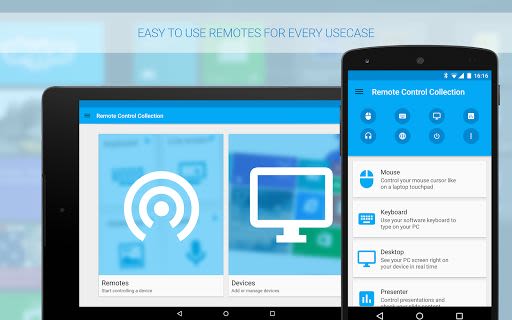
- Unified Remote Controls: Effortlessly manage your PC with a suite of remotes tailored for different functions.
- Rave Reviews: Don't just take our word for it – trusted sources like DotTech.org and Chip.de have praised our app for its responsiveness and simplicity.
Key Features
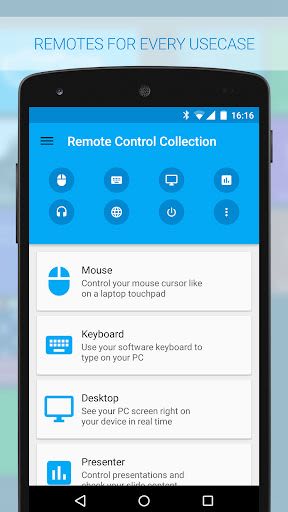
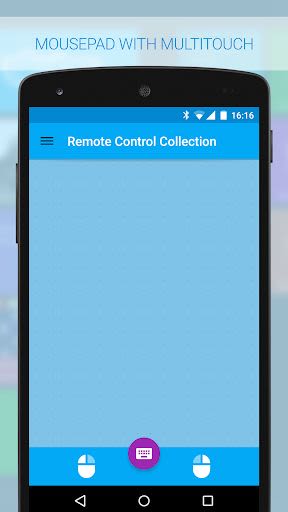
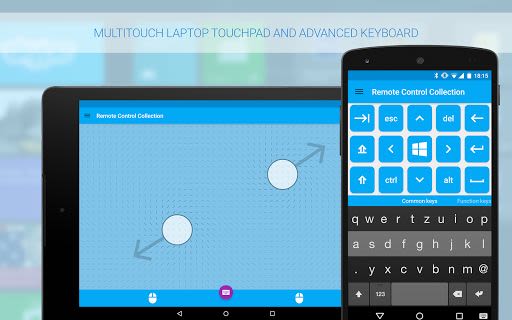
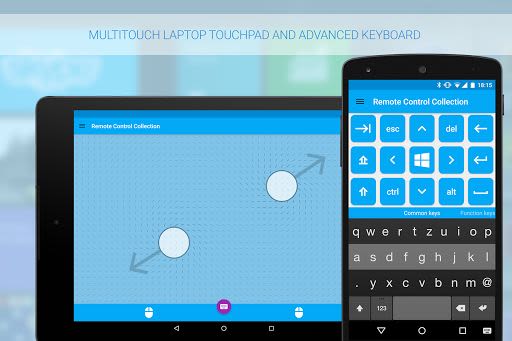
- Mouse Remote: Turn your Android device into a touchpad with support for multitouch gestures like scrolling and zooming.
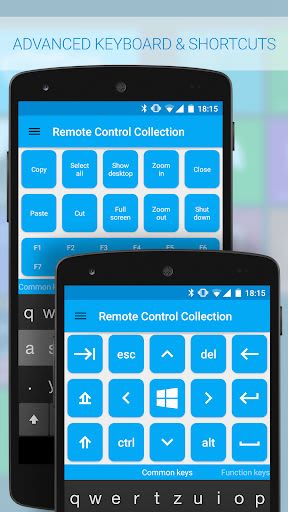
- Keyboard Remote: Type characters using your Android keyboard directly onto your PC, with essential keys like Windows and Control available.
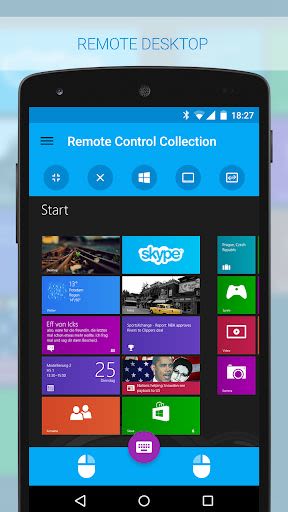
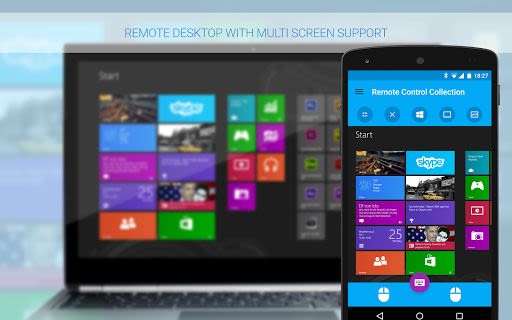
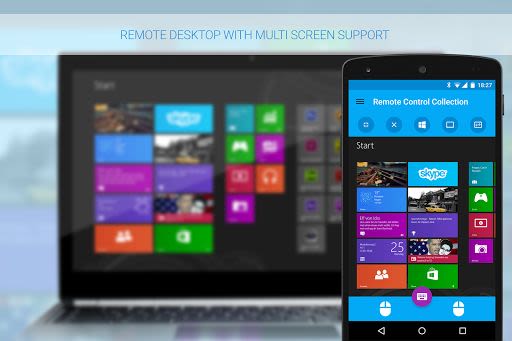
- Live Screen Remote: View your PC screen in real time on your Android device and control the mouse seamlessly.
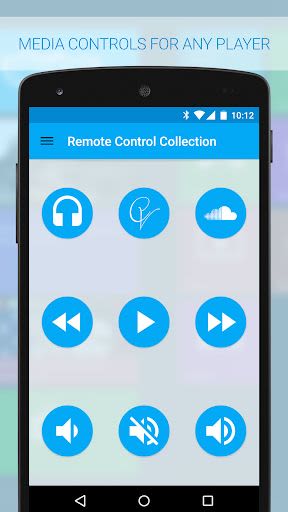
- Media Player Remote: Control popular media players like Windows Media Player, iTunes, and VLC from your smartphone.
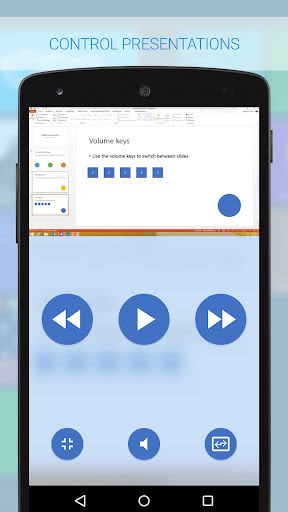
- Slideshow Remote: Manage your presentations on Powerpoint and other platforms effortlessly from your mobile device.
- Speech Recognition: Dictate text and use voice commands to control media playback on your PC.
Benefits
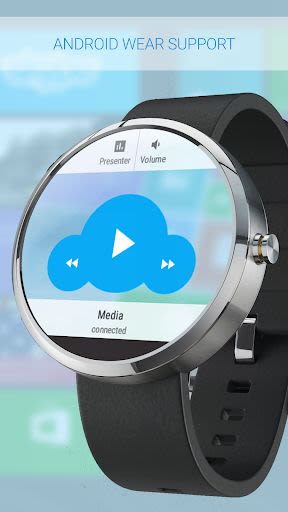
- Android Wear Support: Control your PC from your wrist for added convenience during presentations or media playback.
- Open Source Server: The Remote Control Server is open source, allowing you to control a variety of devices on your network, including Arduino and Raspberry Pi.
- IOT Ready: Seamlessly integrate with your Internet of Things (IOT) devices for enhanced connectivity.
Why Choose This App
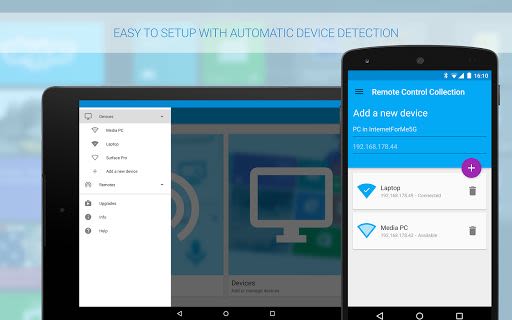
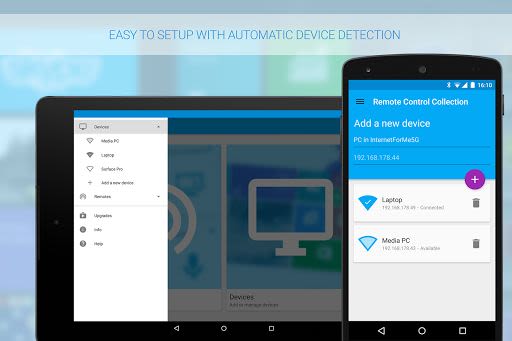
- User-Friendly Setup: Setting up the app is straightforward and hassle-free.
- Extensive Compatibility: Compatible with a wide range of media players and presentation software.
Technical Information
- Permissions: Includes network access, call information, approximate location, media, files, and vibration for optimal functionality.
Get Started Today!
Download the Remote Control Server for free at server.android-remote.com and unlock a new level of control over your devices. For a pro experience, Facebook fans can test the pro version at facebook.com/RemoteControlApps. Take charge of your PC like never before with The Remote Control Collection!
Capturas de pantalla
Videos
Similar

All Document Reader 2023
FunGear inc

QR Code Scanner for Android: QR Reader, QR Creator
Taymay - Simple & Effective.

ChatAI: AI Chatbot App
iKame Applications - Begamob Apps

App Lock - Applock Fingerprint
Trusted Tools

All Document Reader - One Read
Simple Design Ltd.

QR Scanner - Barcode Scanner
Leap Fitness Group

PDF Reader - PDF Viewer 2022
Simple Design Ltd.

FlyLadyPlus
FlyLadyPlus

BlackNote Notepad Notes
Notas Notepad

Free QR Code Reader & Barcode Scanner - QR Scanner
JonDev. Mobile

PDF Scanner APP - Scan to PDF
Simple Design Ltd.

Image to PDF Converter - JPG to PDF, PDF Maker
Simple Design Ltd.