
Document Scanner - Scan PDF & Image to Text
4.30
-

Idioma
English
-

OS
Android
-

Developer
TopTap Studio
-

#Versión
4.1.8
Descripción de la Aplicación
Document Scanner - Your Ultimate Tool for Effortless Document Management
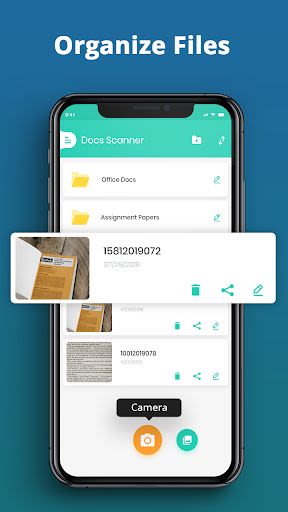
In a world where convenience is key, Document Scanner app stands out as your go-to solution for high-quality document scanning in PDF and PNG formats. Whether you need to digitize pictures, written materials, or graphical content, this app has you covered. With the ability to seamlessly scan a variety of documents, from receipts to class notes, bills, and more, Document Scanner simplifies your scanning needs both at home and in the office.
Why Choose This App?
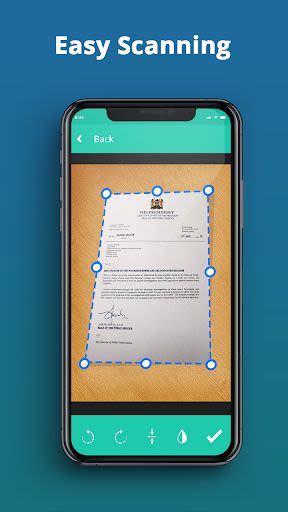
- Effortless Scanning: Quickly scan any document with ease, saving you time and effort.
- Versatile Compatibility: Perfect for students, professionals, and anyone in need of efficient document management.
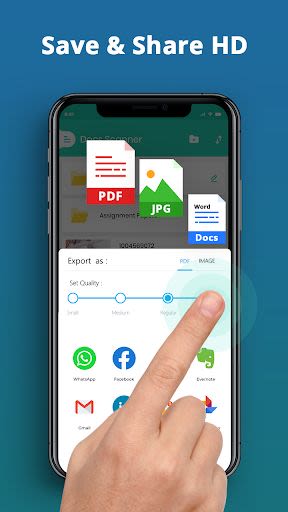
- Quality Outputs: Convert scans into PDF, PNG, and JPEG formats for easy sharing and editing.
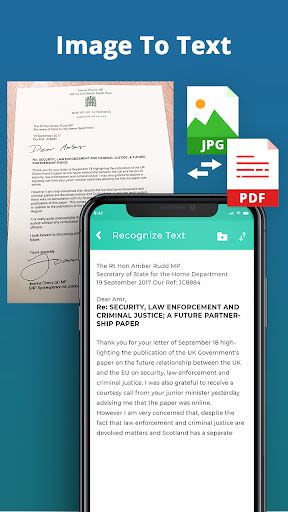
- OCR Support: Extract text from images with over 110 language options for enhanced usability.
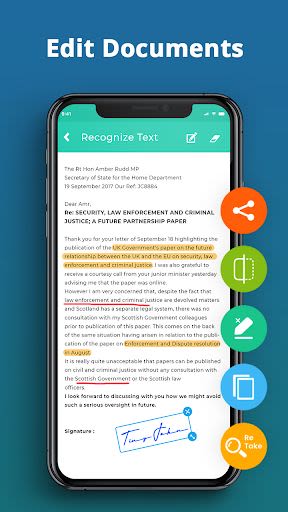
- Advanced Editing Tools: Enhance scanned documents by removing shadows, adjusting brightness, and more.
- QR Code Reader: Easily decode, scan, and share barcodes for added convenience.
Key Features:
- Free Scanner: Transform your smartphone into a fast file scanner at no cost.
- Photo to PDF: Convert photos to PDF files with the ability to edit them post-scanning.
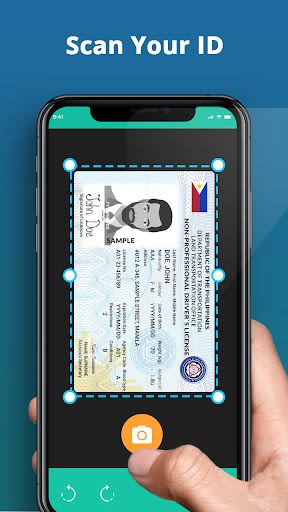
- Easy Scanning: Scan a wide range of documents for streamlined management.
- Camera Scanner: Capture clear scans with quality outputs for efficient sharing.
- OCR Optical Character Recognition: Extract text from images for editing, searching, and sharing.
- Advanced Document Editing: Automatically detect and enhance specific parts of scanned documents.
- E-signature App: Easily manage digital signatures of various sizes for document customization.
- QR Code Scanner: Automatically recognize and process QR and barcode information.
Benefits:
- Turn your smartphone into a powerful document scanner.
- Manage and share scanned documents effortlessly.
- Enhance document quality with advanced editing features.
- Access a range of scanning options for diverse document types.
- Enjoy the convenience of an OCR reader and QR code scanner in one app.
Technical Information:
- Compatibility: Android devices
- Requirements: Storage access for document storage, camera access for scanning
Embrace the future of document management with Document Scanner - Free Scan PDF & Image to Text app. Download now and revolutionize the way you handle documents!
Capturas de pantalla
Similar

All Document Reader 2023
FunGear inc

QR Code Scanner for Android: QR Reader, QR Creator
Taymay - Simple & Effective.

ChatAI: AI Chatbot App
iKame Applications - Begamob Apps

App Lock - Applock Fingerprint
Trusted Tools

All Document Reader - One Read
Simple Design Ltd.

QR Scanner - Barcode Scanner
Leap Fitness Group

PDF Reader - PDF Viewer 2022
Simple Design Ltd.

FlyLadyPlus
FlyLadyPlus

BlackNote Notepad Notes
Notas Notepad

Free QR Code Reader & Barcode Scanner - QR Scanner
JonDev. Mobile

PDF Scanner APP - Scan to PDF
Simple Design Ltd.

Image to PDF Converter - JPG to PDF, PDF Maker
Simple Design Ltd.