

AppLock - Fingerprint & Password, Gallery Locker
4.50
-

Kieli
English
-

OS
Android
-

Developer
SailingLab: Focus on Security, Booster, Cleaner
-

#Versio
4.2.0
Sovelluksen kuvaus
AppLock: Your Ultimate Privacy Protector
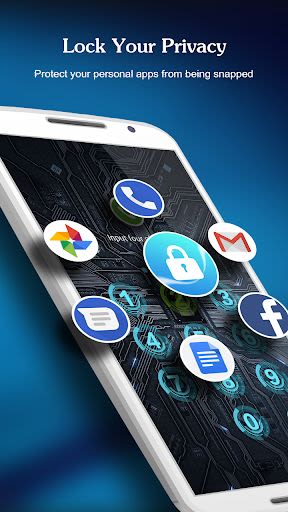
AppLock is a versatile app protector designed to safeguard your privacy within mobile apps. Whether you want to secure your social media interactions, protect sensitive system apps, or keep your personal photos and videos hidden, AppLock has you covered. With a range of lock options including PIN, Pattern, and Fingerprint Lock, you can customize your privacy settings to suit your style.
☀️ Highlights of AppLock ☀️
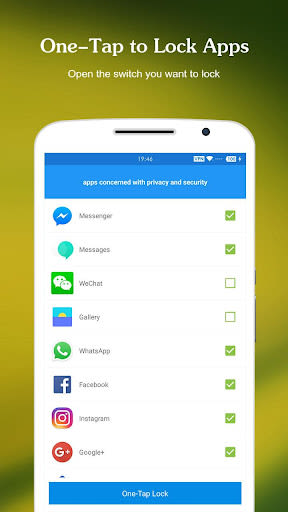
- Lock Social Apps: Secure apps like Facebook, Whatsapp, Messenger, and more.
- Lock System Apps: Protect Gallery, SMS, Contacts, and other essential apps.
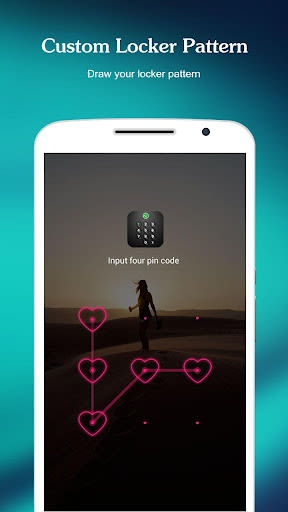
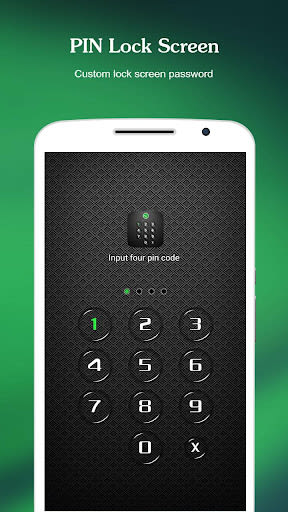
- Multiple Lock Options: Choose from PIN, Pattern, or Fingerprint Lock.
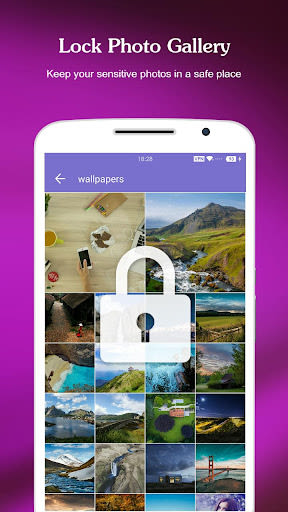
- Photo Vault: Safeguard your gallery and hide photos and videos.
- Screen Lock Support: Prevent unauthorized access to your device.
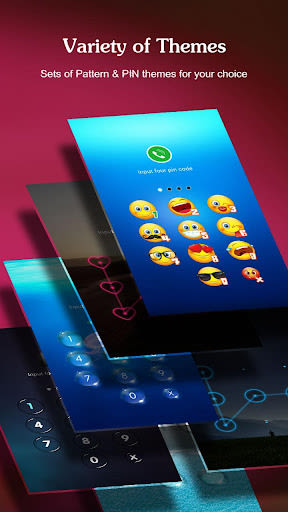
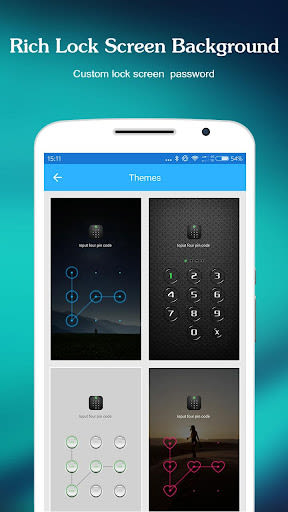
- Rich Themes: Explore a variety of beautiful themes to personalize your lock screen.
Key Features
- Real-Time Protection: Monitor new installations and updates to prevent risks.
- Photo Vault: Encrypt and hide your photos and videos.
- Intruder Selfie: Capture intruders trying to access your phone.
- Message Security: Hide notifications to protect your privacy.
- Notification Cleaner: Easily clean spam push notifications.
- Safe Lockscreen: Secure your phone with PIN and pattern locks.
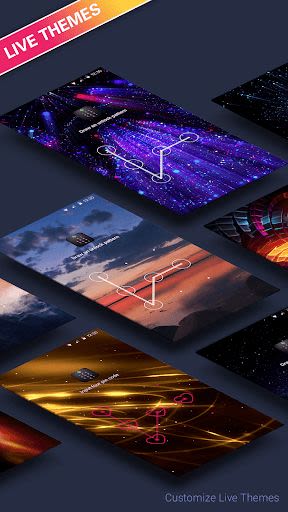
- Live Theme: Enjoy interactive themes for unlocking apps.
- Privacy Browser: Browse incognito and block trackers for private browsing.
Benefits
- Prevent unauthorized access to apps and settings.
- Secure sensitive data with advanced lock options.
- Protect your privacy with notification hiding and intruder detection.
- Enjoy a user-friendly interface for seamless operation.
Why Choose This App
- Robust security features for comprehensive privacy protection.
- Customizable lock options to suit individual preferences.
- Regular updates with new themes and features for enhanced user experience.
Technical Information
- Compatibility: Available on Android and iOS devices.
- Additional Requirements: Fingerprint lock feature requires compatible hardware.
How to Use
- Download and install AppLock.
- Enable the lock feature in settings.
- Set your preferred lock pattern.
- Draw your pattern to unlock and access your home screen.
FAQ
- Setting Password: Open AppLock, set pattern or PIN, and confirm.
- Changing Password: Access AppLock settings and reset your password.
- Forgot Password: Click on "Forget Password" and follow the prompts to reset.
For any queries or support, contact us at [email protected].
Secure your privacy with AppLock and take control of your digital life. Download now to experience peace of mind in the palm of your hand!
Kuvakaappaukset
Similar

Windows 11
Microsoft

Wear Flashlight
CodVerter

Grok
xAI

Cleaner Antivirus VPN Cleaner
Cleaner + Antivirus + VPN company

owoTrack
Finoki

تەختەکلیلی کوردی | Kurdish Keyboard
Goran Gharib

Icon Torch - Flashlight
Aleksandr Balaev

Secure VPN
Dream limited

VPN Proxy Master - Secure VPN
Share File Technologies by 090 Bravo

Give VPN
Speed Group dev

Super Antivirus - Clean Virus
SUPER ANTIVIRUS

Fly Browser-Search & Private
Readerland