

Calculator Vault : App Hider - Hide Apps
4.30
-

Kieli
English
-

OS
Android
-

Developer
Hide Apps (NO ROOT)
-

#Versio
3.0.5_202c4b1d3
Sovelluksen kuvaus
Calculator Vault: Hide Apps and Protect Your Privacy
In the digital age, safeguarding your privacy is paramount. Calculator Vault offers a discreet solution to keep your sensitive apps and data secure. With its innovative features and intuitive interface, Calculator Vault is your go-to app for maintaining confidentiality on your device.
Key Features:
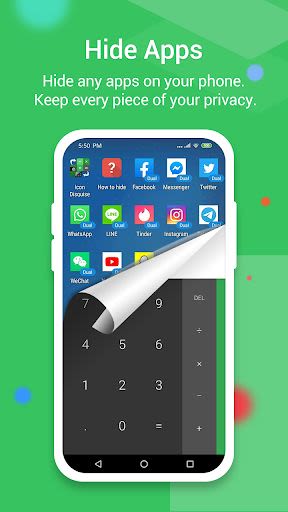
- App Hiding: Conceal any installed applications without requiring root access.
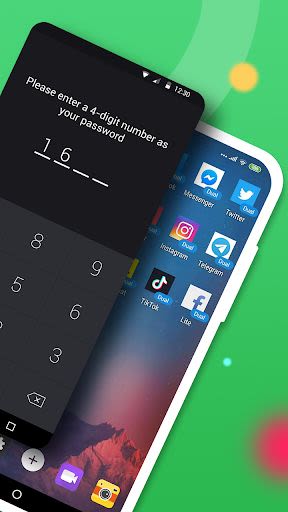
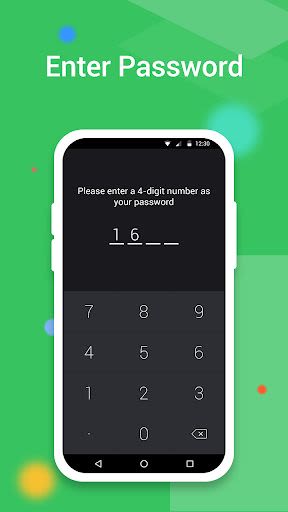
- Password Protection: Set up a secure password to access hidden apps.
- Versatile Support: Hide a wide range of mobile applications effortlessly.
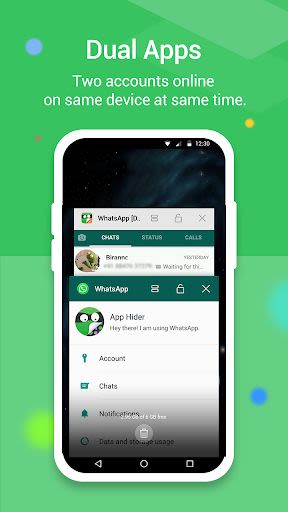
- Dual Usage: Access hidden apps within Calculator Vault or through your phone's main interface.
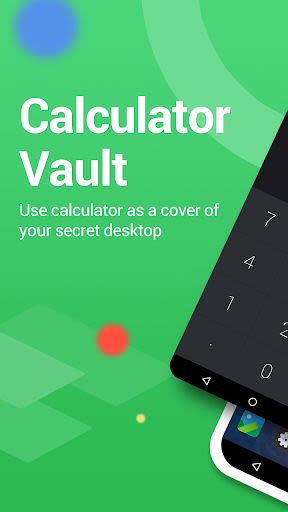
- Incognito Mode: Mask the app as a standard calculator to prevent unauthorized access.
- Notification Control: Customize notification visibility in three modes.
- Recents Concealment: Keep hidden apps discreetly out of the recent apps list.
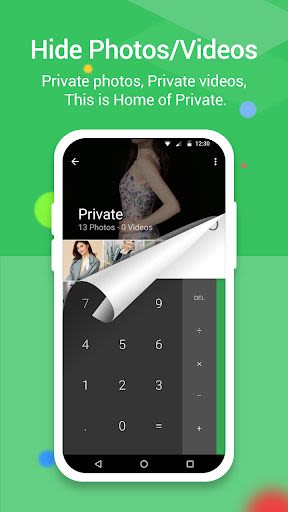
- Gallery Module: Safeguard your private photos and pictures from prying eyes.
- Secret Camera: Capture confidential photos using the built-in hider camera.
- Video Protection: Hide and play videos securely within the app.
Benefits:
- Ensure privacy by hiding apps and media files effectively.
- Access your hidden content seamlessly without compromising security.
- Enjoy a user-friendly interface for easy navigation and management.
- Protect your confidential data from unauthorized access and snooping.
Why Choose Calculator Vault:
- Enhanced Security: Advanced features like password protection and disguised app icons.
- Versatility: Hide a variety of apps and media files with ease.
- Intuitive Functionality: Effortlessly manage hidden content and settings.
- Secure Environment: Keep your private data safe from prying eyes.
How to Use Calculator Vault:
- Initial Setup: Create a password to access the Calculator Vault.
- Hiding Apps: Select apps to hide within the vault for added security.
- Hiding Photos/Videos: Utilize the Gallery Module to safeguard your media files.
- Adding Apps: Easily add new apps to the Calculator Vault for enhanced privacy.
- Deleting Apps: Remove hidden apps by dragging them to the delete icon.
Compatibility and Legal Information:
- Compatibility: Android devices
- Source Code: Android AOSP Calculator
- License: Apache License, Version 2.0
Protect your privacy and secure your digital life with Calculator Vault. Download now and take control of your confidential data like never before.
Your Privacy, Our Priority.
Kuvakaappaukset

Similar

Windows 11
Microsoft

Wear Flashlight
CodVerter

Grok
xAI

Cleaner Antivirus VPN Cleaner
Cleaner + Antivirus + VPN company

owoTrack
Finoki

تەختەکلیلی کوردی | Kurdish Keyboard
Goran Gharib

Icon Torch - Flashlight
Aleksandr Balaev

Secure VPN
Dream limited

VPN Proxy Master - Secure VPN
Share File Technologies by 090 Bravo

Give VPN
Speed Group dev

Super Antivirus - Clean Virus
SUPER ANTIVIRUS

Fly Browser-Search & Private
Readerland