

TextArt: Cool Text creator
4.10
-

Kieli
English
-

OS
Android
-

Developer
Quarzo Apps
-

#Versio
1.2.6
Sovelluksen kuvaus
Discover TextArt: Effortlessly Create Stunning Text Effects for Chat Apps
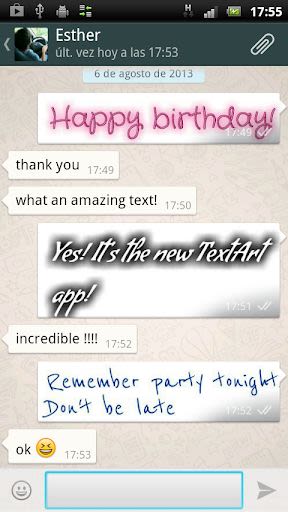
TextArt is your go-to tool for crafting eye-catching text effects quickly and easily. Elevate your messaging game by sharing captivating text designs on popular chat apps like Twitter, WhatsApp, Line, and more. Impress your contacts with unique and creative visuals!
How to Use TextArt:
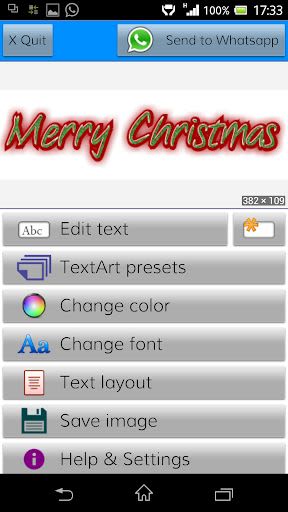
- Step 1: Input your text using the [Edit Text] button or by double-clicking the preview area.
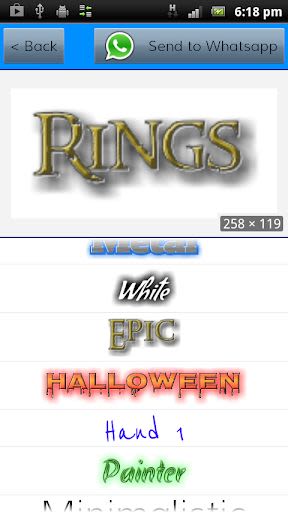
- Step 2: Choose a preset design that catches your eye.
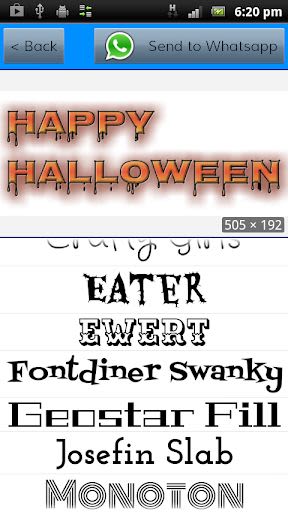
- Step 3: Personalize the design by selecting from a range of available fonts.
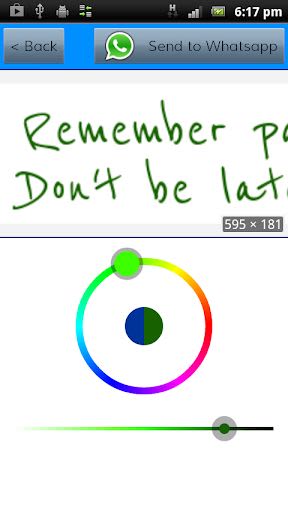
- Step 4: Customize the text and background colors to suit your style.
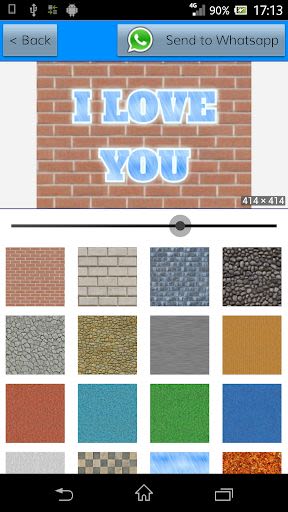
- Step 5: Enhance your creation with a cool background—pick from built-in textures, solid colors, or your custom image.
- Step 6: Fine-tune layout settings like margins, aspect ratio, and alignment.
Share your masterpiece with ease at any point—it will be sent as an image for seamless viewing.
Tips and Tricks:
- Zoom and pan the preview image using pinch and drag gestures.
- Double-click on the preview image to edit the text instantly.
- Adjust break-line configurations and image sizes in the settings.
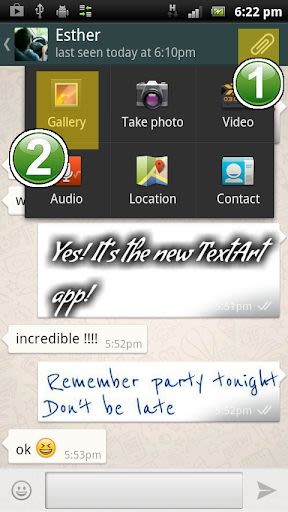
- Attach your creative text directly from your favorite chat app by selecting TextArt from the "clip" option.
- Create square images perfect for profile pictures on platforms like Twitter, Whatsapp, and Instagram.
- Design transparent background images effortlessly.
- Access over 35 tiled back textures for added flair.
- Expand your font choices by including custom .ttf and .otf files in the designated \fonts\ folder.
Legal Note:
TextArt complies with Google Play content policies and is intended for entertainment purposes. The app is free and supported by non-intrusive advertising.
Permissions required:
- INTERNET: For displaying Google AdMob advertising banners.
- EXTERNAL MEMORY SD: To save and share your created images in the [TextArt] folder.
Fonts in TextArt adhere to the SIL OPEN FONT LICENSE Version 1.1. Font owners can request removal by reaching out via email.
★★★★★ Enjoy the Creative Journey with TextArt!
For feedback and suggestions, contact us at [email protected] or @jdpapps.
Kuvakaappaukset
Similar

Logo Maker And Logo Creator 3D
Splaish Studio

AI Photo
toolsmeta

Photo AI
Brilliant Games Private Ltd.

Interior Design AI Home Decor
Identifier Studio

T Shirt Design-Custom T Shirts
Custom Design Apps

Logo Maker: Logo Creator App
Dzine Media Apps

Mehndi Designs Offline
Blue Brain Technologies

😜 FLORK sticker for whatsapp - WAStickerApps
Devmias Studio

Gaming Logo Maker: Esport Logo
AZ Mobile Software

SVG Design Space For Cricut
CA Publishing

Maskot - Gaming Logo Maker
Artico Apps

Loogy - Graphic Design Pro
Artoon Games