
Remote Control for Smart TV
3.60
-

Kieli
English
-

OS
Android
-

Developer
WeeWoo Mobile
-

#Versio
1.4.7
Sovelluksen kuvaus
Control Your Roku Device with Ease Using Our Android Remote App
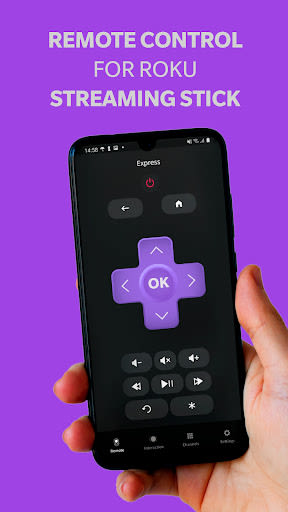
Are you looking to transform your Android smartphone into a powerful remote control for your Roku device? Look no further! Our innovative app allows you to effortlessly navigate and manage your Roku Stick, Roku Box, or Roku TV directly from your phone.
Key Features:
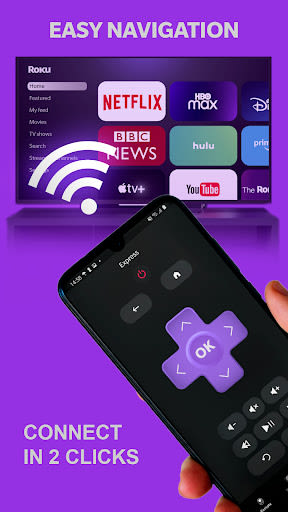
- Easy Setup: Our Roku Remote app seamlessly connects to your Roku device without the need for complicated configurations.
- Volume Adjustment: Control the volume of your Roku or Roku TV conveniently from your Android phone.
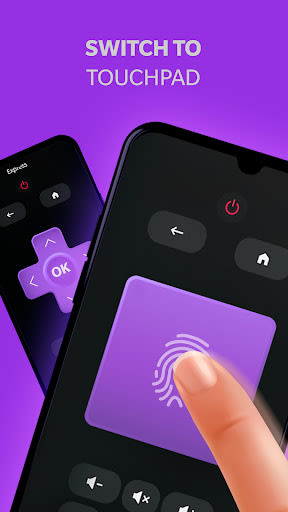
- Intuitive Touchpad: Enjoy smooth menu and content navigation with a large touchpad interface.
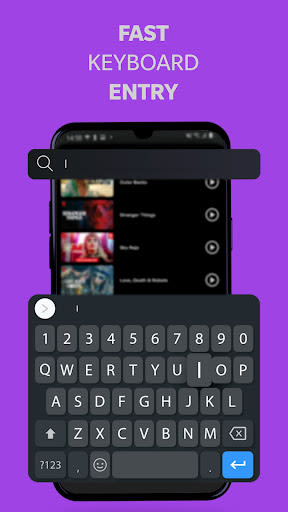
- Quick Text Entry: Use your phone's keyboard for swift text input when browsing channels like Netflix or Hulu.
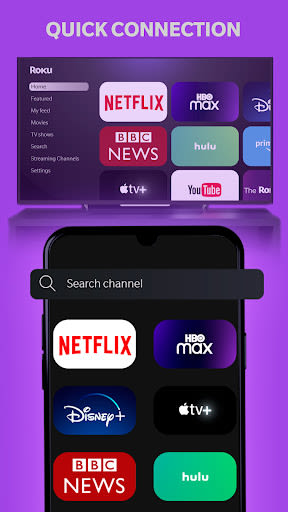
- Channel Launching: Launch your favorite channels effortlessly from within the app.
- YouTube Streaming: Search for YouTube videos on your Android device and stream them directly to your Roku.
Benefits:
- Universal Compatibility: Our remote controller supports a wide range of devices beyond Roku, including ASTV, Samsung, Vizio, and more.
- Simplified Setup: Experience a hassle-free setup process for your Android device.
- User-Friendly Interface: Enjoy the convenience and ease of use our app offers for controlling your entertainment.
Why Choose Our App:
- Versatile Compatibility: Whether you own a Roku device or other brands, our app ensures seamless remote control functionality.
- High-Quality Performance: Experience top-notch performance and responsiveness for your streaming needs.
- Simple Configuration: Setting up your remote control has never been easier with our user-friendly app.
To start using your smartphone as a Roku remote, follow these simple steps:
- Ensure your smartphone and TV are connected to the same internet network.
- Avoid using VPNs, proxies, or different subnets to ensure proper connectivity.
- Turn on your TV and launch our app on your Android device.
Don't see your specific device listed? No worries! Our app is designed to work with a wide range of brands, ensuring compatibility for all users. Download now and elevate your streaming experience with the convenience of a remote control at your fingertips!
Download the app today and unlock the full potential of your Roku Streaming Stick!
Kuvakaappaukset
Similar

Windows 11
Microsoft

Wear Flashlight
CodVerter

Grok
xAI

Cleaner Antivirus VPN Cleaner
Cleaner + Antivirus + VPN company

owoTrack
Finoki

تەختەکلیلی کوردی | Kurdish Keyboard
Goran Gharib

Icon Torch - Flashlight
Aleksandr Balaev

Secure VPN
Dream limited

VPN Proxy Master - Secure VPN
Share File Technologies by 090 Bravo

Give VPN
Speed Group dev

Super Antivirus - Clean Virus
SUPER ANTIVIRUS

Fly Browser-Search & Private
Readerland