
Challenger Watch Face
3.90
-

Kieli
English
-

OS
Android
-

Developer
RichFace
-

#Versio
1.7.0
Sovelluksen kuvaus
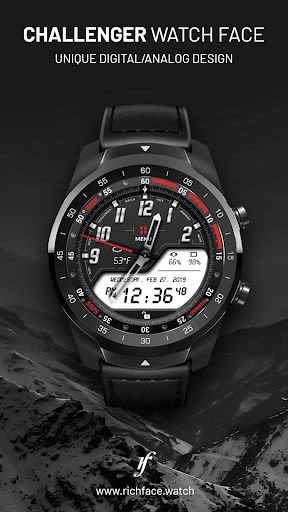
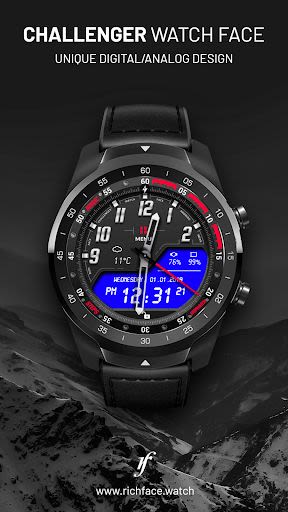
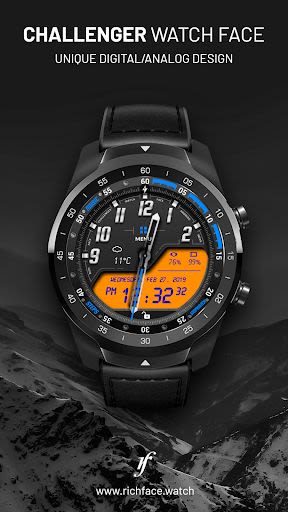
Discover the Ultimate Interactive Watch Face for WearOS 2.0
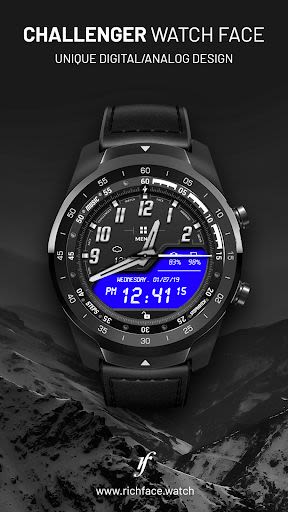
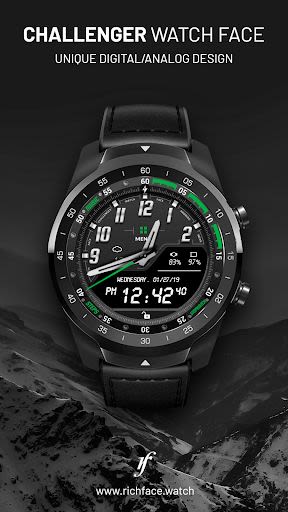
Elevate your smartwatch experience with our innovative digital and analog interactive watch face, offering a seamless blend of style and functionality. With the option to upgrade to our Premium version, you unlock a plethora of advanced features while still enjoying the core offerings of the free version.
Key Features:
-
Free Version:
- ✔ Weather
- ✔ Watch and phone battery indicator
- ✔ Date
- ✔ 24-hour format
- ✔ Screen time
-
Premium Version:
- ✔ 2 watch hands
- ✔ TimeZones
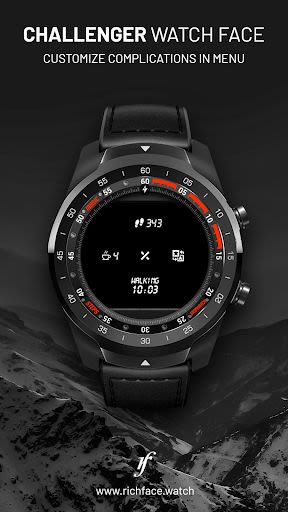
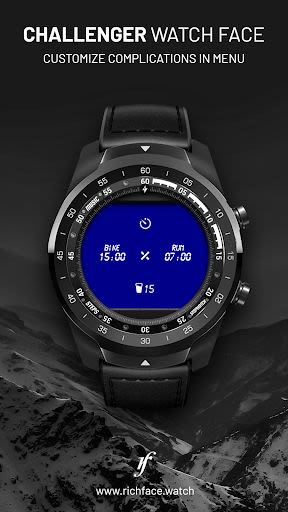
- ✔ Interactive menu with app shortcuts
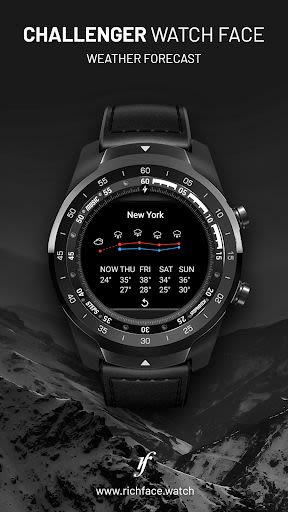
- ✔ 5-day weather forecast
- ✔ Google FIT step counter with history
- ✔ Full ambient mode
- ✔ Smooth seconds
- ✔ Removed ads
Benefits:
- Customize watch settings effortlessly
- Stay informed with accurate weather updates
- Seamlessly access app shortcuts
- Monitor your fitness goals with Google FIT integration
- Enjoy a sleek design with ambient mode
Why Choose This App:
-
Companion App Configuration:
- ✔ Automatic or custom weather location
- ✔ Screen time settings
- ✔ Weather update frequency
- ✔ Ambient mode options
- ✔ Peek card customization
How to Set Up Shortcuts:
- Long tap on the watch face
- Tap on the gear icon for settings
- Select "Customize" and then "Complications"
- Choose your desired app shortcut
Wear OS 2.0 Integration:
- Fully standalone and compatible with both iOS and Android devices
- External complication data for enhanced indicators
FAQ:
If you encounter any issues, reach out to us at [email protected]
Installation Guide for Wear OS 2.0:
- Download from Google Play Wear Store on your watch
- Install the companion app for full customization on Android devices
Troubleshooting Steps:
- Connect to Google Fit for activity data visibility
- Two options for connection: on your smartwatch or via the companion app
Important Note: This watch face is exclusively compatible with WearOS and cannot be installed on smartwatches with TizenOS or other operating systems.
Permissions Explained: Privacy Policy
Enhance your WearOS experience today with our interactive watch face. Upgrade to Premium for an unparalleled smartwatch experience!
Kuvakaappaukset
Videot
Similar

Analog Classic Watch Messa 100
Messa Watch

Color Phone - Nice Call Screen
Govo Tech by Volio

Arabic Wallpapers
Mahmoud Zadah

Concentric - Pixel Watch Face
WatchFace-Designs

Clean Digital
JH Watchfaces

Yoshion - Pic Collage Maker
Joseph Jenny

Minimal Basic 2 English
OQ Watchfaces

Beautiful wallpapers
Applications from a duck

Wear OS Watch Neon Shatte
GeorgKing

RE 03 - Digital Watch Face
RECREATIVE ® Watch Faces

Anime World Wallpapers
N.E.O.N STUDIO

Launcher iOS 16
LuuTinh