

ZArchiver
4.20
-

Kieli
English
-

OS
Android
-

Developer
ZDevs
-

#Versio
1.0.2
Sovelluksen kuvaus
Welcome to ZArchiver Directory Listing App
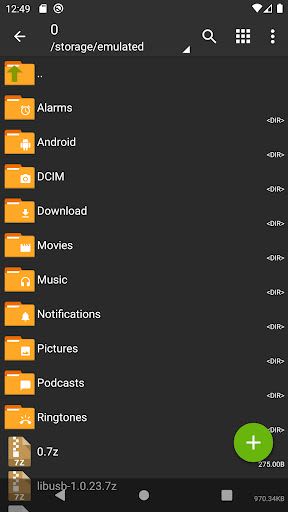
ZArchiver is your go-to program for efficient archive management, offering a simple yet functional interface tailored to meet your archiving needs. With a firm commitment to privacy, ZArchiver ensures that your data stays secure by not requiring internet access, preventing any unauthorized transmission of information.
Key Features:
-
Archive Creation & Decompression:
- Create various archive types including 7z, zip, bzip2, gzip, and more.
- Decompress a wide range of archive types such as rar, iso, tar, and more.
-
Archive Content Viewing:
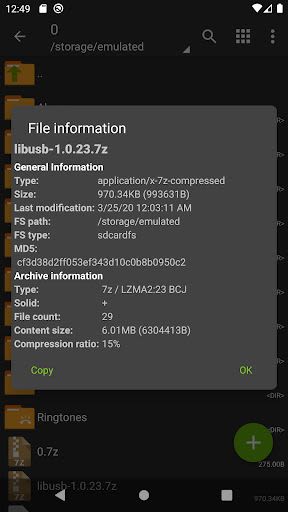
- Easily view contents of numerous archive formats.
-
Password Protection:
- Create and decompress password-protected archives for added security.
-
Archive Editing:
- Edit archives by adding or removing files effortlessly.
-
Multi-part Archives Handling:
- Create and decompress multi-part archives with ease.
-
Additional Functionality:
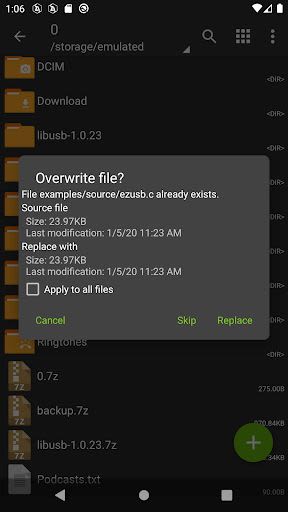
- Partial archive decompression, opening compressed files, and more.
Benefits:
- Start using ZArchiver with Android 9 for smaller files (<10MB).
- Enjoy multithreading support for optimal performance on multicore processors.
- UTF-8/UTF-16 support ensures seamless handling of filenames with national symbols.
Why Choose ZArchiver:
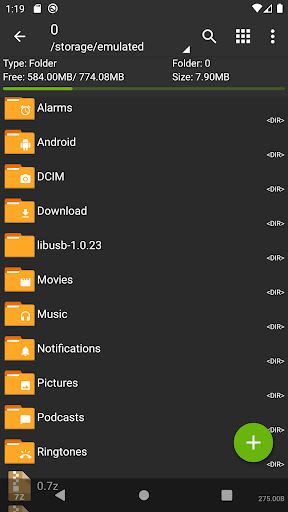
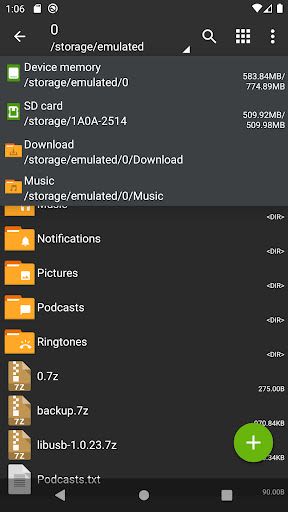
- Intuitive interface for hassle-free archive management.
- Robust privacy measures to safeguard your data.
- Extensive format support for both creation and extraction of archives.
Mini FAQ:
-
Q: What password should I use for encrypted archives?
- A: Each encrypted archive requires a specific password for access.
-
Q: Encountering issues with the program?
- A: Reach out via email with a detailed description of the problem for prompt assistance.
-
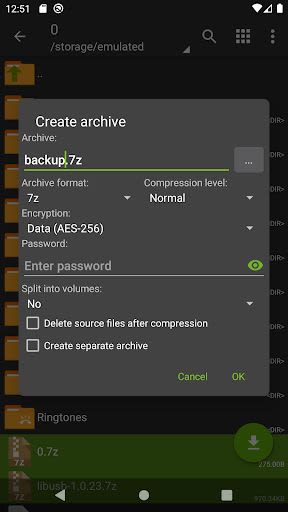
Q: How do I compress files using ZArchiver?
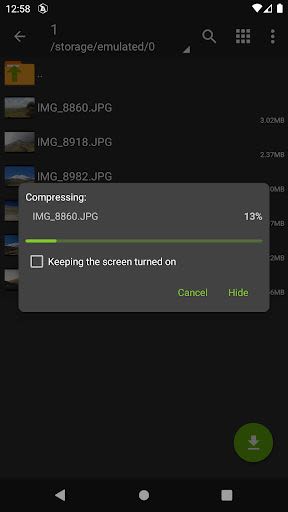
- A: Simply select desired files, click on the compression option, set preferences, and compress securely.
-
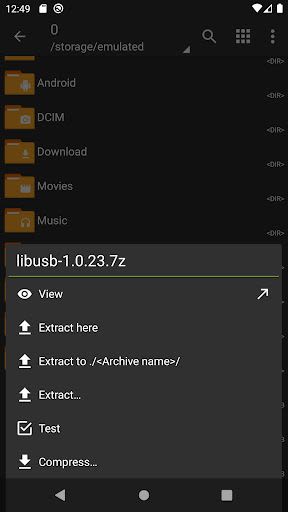
Q: Need to extract files efficiently?
- A: Click on the archive name and select the desired extraction option for seamless file retrieval.
For any suggestions or feedback, feel free to share your ideas via email or leave a comment. Your input is valued in enhancing the ZArchiver experience.
Get organized with ZArchiver today and streamline your archive management tasks effortlessly!
Kuvakaappaukset
Similar

Windows 11
Microsoft

Wear Flashlight
CodVerter

Grok
xAI

Cleaner Antivirus VPN Cleaner
Cleaner + Antivirus + VPN company

owoTrack
Finoki

تەختەکلیلی کوردی | Kurdish Keyboard
Goran Gharib

Icon Torch - Flashlight
Aleksandr Balaev

Secure VPN
Dream limited

VPN Proxy Master - Secure VPN
Share File Technologies by 090 Bravo

Give VPN
Speed Group dev

Super Antivirus - Clean Virus
SUPER ANTIVIRUS

Fly Browser-Search & Private
Readerland