

Shield - App Lock & Antivirus: Privacy Home Screen
4.30
-

Langue
English
-

OS
Android
-

Developer
Bacchus Media
-

#Version
2.7.72
Description de l'Application
Secure Your Apps and Privacy with Shield Launcher 2021
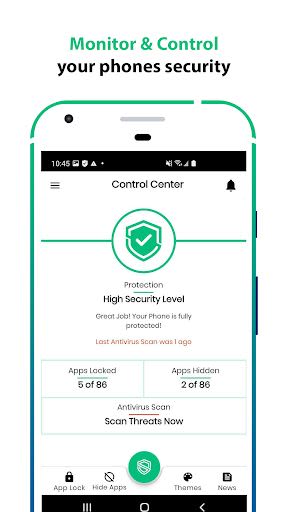
Are you concerned about your app privacy and security? Shield Launcher 2021 is here to safeguard your Android device from prying eyes and potential threats. Lock, hide, and protect your apps with ease while keeping your confidential data secure.
Key Features:
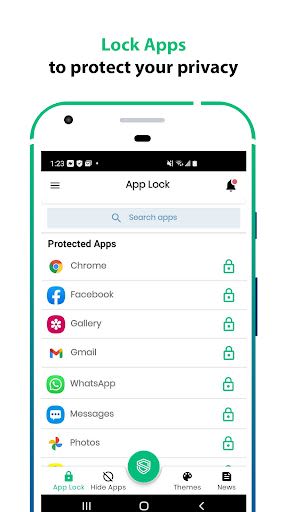
- AppLock: Secure popular apps like Facebook, Instagram, TikTok, Snapchat, and more.
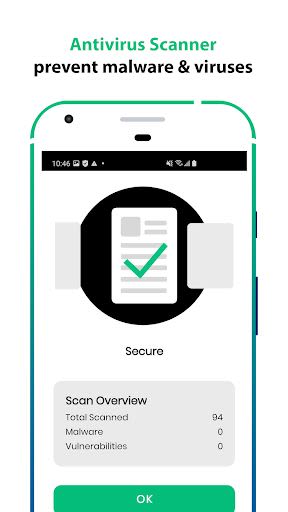
- Antivirus Cleaner: Protect your device from viruses and malware.
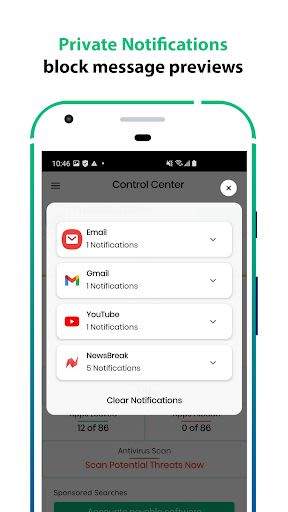
- Private Notifications: Keep your notification previews secure with password protection.
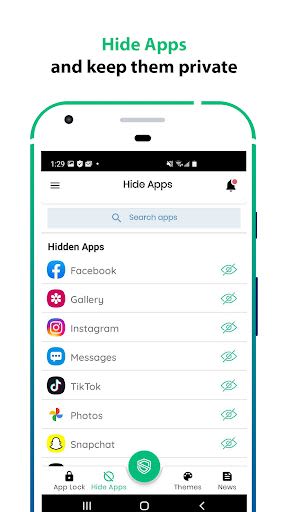
- App Hiding: Conceal apps from view to maintain your privacy.
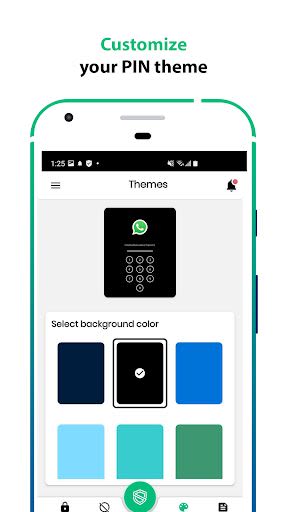
- Customizable Themes: Personalize your AppLock screen with themes.
- Data Protection: Safeguard sensitive information from unauthorized access.
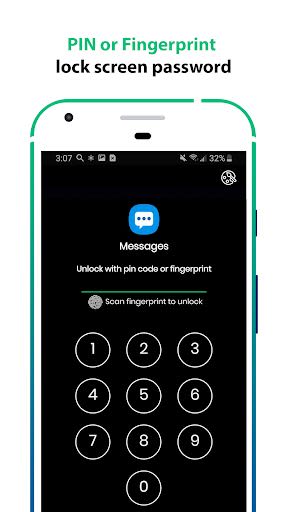
- Multiple App Locking: Lock multiple apps with the same password or fingerprint.
- Prevent Unauthorized Access: Ensure only you can access private content.
- Lost Device Security: Add an extra layer of security in case of loss or theft.
Benefits:
- Enhanced Privacy: Secure your personal data and information.
- Convenience: Easy setup in just three simple steps.
- User-Friendly Interface: Intuitive controls for effortless app protection.
- Peace of Mind: Stay worry-free with Shield Launcher's comprehensive security features.
Why Choose Shield Launcher 2021:
- Comprehensive Protection: Shield Launcher offers a holistic approach to app security.
- Ease of Use: Effortlessly secure your apps with minimal setup.
- Customization: Tailor the app locking experience to suit your preferences.
- Reliable Security: Trust Shield Launcher to keep your data safe.
Technical Information:
- Compatibility: Android devices
- Requirements: Password or fingerprint setup
Take control of your app privacy today:
- Install Shield Launcher 2021
- Set up a password or fingerprint
- Select the apps you want to lock
With Shield Launcher, your privacy is in safe hands. Say goodbye to worries and hello to enhanced security!
Captures d'écran
Similar

Analog Classic Watch Messa 100
Messa Watch

Color Phone - Nice Call Screen
Govo Tech by Volio

Arabic Wallpapers
Mahmoud Zadah

Concentric - Pixel Watch Face
WatchFace-Designs

Clean Digital
JH Watchfaces

Yoshion - Pic Collage Maker
Joseph Jenny

Minimal Basic 2 English
OQ Watchfaces

Beautiful wallpapers
Applications from a duck

Wear OS Watch Neon Shatte
GeorgKing

RE 03 - Digital Watch Face
RECREATIVE ® Watch Faces

Anime World Wallpapers
N.E.O.N STUDIO

Launcher iOS 16
LuuTinh