
Mechani-Gears HD Watch Face & Clock Widget
4.20
-

Langue
English
-

OS
Android
-

Developer
DeNitE Appz
-

#Version
6.1.3
Description de l'Application
Directory Listing Website: Find Your Perfect Android Wear Watch Face and Clock Widget
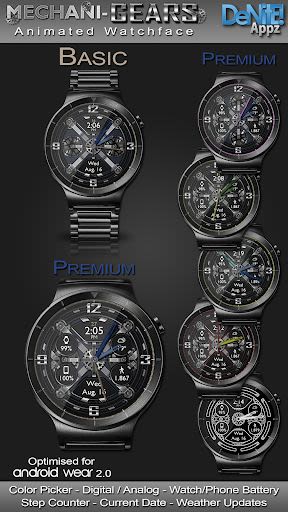
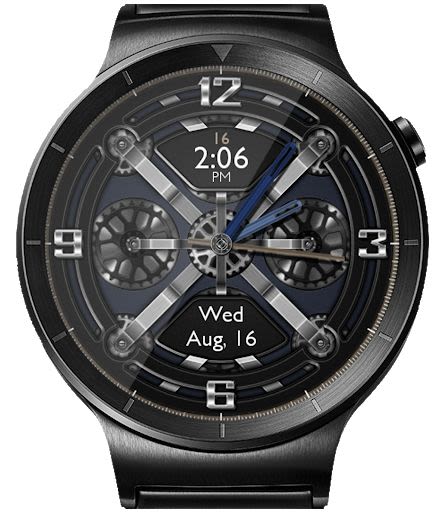
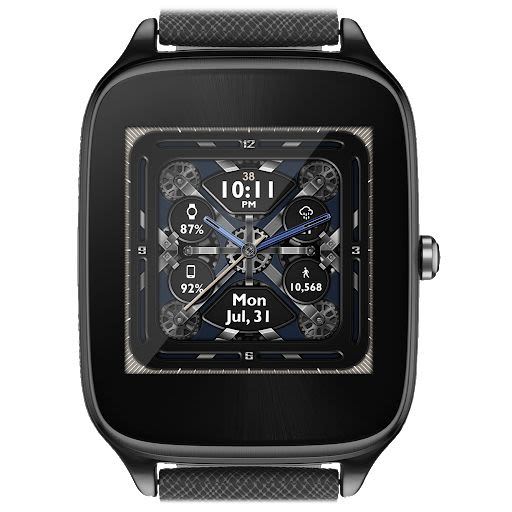
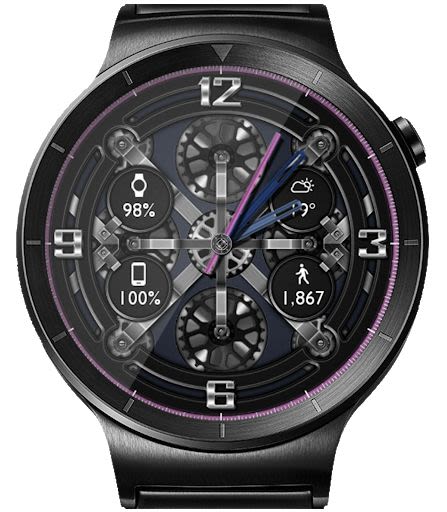
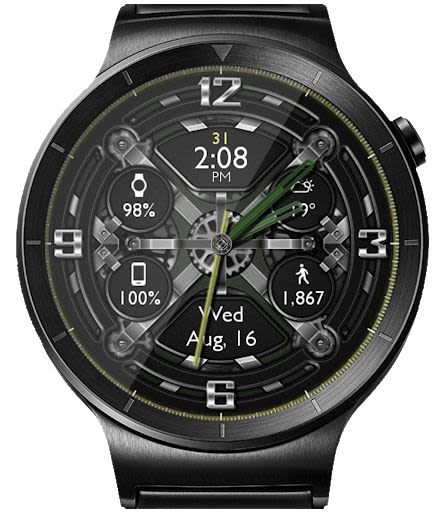
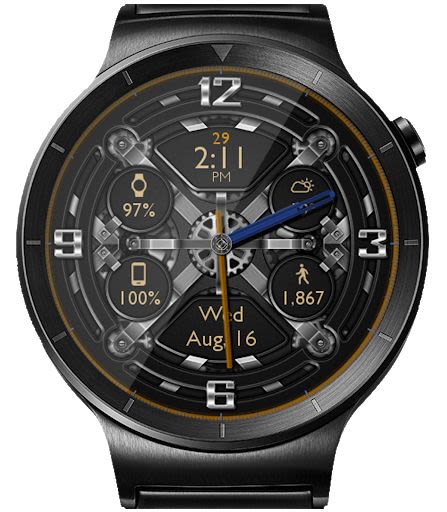
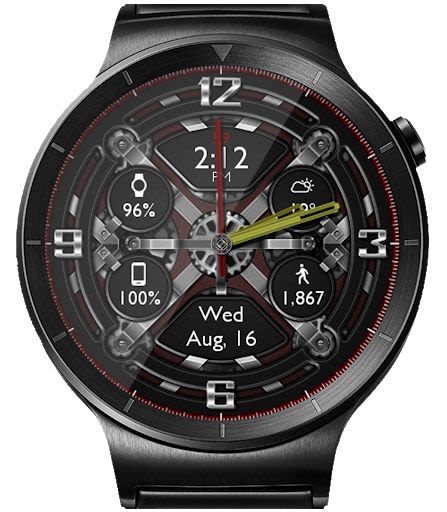
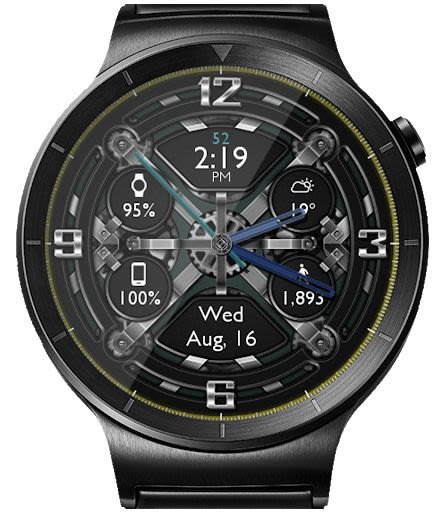
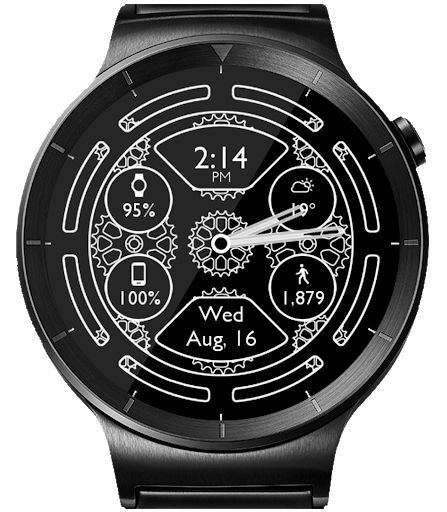
Are you looking for a customizable and elegant Android Wear Watch Face and Clock Widget to enhance your wrist experience and Launcher? Look no further! This interactive HD watch face offers a blend of classic style and modern features, allowing you to personalize your device in unique ways. Whether you prefer custom complications, weather updates, fitness tracking, or vibrant color themes, this app has it all.
Key Features:
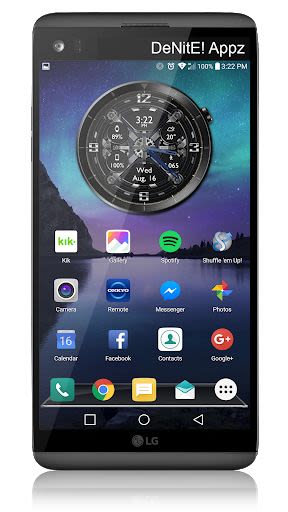
- Launcher Clock Widget with customizable digital or analog clock.
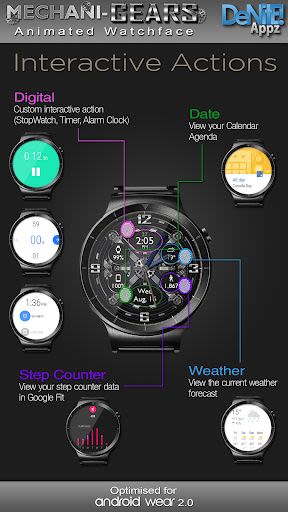
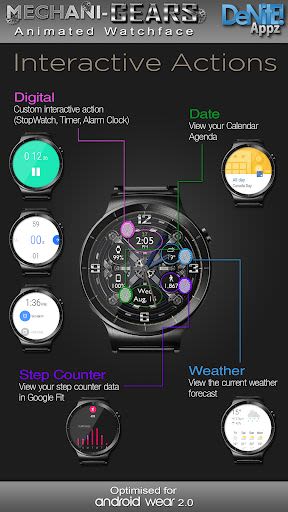
- Interactive Actions for digital and date display.
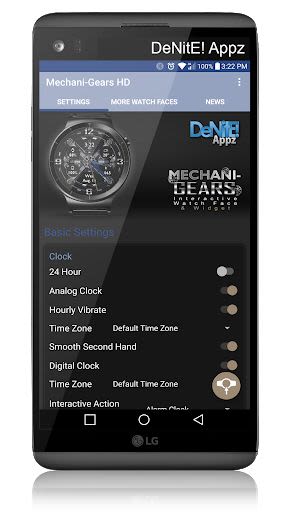
- Time zone selection and custom date format picker.
- Smooth second hand movement and 24-Hour format.
- Burn-In protection and Square Compatibility.
Premium Features:
- Animated watch face (exclusive to the watch face, not the widget).
- Custom Complications for Android Wear 2.0.
- Screen Modes: Normal, Always Ambient, Always On.
- Interactive Actions for Weather and Step Counter.
- Ambient modes and screen on-time settings.
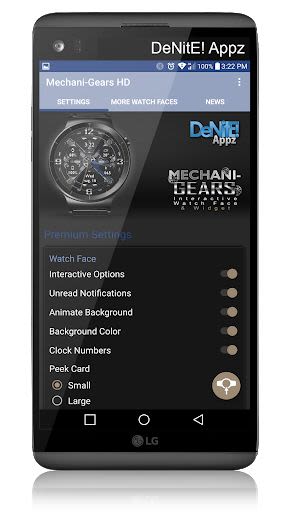
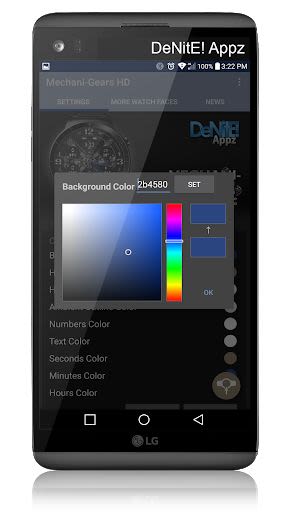
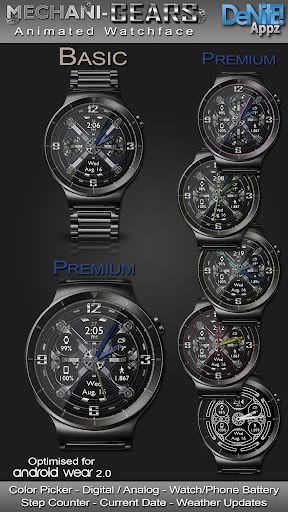
- Color picker for background, clock hands, text, and numbers.
- Personal color theme saving and clock numbers toggle.
- Watch and phone battery status display.
- Google Fit Step Counter integration.
- Real-time weather conditions from Yahoo Weather and OpenWeatherMap.
Benefits:
- Enjoy a fully customizable watch face and clock widget.
- Stay updated with weather conditions and fitness tracking.
- Personalize your device with vibrant color choices.
- Access detailed settings to configure your preferred look.
Compatibility:
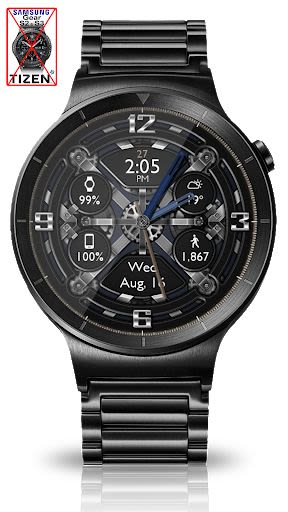
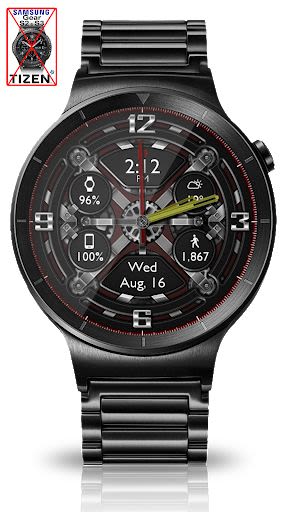
- Not compatible with Samsung Smart Watches using Tizen or other OS than Android Wear.
- HD watch face file transfer may take up to 5 minutes.
Why Choose This App:
- Extensive language support with translations in multiple languages.
- Detailed installation guide for a seamless user experience.
- Prompt customer support for issue resolution.
Technical Information:
- Compatible with Android Wear devices.
- Requires permissions for smooth operation.
- Stay tuned for upcoming watch faces and updates.
How to Install:
- Watch Face: Grant necessary permissions and follow the installation process.
- Widget: Customize widget settings through the accompanying app.
Support and Feedback:
- For assistance, contact us before leaving a negative review.
- Troubleshooting guide available for quick issue resolution.
Stay Connected:
- Join our Google+ Community for updates and new releases.
Enhance your Android Wear experience with this versatile watch face and clock widget. Personalize your device, track your fitness, and stay informed with real-time updates. Discover the perfect combination of style and functionality today!
Captures d'écran
Vidéos
Similar

Analog Classic Watch Messa 100
Messa Watch

Color Phone - Nice Call Screen
Govo Tech by Volio

Arabic Wallpapers
Mahmoud Zadah

Concentric - Pixel Watch Face
WatchFace-Designs

Clean Digital
JH Watchfaces

Yoshion - Pic Collage Maker
Joseph Jenny

Minimal Basic 2 English
OQ Watchfaces

Beautiful wallpapers
Applications from a duck

Wear OS Watch Neon Shatte
GeorgKing

RE 03 - Digital Watch Face
RECREATIVE ® Watch Faces

Anime World Wallpapers
N.E.O.N STUDIO

Launcher iOS 16
LuuTinh