
Scrnlink Parental Control
-

Langue
English
-

OS
Android
-

Developer
Mobispeedy
-

#Version
1.0.8
Description de l'Application
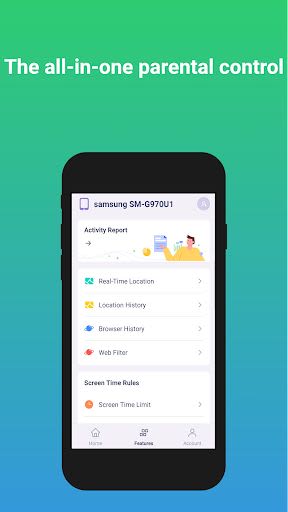
Welcome to Scrnlink: Your Ultimate Parental Control App
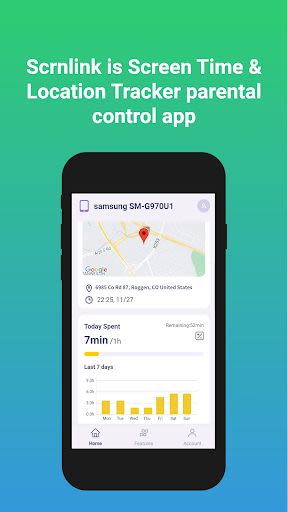
Scrnlink is a cutting-edge Screen Time & Location Tracker app designed to empower parents with comprehensive control over their kids' digital activities. With a focus on safety and monitoring, Scrnlink offers a range of features to safeguard children in the online world.
Key Features:
-
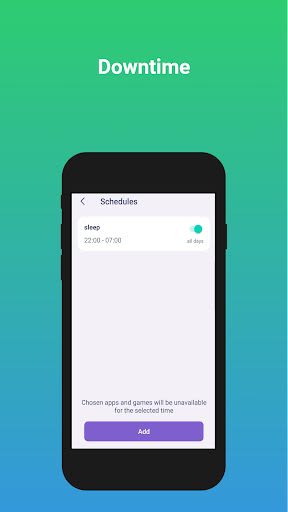
Screen Time Control:
- Track and manage kids' screen time usage effectively.
- Remotely allow or block device usage with screen time control feature.
-
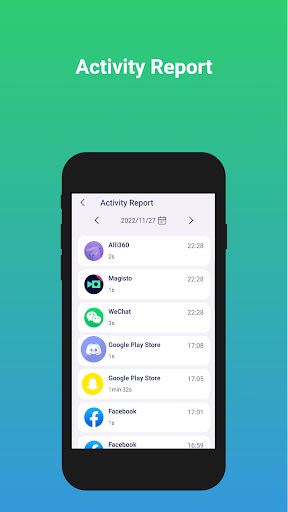
Phone Activity Report:
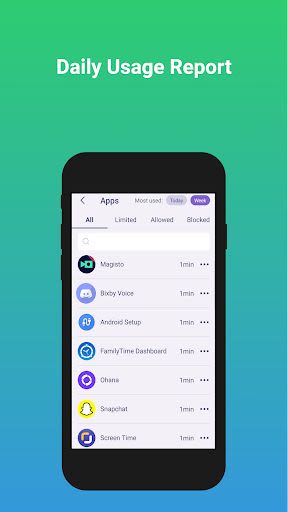
- Monitor phone activities like YouTube, TikTok, and app installations.
- Stay informed about your kids' app usage habits.
-
Location Tracker & GPS Phone Tracker:
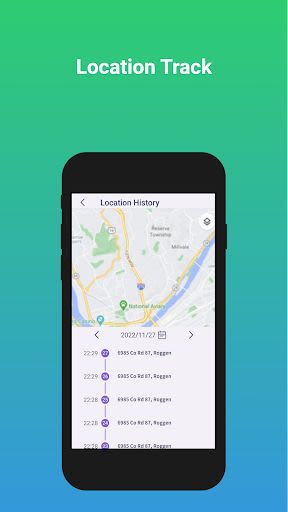
- Easily locate your children in real-time for peace of mind.
- Track location history via a convenient timeline feature.
-
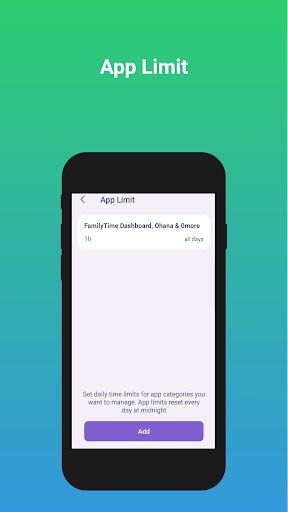
App/Game Blocker & Usage Monitoring:
- Block inappropriate apps and games effortlessly.
- Receive instant alerts when children try to access blocked content.
-
Content Monitoring:
- Advanced monitoring of text messages, social media, and YouTube.
- Detect cyberbullying, adult content, and other online risks proactively.
-
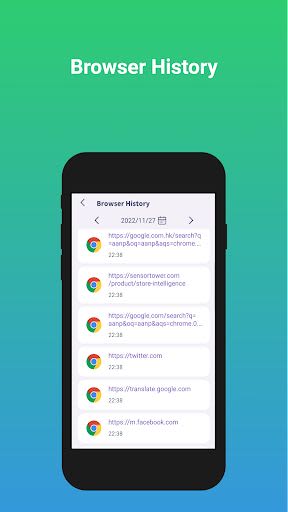
Website Filter and Browser History:
- Shield kids from harmful websites like porn and gambling sites.
- Keep an eye on your children's browsing history for added security.
Benefits:
- Receive alerts only for potentially concerning activities.
- Take swift action to ensure your child's safety online.
- Enjoy peace of mind with comprehensive monitoring features.
Why Choose Scrnlink:
- Protect your child from online threats effectively.
- Gain insights into your child's digital habits.
- Ensure a safe online environment for your family.
Technical Information:
- Compatible with iOS and Android devices.
- Utilizes Accessibility services for an enhanced user experience.
Don't compromise on your child's online safety. Choose Scrnlink today to take control of their digital well-being!
Permissions:
- Device Administrator permission required.
- Accessibility services are utilized for optimal app functionality.
Captures d'écran
Similar

Bedtime Stories for your Kids
Simka

Parents
All About Parenting

Sleepy Baby - White Noise
Fabrikod

Sleep Nanny: Baby Monitor Pro
Smart Sensor Lab

Easy Baby Photo Editor
dotori304

SPORT iD the Player Safety app
SPORT iD

Baby Shopping Checklist (Upgraded!)
BeantownLoner

Christian Hypnobirthing
Christian Hypnobirthing Ltd

theAsianparent: Track Pregnancy & Count Baby Kicks
theAsianparent - largest pregnancy & parenting app

Nara Baby Tracker
Nara Organics

Solid Starts: Introducing Real Food to Babies
Solid Starts

Ovulation Calendar & Fertility
Arbor Ltd