

Super Clone - App Cloner for Multiple Accounts
4.40
-

Langue
English
-

OS
Android
-

Developer
Polestar App Cloner Dev.
-

#Version
3.9.30.1025
Description de l'Application
Super Clone: Manage Multiple Accounts Easily
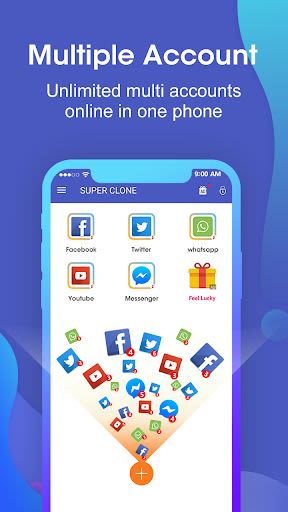
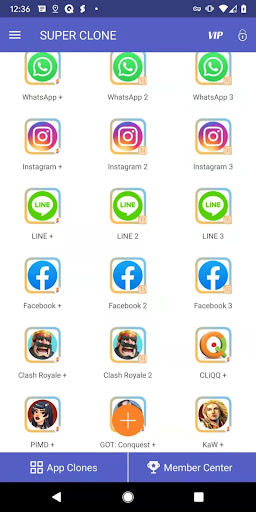
Are you struggling to juggle multiple accounts on your favorite apps and games? Look no further than Super Clone, the ultimate app cloner that lets you effortlessly manage more than 2 accounts on Android 10 and beyond. Whether you need to maintain separate identities on WhatsApp, Instagram, LINE, Messenger, or other social apps, Super Clone has you covered with its user-friendly interface and powerful features.
Key Features:
- Unlimited Account Cloning: Run unlimited multiple accounts for various social apps and games simultaneously.
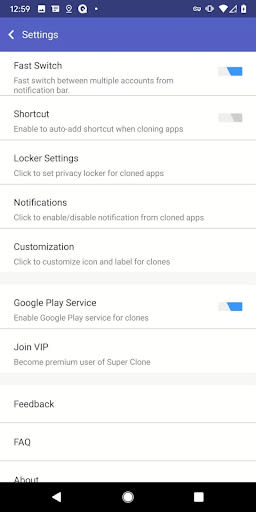
- Google Account Login: Seamlessly log in with your Google account across all cloned apps.
- Customization Options: Personalize each clone with unique labels and icons for easy identification.
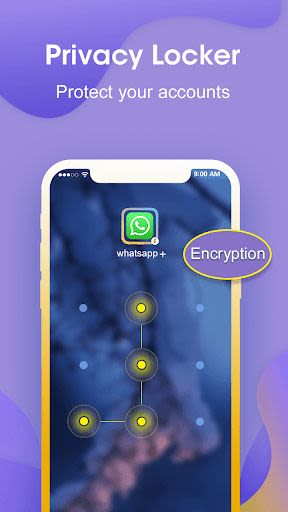
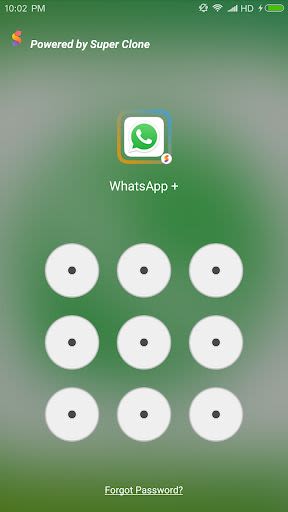
- Privacy and Security: Utilize the Privacy Locker to hide and protect your cloned accounts securely.
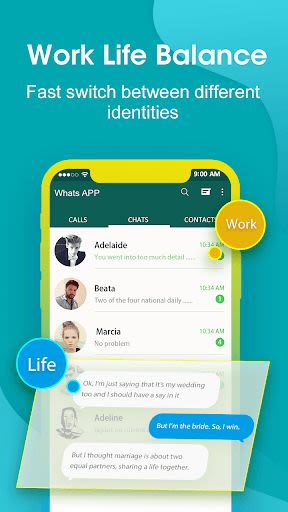
- Fast Switching: Switch between accounts with just one tap for efficient multitasking.
- Compatibility: Enjoy seamless integration with instant messaging, gaming, and social apps.
- Notification Management: Easily manage notifications for each cloned account.
- Google Play Services Support: Connect with your Google or Facebook accounts within the cloned apps.
Benefits:
- Balance work and personal life by managing multiple accounts effortlessly.
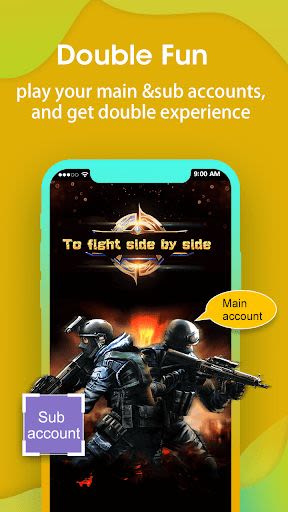
- Enhance gaming experiences by playing with multiple accounts for faster progression.
- Keep your data secure with separate data storage for each cloned account.
Why Choose Super Clone:
- Top-ranked multiple accounts tool with millions of downloads worldwide.
- Clone up to 99 multiple parallel accounts for social and gaming platforms.
- Efficiently switch between accounts with a single click.
- Lightweight and efficient with minimal memory, battery, and data consumption.
Technical Information:
- Permissions: Super Clone itself requires minimal permissions but may need additional permissions for the clone apps to function correctly.
- Consumption: Super Clone is optimized for low memory, battery, and data usage, with most consumption attributed to the running apps.
- Notifications: Add Super Clone to your system notification whitelist for optimal performance.
- Shortcuts: Ensure Super Clone has permission to create shortcuts for seamless access.
Experience the convenience of managing multiple accounts effortlessly with Super Clone. Download now and streamline your social and gaming interactions with ease!
For any assistance or feedback, contact us via the 'Feedback' feature in Super Clone or email us at [email protected].
Captures d'écran
Similar

LivHub - Video Chat Online
LivHub Inc

Find Friends Location
Appflix Inc.

ChatLive: Match, Chat, Meet
ChatLive

GIF Sticker & WAsticker
Photo Collage & Grid - Foto Grid

We Don't Have Time - Climate reviews and ratings
We Don't Have Time

OMGG Omegle Random Video Chat
Phollow

Uhive - A Social Metaverse
UHIVE Limited

WivesPlay - Flirty Meetups
WivesPlay

Hamilton Amino
Amino Apps

Zeetok - Meet and Chat
ZeetokSocial

Radiate
Radiate

TikFame - Get TikTok followers & Tik like & fans
Tik Followers & Like Social Tools Pro