

Miracast - Screen Mirroring
3.00
-

Langue
English
-

OS
Android
-

Developer
Now Tech
-

#Version
2.4.2
Description de l'Application
Miracast - Screen Mirroring: Cast Phone to TV
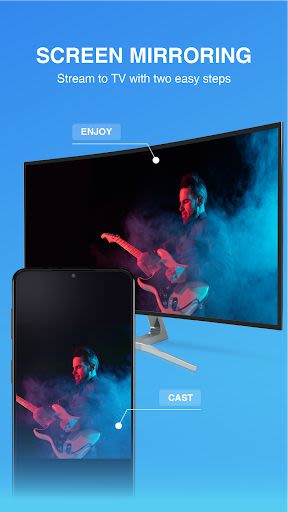
Looking for a seamless way to mirror your phone screen onto your TV? Discover the Miracast - Screen Mirroring: Cast Phone to TV app, your go-to solution for effortless screen casting in seconds.
What is Miracast?
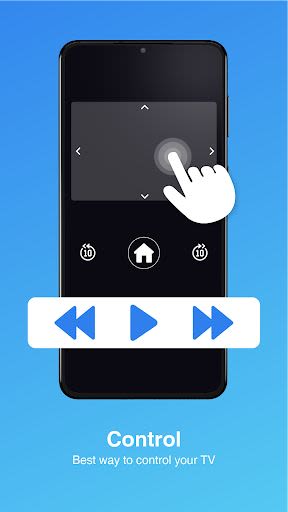
Miracast leverages wireless display devices like Wireless Display Adapters or Smart TVs to effortlessly broadcast and mirror your phone screen. With a user-friendly widget and shortcut, accessing the screen mirroring feature becomes a breeze, allowing you to enjoy music, photos, videos, and more anytime, anywhere.
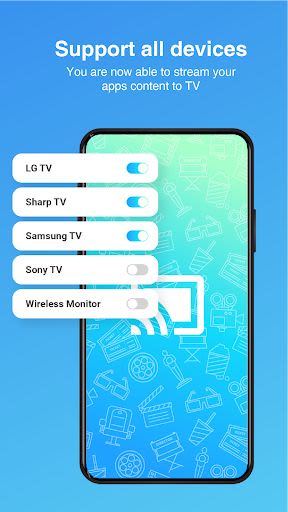
- Supports a wide range of devices: smart TVs, tablets, laptops, and smartphones.
- Secure your files and data with the Connection Guard feature.
Key Features
- Miracast Screen Mirroring: Mirror, broadcast, or scan your mobile screen on Sharp TV, Samsung TV, Sony TV, and other Smart TVs.
- Powerful Screen-Mirroring App: Stream audio and movies in real-time with no compromise on quality.
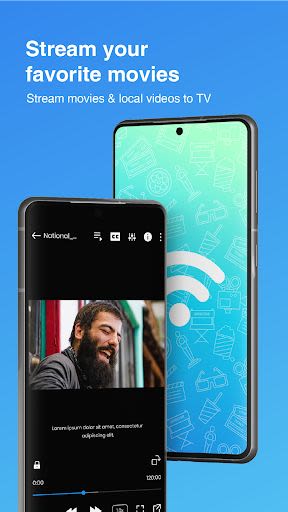
- Multi-Media Support: Stream photos, music, movies, PDFs, and more to various devices like Philips TV and Panasonic TV.
- Simple Usage: No need to download the app on other devices, making it convenient and easy to use.
- Privacy Protection: Securely transfer data over your network to prevent unauthorized access.
Benefits of Miracast
- Instantly stream photos, music, and movies to your TV.
- No fees required for screen mirroring.
- Effortlessly search for and mirror TV series and movies from your phone.
Why Choose This App
- Enjoy Video Hardware Acceleration for enhanced video playback.
- High-quality resolution and Background Service Mode for optimal performance.
How to Use Miracast
- Ensure your Miracast TV has Wireless Display functionality.
- Turn off VPN and connect both devices to the same Wi-Fi.
- Select the Miracast device you wish to cast to and click "Start Connect."
Unlock a stable and free screen mirroring experience with Miracast - Screen Mirroring: Cast Phone to TV. Enhance your viewing experience today!
Captures d'écran
Vidéos
Similar

Superheroes Mod for Minecraft
MCPE mods maker

Happy New Year Gif
sticker maker - WAStickerApps

Funny Prank Fart Broken Screen
Zone Dev

OHappy
panda8336

Clown Color, Paint by numbers
Excellent Coloring Pages

Call Prank - Fake Sound
ABIBusiness Global LTD

Video Downloader
Simple Tube Video Downloader

Henry Danger Prank Fake Call
Prank Calling

JoyArk - Cloud Gaming Platform
JoyArk official

Wolf Coloring Game Offline, Happy Color by Number
Excellent Coloring Pages

FaceMagic: Make faceswap video
DeepArt Limited

Space Launch Now
Caleb Jones