

Tools for Google Maps
4.40
-

Langue
English
-

OS
Android
-

Developer
Simão Lúcio
-

#Version
5.23
Description de l'Application
Discover, Customize, and Capture with Tools for Google Maps
Welcome to our directory listing website that offers powerful tools to enhance your Google Maps experience. Whether you want to highlight, edit, or capture maps from Google Maps, our app provides you with a seamless solution.
Key Features:
- View Google Maps in full screen or immersive mode
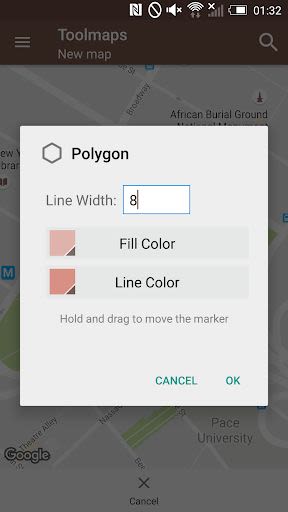
- Add and edit polylines, polygons, rectangles, circles, markers
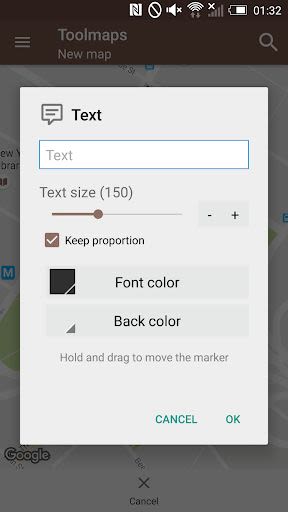
- Customize text with colors, resize, and rotate
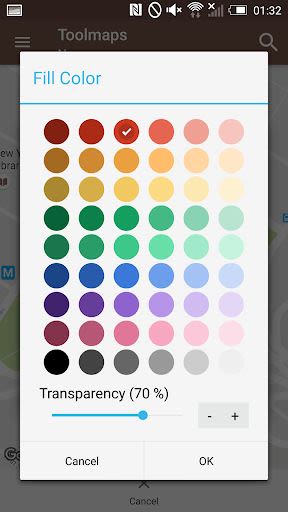
- Support for transparent colors
- Calculate perimeters and areas of polygons
- Measure distances between two points
- Import/export maps in kml format
- Take snapshots easily using the entire screen
- Address search functionality
- Support for all gestures from Google Maps
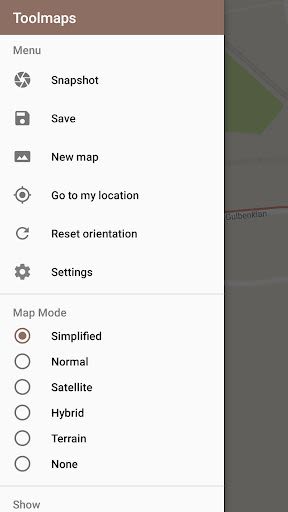
- Quick switch between map modes: normal, satellite, hybrid, terrain
- Options to enable compass, buildings, traffic, indoor features
- One-touch fullscreen mode toggle
- Immersive mode for Android 4.4 devices and above
Benefits:
- Enhance mapping projects with advanced editing features
- Simplify calculations of perimeters, areas, and distances
- Seamlessly switch between different map modes for better visualization
- Enjoy an immersive experience on compatible devices
- Capture maps effortlessly for your projects
Why Choose This App:
- User-friendly interface for easy navigation
- Comprehensive editing tools for precise customization
- Seamless integration with Google Maps
- Regular updates for improved functionality
Experience the convenience and versatility of our Google Maps toolset. Download now and take your mapping experience to the next level!
Compatible with Android 4.4 and above.
Captures d'écran
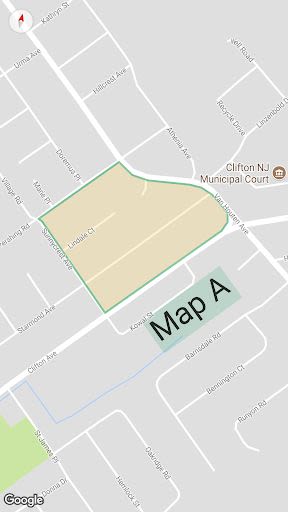
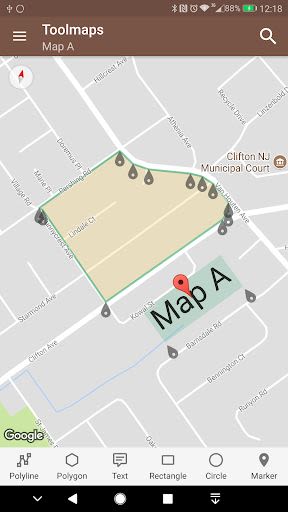
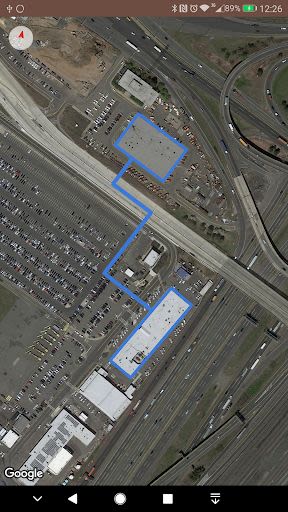
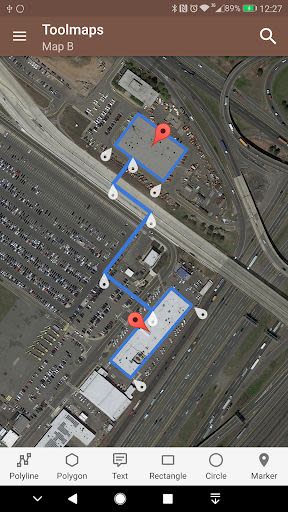
Vidéos
Similar

Offline Maps, GPS, Speedometer
Appcentric Team

Phone Locator - Phone Tracker
UNSoft Global
GPS navigation, maps & route
Cyrax Global Apps

GPS Voice Navigation: Live Map
Droid-

King Compass 2019 (no ads)
Clark Wain

Organic Maps: Hike Bike Drive
Organic Maps

Mapy.cz: maps & navigation
Seznam.cz, a.s.

Speedometer: GPS Speedometer
Simple Design Ltd.

Fake GPS Location Change Spoof
iCareLife - GPS Phone Number Locator - TikDownload

The Parking Spot
TPS Parking Management LLC

Argo - Boating Navigation
Argo Navigation, LLC

MKB Brandstof
MKB Ondernemers