

HD Video Screen Mirroring Cast
1.80
-

Langue
English
-

Developer
Legafly
-

#Version
100
Description de l'Application
Explore the Ultimate Screen Mirroring Experience with HD Screen Mirroring App
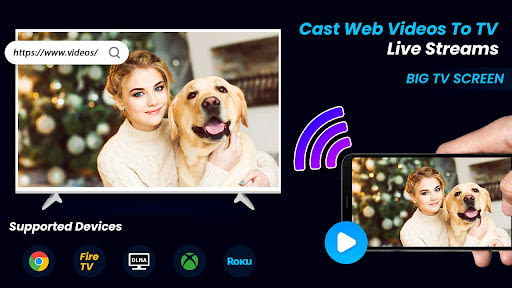
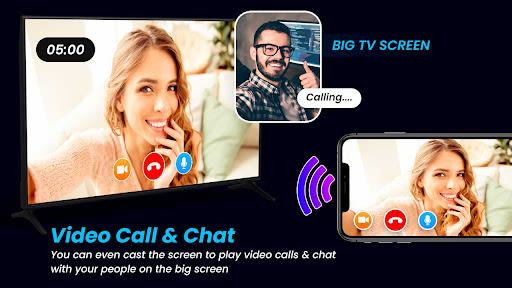
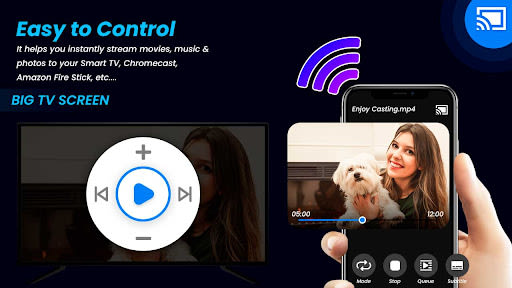
Unleash the power of your Android device by effortlessly mirroring its screen on your Smart TV display with the HD Screen Mirroring app. Elevate your viewing experience as you seamlessly enjoy your mobile or tablet screen content on the big screen of your Smart TV through the magic of screen mirroring.
Why Choose This App
- Transform your small smartphone screen into a cinematic viewing experience on your TV
- Immerse yourself in shows, games, videos, and more with friends and family on a larger screen
- Securely connect your mobile device to your TV for protected data sharing
Key Features
- Cast your smartphone screen to your TV with stability
- Instant and intuitive connection with a single click
- Stream mobile games directly to your big-screen TV
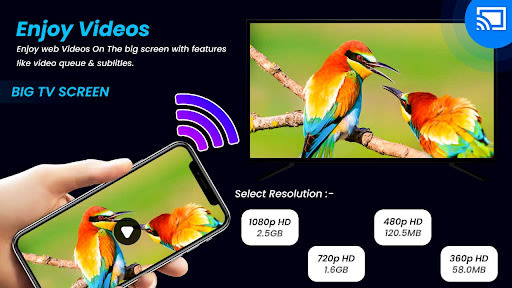
- Enjoy live video streaming from Twitch, YouTube, and BIGO LIVE
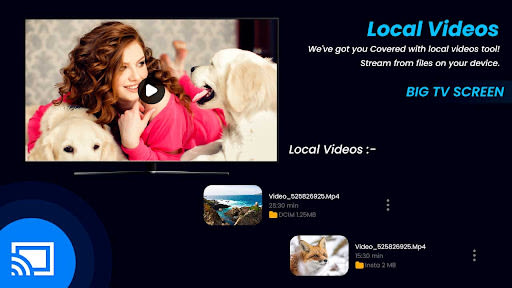
- Support for all media files, including photos, audios, E-books, PDFs, and more
- Perfect for business meetings, family slideshows, and real-time screen sharing
- Sleek and user-friendly interface for a seamless user experience
- Real-time screen sharing at lightning speed
Benefits
- Effortlessly mirror your mobile screen on your Smart TV without any lag or buffering
- Share videos, music, photos, and more from your mobile device with ease
- Experience secure and protected data sharing between your mobile and TV
How to Use Screen Mirroring
- Ensure both your phone/tablet and Smart TV are connected to the same Wi-Fi network.
- Activate “Wireless display” on your phone.
- Enable “Miracast” on your Smart TV.
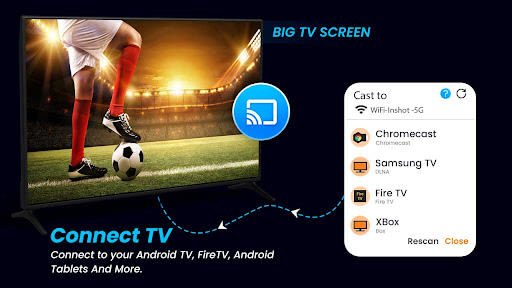
- Discover and pair the devices effortlessly.
Download the Screen Mirroring - Cast Phone to TV app now and elevate your entertainment experience to new heights. For any feedback or queries, feel free to reach out to us via email at gmail.
Thank You for choosing Screen Mirroring - Cast Phone to TV!
Captures d'écran
Similar

Superheroes Mod for Minecraft
MCPE mods maker

Happy New Year Gif
sticker maker - WAStickerApps

Funny Prank Fart Broken Screen
Zone Dev

OHappy
panda8336

Clown Color, Paint by numbers
Excellent Coloring Pages

Call Prank - Fake Sound
ABIBusiness Global LTD

Video Downloader
Simple Tube Video Downloader

Henry Danger Prank Fake Call
Prank Calling

JoyArk - Cloud Gaming Platform
JoyArk official

Wolf Coloring Game Offline, Happy Color by Number
Excellent Coloring Pages

FaceMagic: Make faceswap video
DeepArt Limited

Space Launch Now
Caleb Jones