
Ultra Watch Face
3.60
-

Langue
English
-

OS
Android
-

Developer
RichFace
-

#Version
1.9.5
Description de l'Application
Discover the Ultimate Directory Listing Experience with Ultra Watch Face
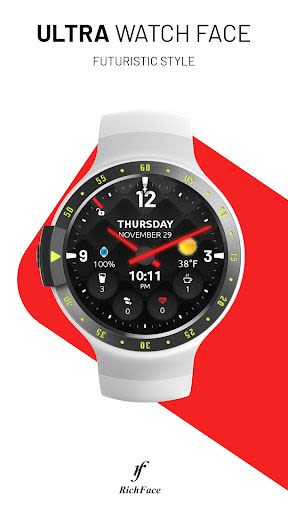
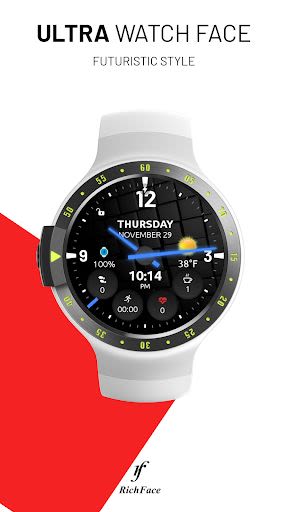
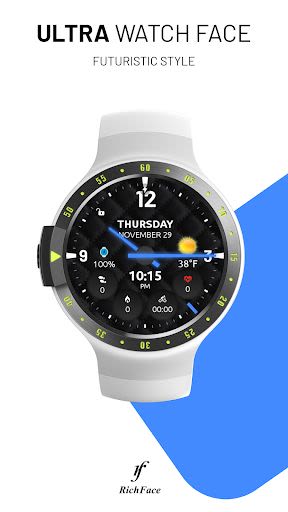
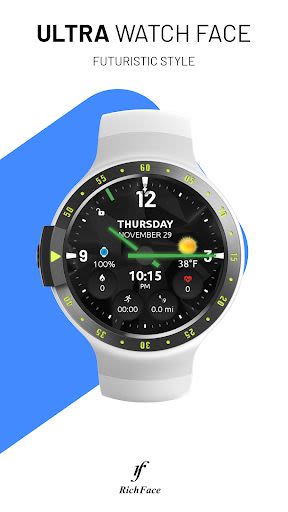
Welcome to Ultra Watch Face – the ultimate Wear OS 2.0 supported directory listing app that redefines your watch face experience. With a sleek design, interactive features, and a Premium upgrade option, this app offers a blend of style and functionality.
Key Features
- Customizable Shortcuts: Easily select and customize shortcuts using a simple process.
- Enhanced Complications: New version replaces built-in shortcuts with external complications for expanded options.
- Wear OS 2.0 Integration: Fully standalone app compatible with both iPhone and Android devices.
- External Complication Data: Access a range of data indicators for a comprehensive watch face experience.
- Compatibility: Works seamlessly with all WearOS smartwatches.
Benefits
- Personalization: Tailor your watch face with external complications, background types, color options, and more.
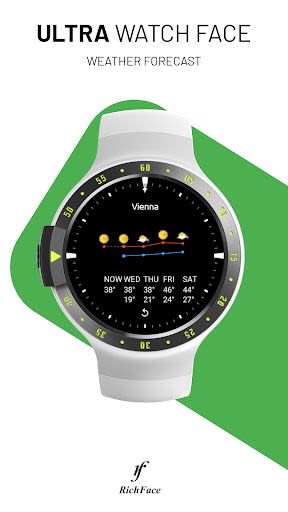
- Convenience: Stay updated with features like 24-hour format, screen time, weather forecasts, and Google Fit integration.
- Enhanced Functionality: Enjoy built-in complications like steps tracking, heart rate detection, fitness statistics, and more.
Why Choose This App
- User-Friendly Interface: Simple installation process for a hassle-free experience.
- Customization Options: Choose from a variety of settings to personalize your watch face.
- Technical Support: Contact us at [email protected] for any app-related queries.
Compatibility and Requirements
- Supported Devices: Compatible with all WearOS smartwatches.
- Installation: Install the app from the Google Play Wear Store on your watch and companion app on your Android phone for full customization.
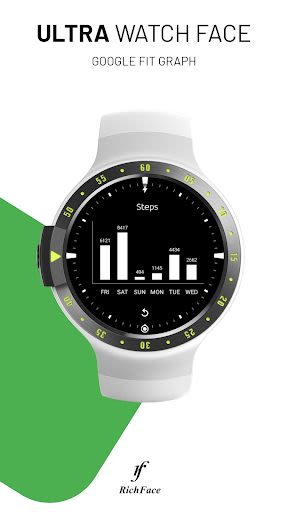
- Google Fit Connection: Connect to Google Fit to access activity data on your watch face.
FAQ
- Troubleshooting: Reach out to us at [email protected] for any issues.
- Installation Guide: Follow the steps to install the watch face on Wear OS 2.0 devices.
- Fit Data Display: Connect to Google Fit to view steps and activity data through the app.
Important Note
- Compatibility: The app is not compatible with smartwatches running on TizenOS or other operating systems except WearOS.
- Permissions: Learn more about app permissions at http://www.richface.watch/privacy.php.
Don't miss out on the enhanced directory listing experience with Ultra Watch Face. Elevate your watch face game today!
Get the app on Google Play Store and start customizing your watch face!
Captures d'écran
Vidéos
Similar

Analog Classic Watch Messa 100
Messa Watch

Color Phone - Nice Call Screen
Govo Tech by Volio

Arabic Wallpapers
Mahmoud Zadah

Concentric - Pixel Watch Face
WatchFace-Designs

Clean Digital
JH Watchfaces

Yoshion - Pic Collage Maker
Joseph Jenny

Minimal Basic 2 English
OQ Watchfaces

Beautiful wallpapers
Applications from a duck

Wear OS Watch Neon Shatte
GeorgKing

RE 03 - Digital Watch Face
RECREATIVE ® Watch Faces

Anime World Wallpapers
N.E.O.N STUDIO

Launcher iOS 16
LuuTinh