

Wearable Widgets
3.40
-

Langue
English
-

OS
Android
-

Developer
Udell Enterprises, Inc
-

#Version
8.1
Description de l'Application
Wearable Widgets: Connect Your Phone's Widgets to Your Smartwatch
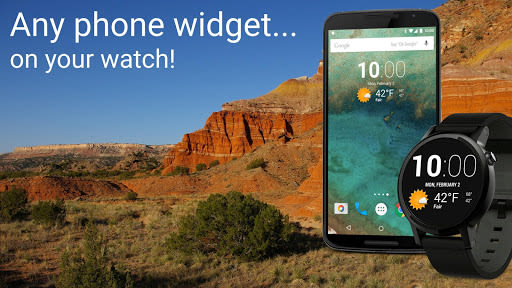
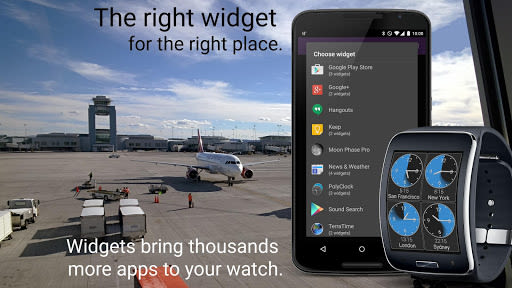
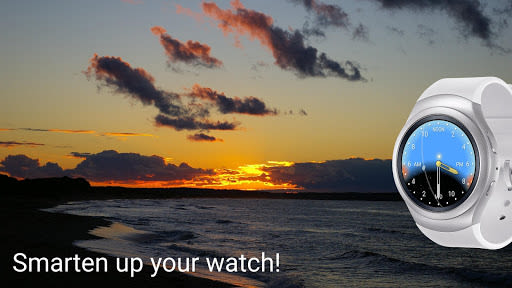
Wearable Widgets offers a seamless solution to bring the extensive world of Android widgets to your smartwatch. No more waiting for developers to create specific watch-compatible apps – access your favorite widgets directly on your wrist in a convenient, developer-designed format. Broaden the capabilities of your smartwatch with ease!
Why Choose This App
- Instant Access: Enjoy your phone's widgets on your smartwatch without any delays.
- Developer-Designed: Experience widgets in a compact and user-friendly format tailored for your watch.
- Expand Horizons: Enhance the functionality of your smartwatch with a vast array of widgets.
Benefits
- Enhanced Efficiency: Access widgets directly on your wrist for quick and easy information.
- Customizable Experience: Tailor your smartwatch's functionality with your preferred widgets.
- Seamless Integration: Effortlessly connect your phone's widgets to your smartwatch for a unified experience.
Key Features
- Device Compatibility: Ensure your wearable device is supported for optimal performance.
- Unlimited Usage: Enjoy one widget at a time for free, with the option to unlock additional widgets through in-app purchases.
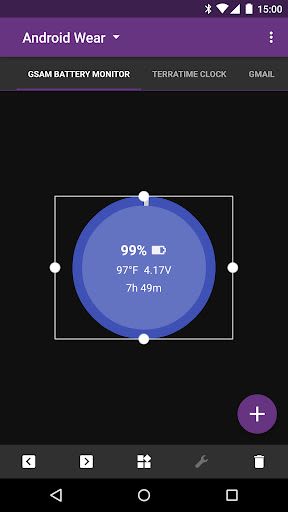
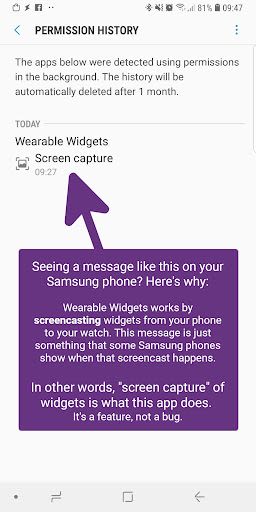
- Screencasting Functionality: Interact with widgets on your watch while they run on your phone.
- User-Friendly Interface: Easily navigate and interact with widgets on your smartwatch.
- Optimized Performance: Despite slight lag, widgets remain functional and accessible on your watch.
Important Notes
- Supported Devices: Check compatibility with your wearable device on the official website.
- Widget Compatibility: Confirm your favorite widgets are compatible with your watch before purchasing.
- Optimal Usage: Exercise caution with widget selection for a smoother experience on your smartwatch.
Installation Guide
To utilize Wearable Widgets on Wear OS:
- Install the app on both your phone and linked watch separately.
- Follow the prompts to complete the installation process on your watch.
- Access phone widgets on your watch through various methods:
- Conventional app from the launcher.
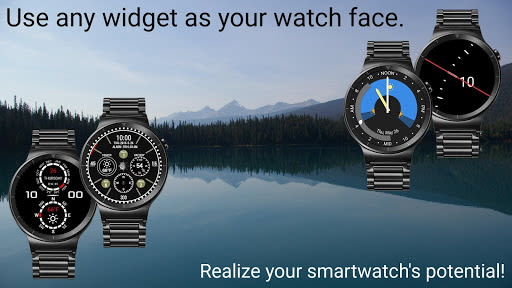
- Watch face display for time-related widgets.
- Complications in non-Wearable Widgets faces.
- Tile feature alongside your watch face.
For detailed instructions and additional information, visit wearablewidgets.com/wear.
Deprecated Interfaces
For users of Tizen Gear, Sony SmartWatch 1 and 2, and Google Glass:
- Tizen Gear: Access the app on the Samsung Gear app store.
- Sony SmartWatch 1 and 2: Download the older version from bit.ly/WW61sw2.
- Google Glass™: Sideload the WW Glassware from wearablewidgets.com/glass.
If you encounter any difficulties or need assistance, reach out to us via email for prompt support. Wearable Widgets aims to enhance your smartwatch experience seamlessly – unlock the full potential of your device today!
Captures d'écran
Vidéos
Similar

Windows 11
Microsoft

Wear Flashlight
CodVerter

Grok
xAI

Cleaner Antivirus VPN Cleaner
Cleaner + Antivirus + VPN company

owoTrack
Finoki

تەختەکلیلی کوردی | Kurdish Keyboard
Goran Gharib

Icon Torch - Flashlight
Aleksandr Balaev

Secure VPN
Dream limited

VPN Proxy Master - Secure VPN
Share File Technologies by 090 Bravo

Give VPN
Speed Group dev

Super Antivirus - Clean Virus
SUPER ANTIVIRUS

Fly Browser-Search & Private
Readerland