

DigiHUD Speedometer
4.40
-

Langue
English
-

OS
Android
-

Developer
James Moss
-

#Version
1.5.7
Description de l'Application
Welcome to DigiHUD Speedometer - Your Ultimate GPS Speed and Distance Companion
DigiHUD Speedometer is your go-to GPS-based digital head-up display (HUD) for accurate speed and distance information on the go. Whether you need to check your vehicle speed, track your cycling distance, or monitor your running pace, DigiHUD has got you covered!
Key Features:
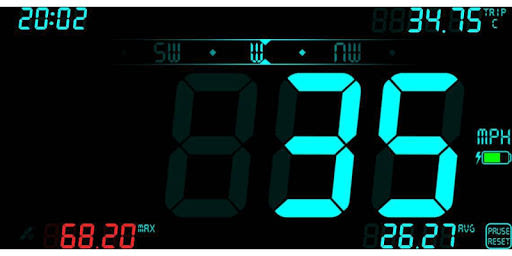
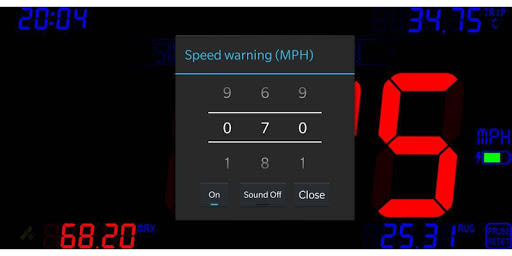
- Displays current speed, average speed, and maximum speed
- Trip distance counters for detailed tracking
- Compass feature for orientation
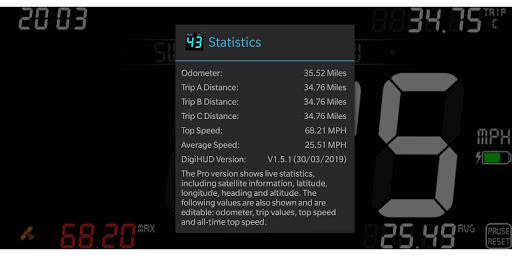
- Odometer to monitor total distance
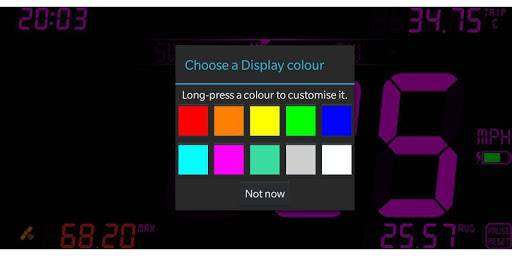
- Customizable speed units (MPH, KMH, or KTS)
- Battery level indicator and satellite lock status icon
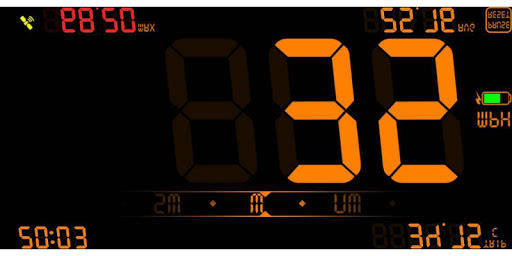
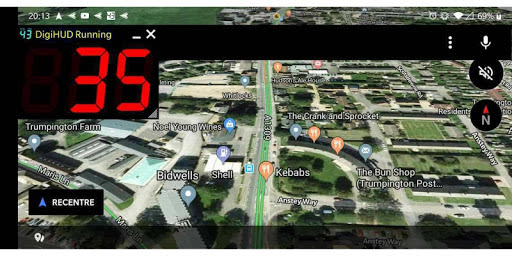
- Unique HUD mode for easy night-time viewing
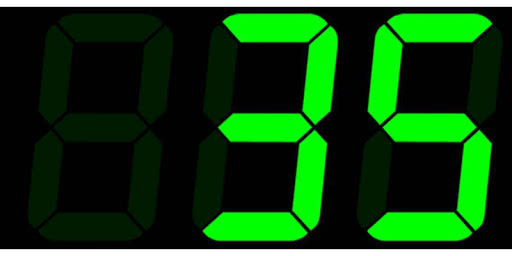
- Lite mode for simplified speed display
- User-friendly interface with touch and swipe controls
Benefits:
- 100% ad-free experience
- Works without data or cell connection
- Supports external GPS receivers for enhanced accuracy
- Versatile display options for various activities
- User-friendly customization for optimal usage
- Continuous screen operation during long journeys
Why Choose DigiHUD:
- Seamless transition between viewing modes
- Intuitive touch gestures for easy operation
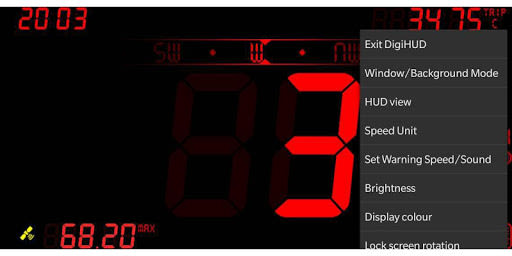
- Extensive menu options for personalized settings
- Detailed statistics for in-depth analysis
- Regular updates for improved functionality
Technical Information:
- Compatible with Android devices
- Requires GPS receiver for operation
- Supports landscape and portrait modes
- Privacy policy available within the app
For additional advanced features and future updates, consider upgrading to DigiHUD Pro (Check it out here).
Unlock the power of precise speed and distance tracking with DigiHUD Speedometer. Download now and explore the world with confidence!
If you encounter any issues or need assistance, refer to the troubleshooting FAQs or Contact Us.
Captures d'écran
Similar

Offline Maps, GPS, Speedometer
Appcentric Team

Phone Locator - Phone Tracker
UNSoft Global
GPS navigation, maps & route
Cyrax Global Apps

GPS Voice Navigation: Live Map
Droid-

King Compass 2019 (no ads)
Clark Wain

Organic Maps: Hike Bike Drive
Organic Maps

Mapy.cz: maps & navigation
Seznam.cz, a.s.

Speedometer: GPS Speedometer
Simple Design Ltd.

Fake GPS Location Change Spoof
iCareLife - GPS Phone Number Locator - TikDownload

The Parking Spot
TPS Parking Management LLC

Argo - Boating Navigation
Argo Navigation, LLC

MKB Brandstof
MKB Ondernemers